1-Visitor
December 9, 2014
Question

CAD File Publishing

  • December 9, 2014
  • 1 reply
  • 2927 views

Hi all,

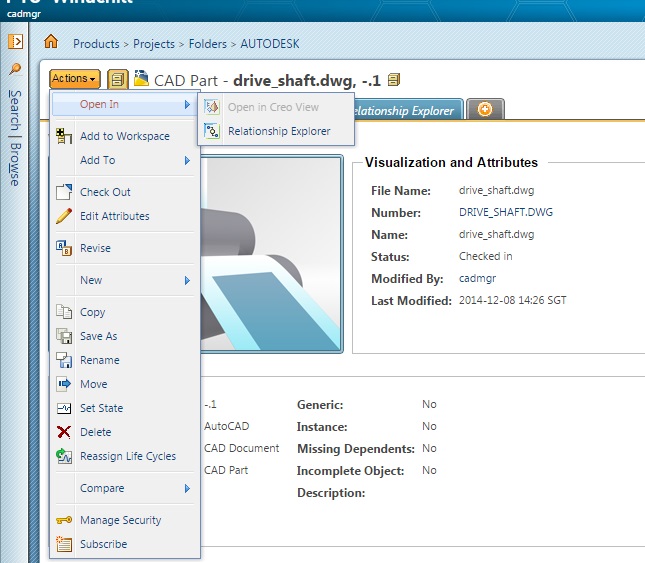
I Installed and registered the cad software (Autodesk2014) in workgroup manager. I upload a file but I have some problem publishing it.
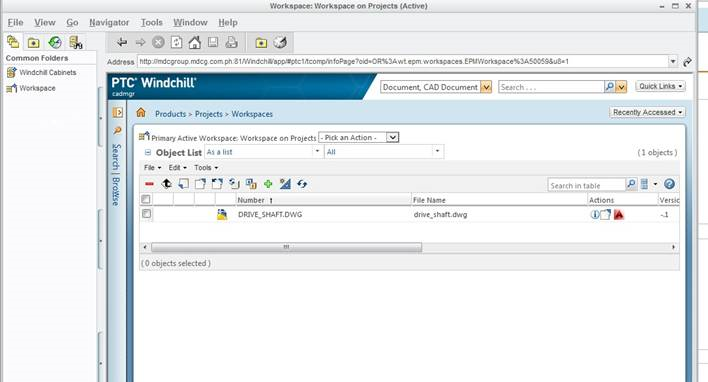
1.png

This is when I click on the visualization.
2.jpg

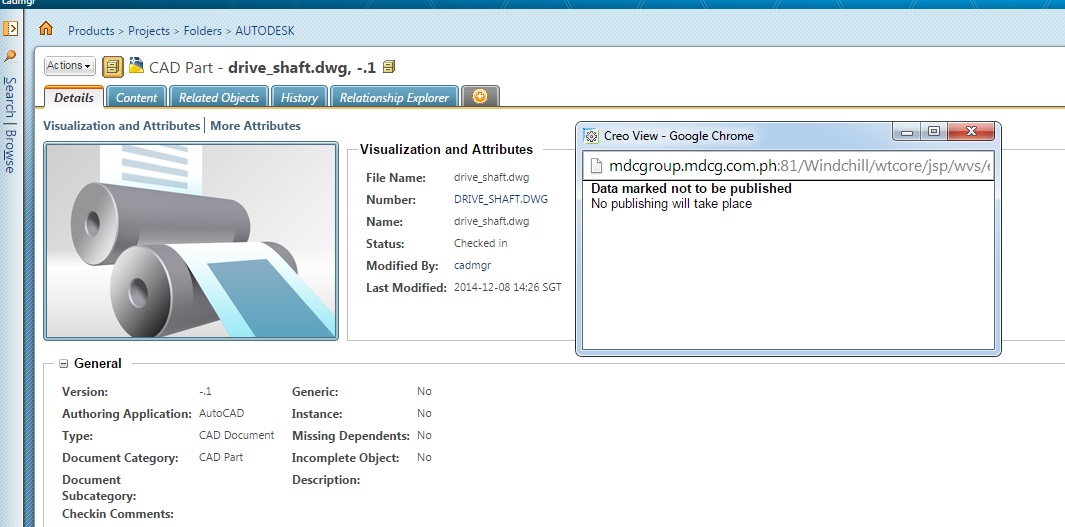
Why my creo view is disabled?

3.jpg

Thanks!

1 reply

12-Amethyst
December 9, 2014

PTC CS156542

  • If .DWG files are checked in using WGM for AutoCAd, no worker is required to publish them
  • Creo View can open such DWG files natively

PTC CS36856

To automatically generate representation for the pre-converted files (such as DWG)

1. Add following properties to wvs.properties (for Windchill 10.2):

  • Use the xconfmanager command in a Windchill Shell, for example:

xconfmanager -t "codebase/WEB-INF/conf/wvs.properties" -s "worker..DWG=DUMMY,preconverted=true" -p

2. Clear the Tomcat and Info*engine cache.

- Tomcat cache at <Windchill_Home>\tomcat\instances

- Info*engine cache at <Windchill_Home>\tasks\codebase\com\infoengine\compiledTasks

3. Restart Windchill MethodServer .

Luar1-VisitorAuthor
1-Visitor
December 9, 2014

Hi Vitaliy,

Yes, But thats my problem now, Publish is not working after I checked in using WGM. As u can see on my screen shot. I dont know what is wrong.

12-Amethyst
December 9, 2014

1. xconfmanager -t "codebase/WEB-INF/conf/wvs.properties" -s "publish.service.verbose=true" -p

2. restart Windchill Method

3. Rebublish same Acad file

4. Show %WT_HOME%/logs/Method*.log