
1-Visitor
March 8, 2016
Question

It is possible to hide some templates without using UI?

  • March 8, 2016
  • 2 replies
  • 2552 views

There are a lot of (OOTB, I guess) templates, e.g. for CAD Documents. But I’m not going to use them. And I know I can hide them manually by using UI.
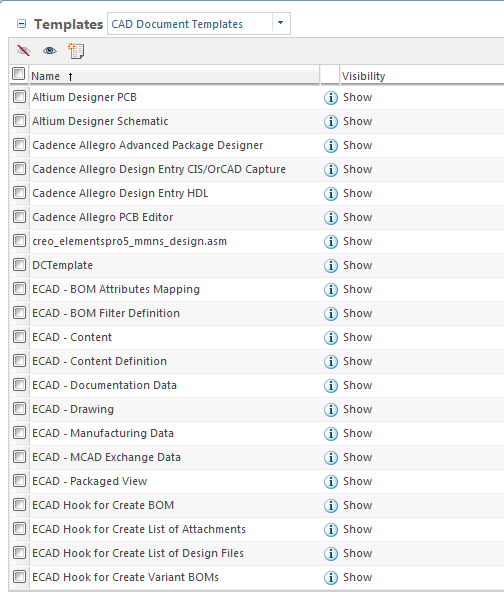
CADtemplates.png

However is there a possibility to hide them using LoadFromFile utility or something similar? I mean I just would like to run some scripts for loadfiles and (in the same time) hide some OOTB templates which are not going to be used in the future.

Thank you for a help,

Regards

2 replies

1-Visitor
March 8, 2016

Hi

Not sure about LoadFromFile but I'm sure this is possible by SQL script.

Regard,

dzdunek1-VisitorAuthor
1-Visitor
March 8, 2016

Good point, thank you.

Do you know where the visibility is set in the DB? I would be grateful for this information.

17-Peridot
March 9, 2016

You can build a SQL script to disable the template in the EPMDocument table. The column is named "enabledtemplate".

16-Pearl
March 8, 2016

Hi Damian,

If your main concern is to hide those CAD Document Templates from end users then you can simply Hide them and end user will not be able to see them while creating New CAD Document.

If so follow below steps:

  • Go to Site/Organization -> Templates -> CAD Document Templates
  • Select templates you want to hide
  • On table menu bar you will see Hide Template action Hide Template.png

Now end user will only see those templates that has Visibility as Show. Refer below screen captures:

templates.png  UI_new.png

I hope this helps you.

Regards,

Shirish