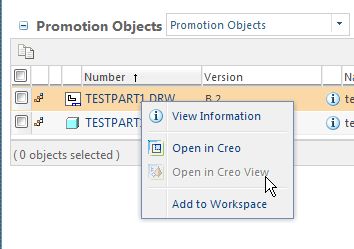
To do this manually, Ed: When you have the model and/or drawing opened in session in Creo and checked out, go to File --> Custom Check-In. There are options to create the viewable at check-in. There used to be a setting to make Pro/E also generate the thumbnail, but I'm not sure if that still applies in Creo. This manual method isn't really the process you would want your designers using long term anyways. But this will give you a quick way to test this functionality out and evaluate it before moving forward.
To automate publishing is more involved: You'll need to setup a publisher either on the Windchill application server or more preferrably on a machine of its own. There's some configuration to setup within the Windchill UI to get the publisher talking to Windchill too. I would recommend taking a look under PTC's product documentation in Creo View Adapters. Make sure to look at the version of Creo View compatible with your version of Windchill (which can be found in the Windchill software matrices). The document that you want is called Creo View MCAD Adapters Installation and Configuration Guide. This will get you started on getting automatic publishing setup in your environment.
Also note: The publisher is doing the same thing that the designer would be doing manually. It opens a background session of Creo and generates the viewables / thumbnails. This means that you need to have a license of Creo available for the publisher to use. It also means that the machine the publisher is on is going to be using the same resources Creo would be (which is why I recommend against putting this on the server with Windchill). By default, the publisher will start creating these reps for each check in or state change within Windchill. Depending on how many users you have on your system, that could be quite a lot to keep up with and more than one publisher may eventually be necessary.