

Access VEC procedures with Vuforia View on HMT-1 is not possible for me
I already reinstalled the app on the HMT-1. I have the latest version of Vuforia View installed: 8.5.15.2537
Resetting cookies and login information did not help. Every time I try to sign in to the Experience Service for proecdures ...
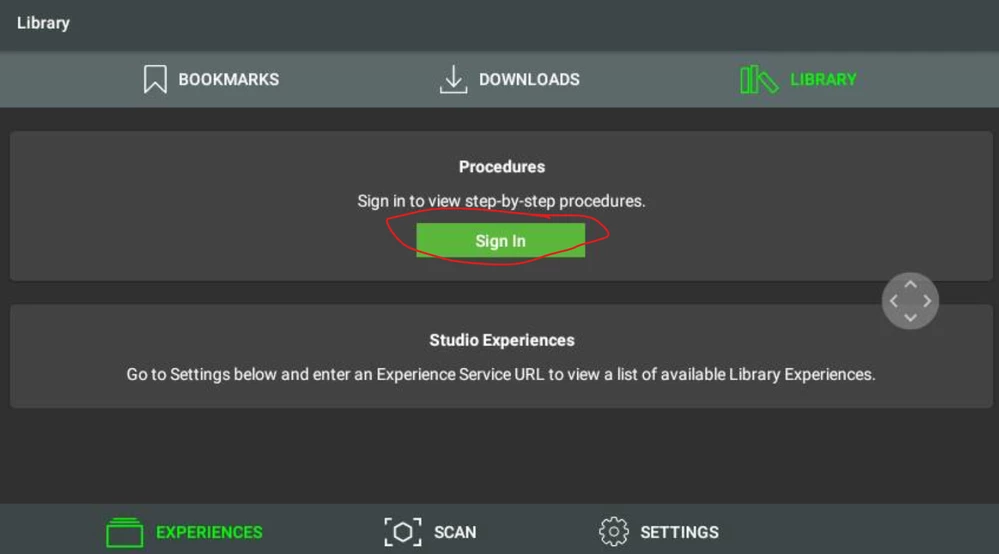
... the following error message is shown ...
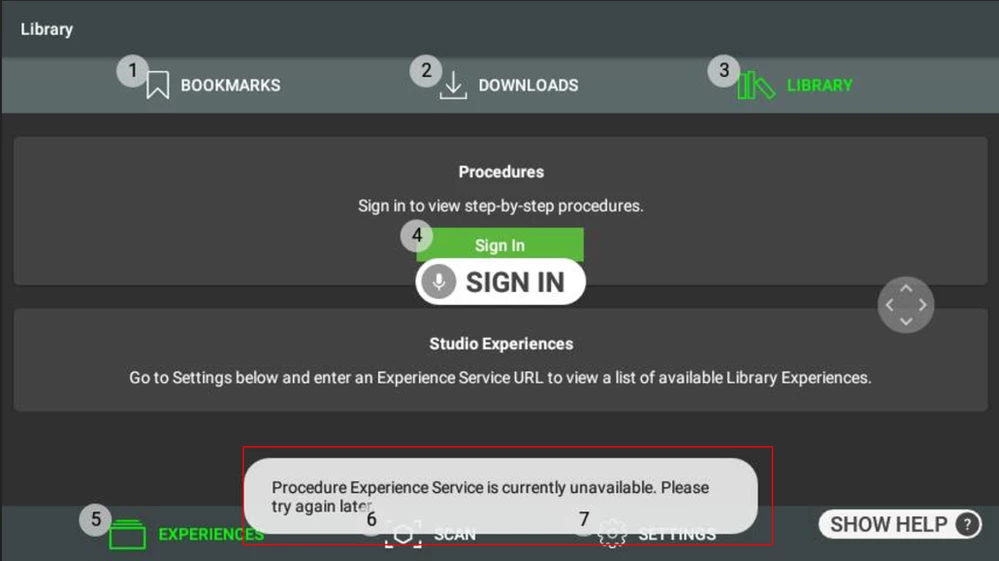
The is no chance for me to enter an URL or login credentials. No popup or whatsoever is shown.
When I try to scan an QR code from a published experience the followin error message ist shown:
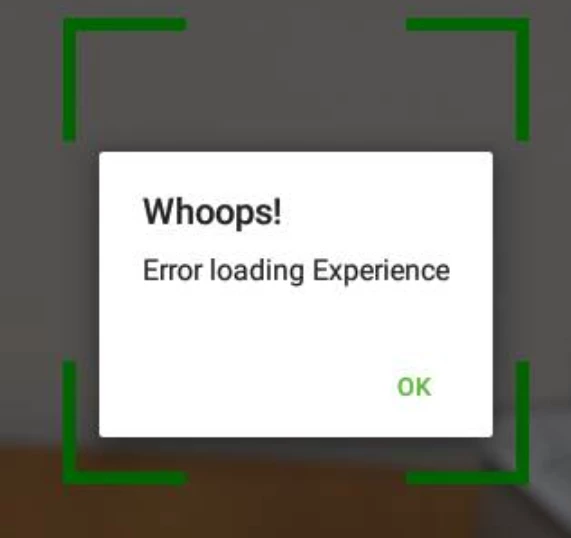
Again - no chance to enter credentials. And yes - the HMT-1 is connected to the internet.
What needs to be done to connect to the experience service for procedures? I already tried reinstalling the Vuforia View app. Also I cleared cached login information and cookies. I restarted the device. I also updated to the latest version of the operating system.