Resolving Auto-Configure failures in Vuforia Studio
- November 1, 2019
- 1 reply
- 1346 views
The Portal Login/Auto-Configure option within Vuforia Studio is designed to help Trial users configure their Studio instance with their assigned Experience Service and ThingMarks.
Corporate networks may block communication to the Vuforia portal or the assigned Experience Service. If you receive any of the below errors, follow our the resolution steps in our Knowledge Base article Vuforia Studio failed connection issues
- Auto Configuration failed and get message to Check log for errors
- Error: connect ETIMEDOUT <ip address>
- Error: read ECONNRESET
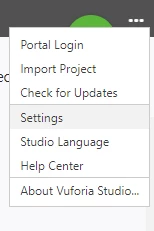
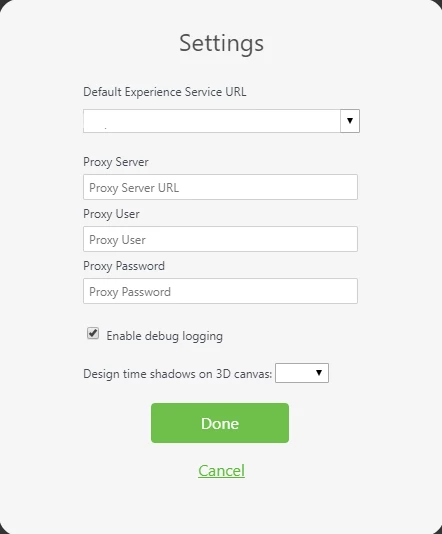
If a proxy is in use on the network, it must also be configured within Vuforia Studio as Studio does not inherit browser proxy settings. A protocol must be used when defining the proxy URL within Studio. Proxy configuration can be done on the Settings menu option.