
1-Visitor
April 18, 2016
Question

Circular chamfer import faulty

  • April 18, 2016
  • 1 reply
  • 3908 views

Hi everyone!

I'm struggling with an import problem. If I want to open any .step or .stp in Creo Parametric 2, what has circular chamfers in it and was exported with Autodesk Fusion 360 it simply falls apart. I've made an example project to demonstrate what actually happens:

This is the design in Autodesk Fusion 360:
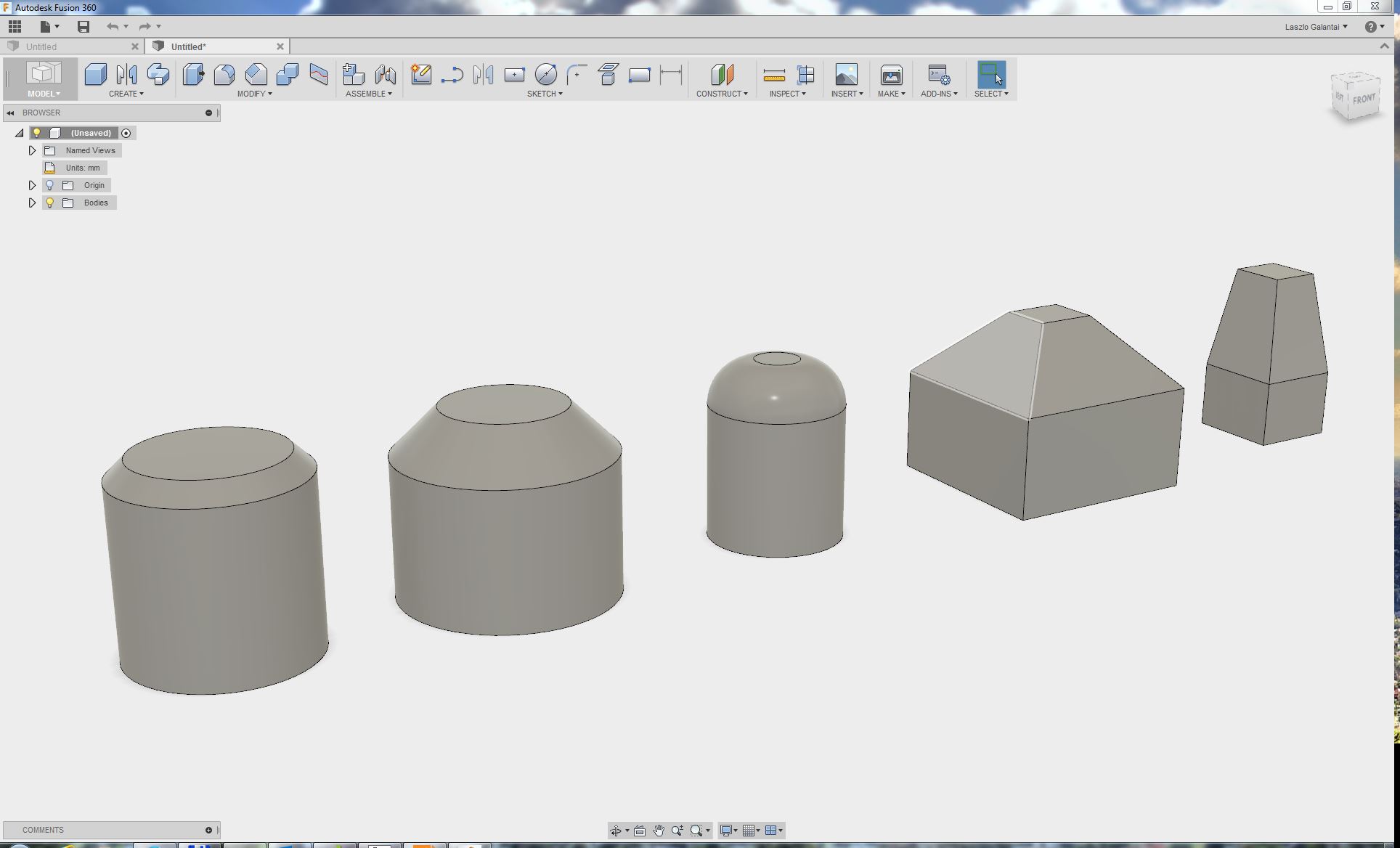
fusion1.JPG

If I export this in .step or .stp and open it in Creo parametric:
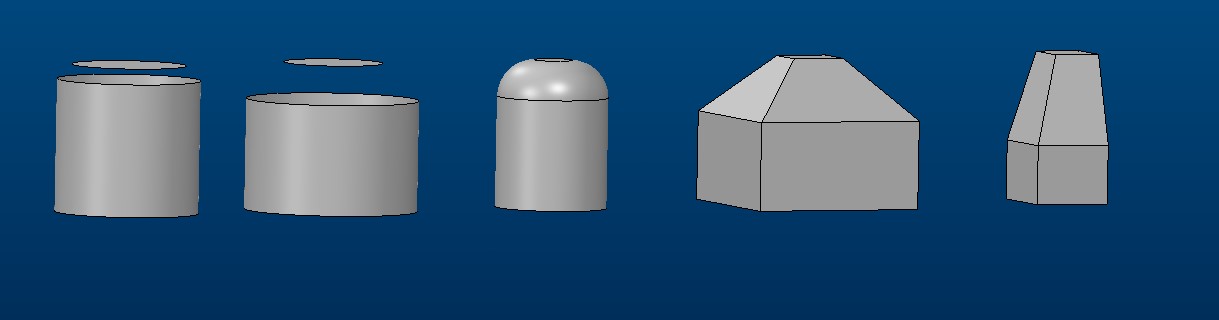
fusion2.jpg

You can see that the circular chamfers failed to generate, unfortunately it happens every time, I export in step format.

We tried to "trick it"  with edge fillets (it didn't work):
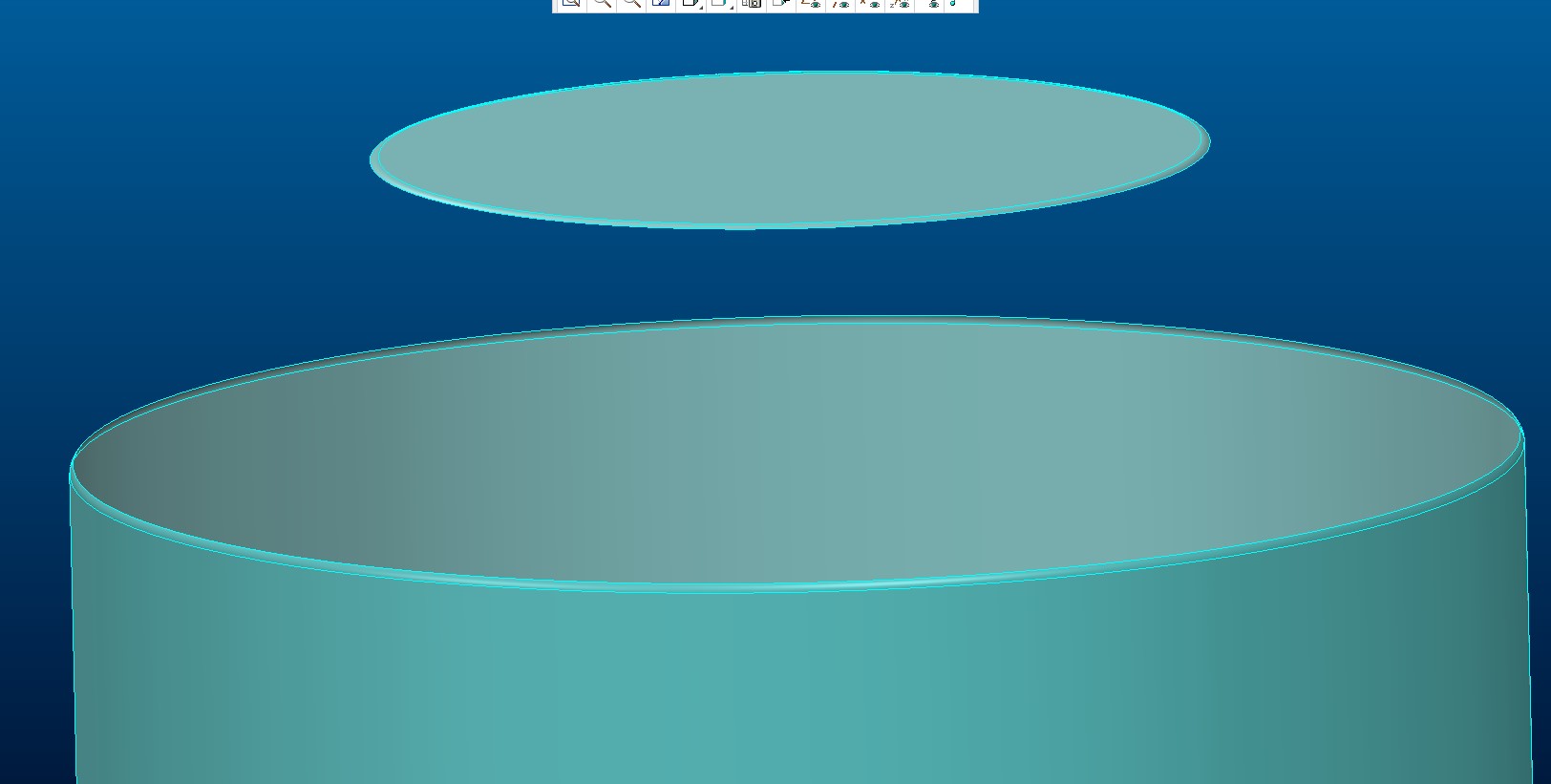
fusion3.jpg

If I export the same design in IGES format it works perfectly. The only problem is, that IGEs files are bigger than step files, I rather use step instead of iges.

Please help me solve this issue!

Best regards,

Laszlo Galantai


This thread is inactive and closed by the PTC Community Management Team. If you would like to provide a reply and re-open this thread, please notify the moderator and reference the thread. You may also use "Start a topic" button to ask a new question. Please be sure to include what version of the PTC product you are using so another community member knowledgeable about your version may be able to assist.

1 reply

24-Ruby III
April 18, 2016

Hi,

it looks like Fusion 360 doesn't export chamfer geometry -OR- creates geometry entity that Creo does not understand. Can you upload STEP file (How to attach file when you Reply to a discussion.) ?

MH

glászló1-VisitorAuthor
1-Visitor
April 18, 2016

Martin,

Thanks for the answer, the exported STEP files can be opened perfectly with every other 3D CAD software we tried, except Creo (We tried: Solidworks, 3D tool, and  FreeCAD, Autodesk support tried: Rhino, ZW3D). I don't understand how is it possible Creo don't understand something in a STEP file, there are standards for STEP file formats as far as I know.

I've attached the file we failed to open in Creo.

Best regards,

LaszloGalantai

24-Ruby III
April 18, 2016

Hi,

I guess that the problem is related to implementation of rotational faces (cylinders, cones). When you create this kind of geometry in Creo, it is divided into two 180 degrees pieces. Unfortunatelly geometry created by Fusion 360 is not divided into two pieces (it contains one internal edge, only -> see picture) and Creo is not able to process it (log file contains error message "CONICAL_SURFACE not processed"). I think you can report the problem to PTC Support as a bug.

split_edge.png

MH