

Question
Creo 2.0 (M010) - Cannot Dimension Sketch in Drawing
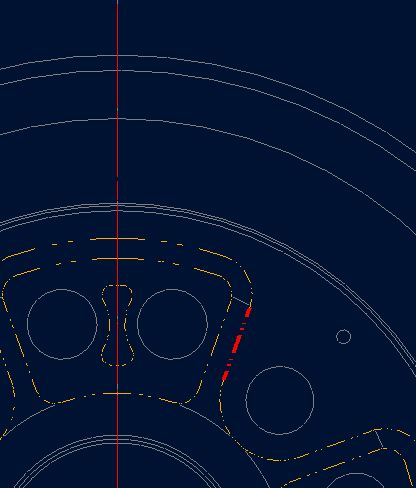
Hopefully someone can help... The intent is to be able to dimension to theo. sharp corners in the top view of my drawing. I created a sketch in my part file by projecting lines before adding rounds to break my corners. In the drawing file, I should be able to add dimensions such as angles, widths, etc. to the sketch, and between model and sketch entities. Creo will let me add simple radius and diameter dimensions, but no angles or widths to the sketch in the drawing that I need.
I do this with bolt circles all the time. I'm not sure what I'm doing wrong or different, other than projecting lines rather than drawing them.
Thanks,
Matt
This thread is inactive and closed by the PTC Community Management Team. If you would like to provide a reply and re-open this thread, please notify the moderator and reference the thread. You may also use "Start a topic" button to ask a new question. Please be sure to include what version of the PTC product you are using so another community member knowledgeable about your version may be able to assist.