

Solved
Drawing an arc in centerline linetype
Hi,
I have a part that has a groove in the shape of an arc (see screenshot below).
In the drawing of this part, I would like to draw an arc to show the 'middle line' of the groove. This arc should be in the 'centerline' linetype so --- . --- . --- .
Similar to the centerline drawn in the 2nd straight groove.
In the drawing screenshot below, the red arc is what I want, drawn in centerline.
How can I best do this?
PS. I am using Creo 4.0 (on Windows 10).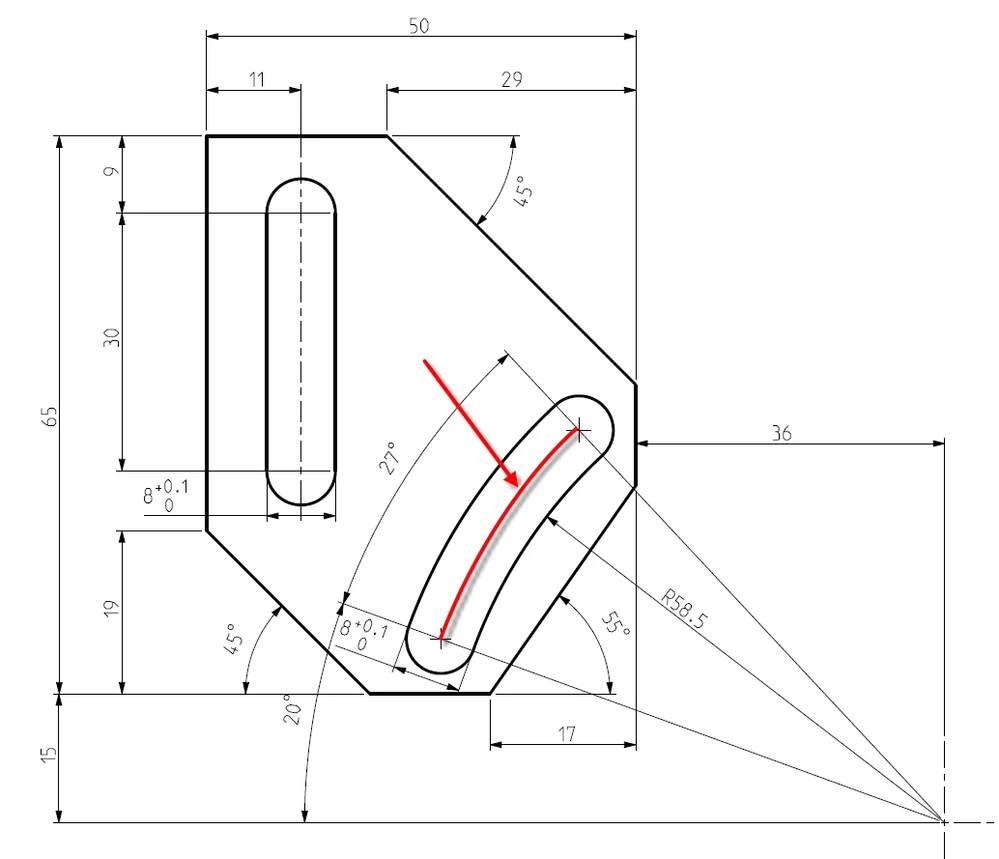
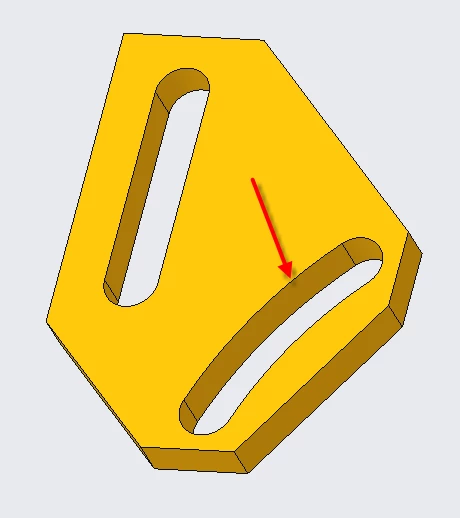 This is the arc shaped groove
