

Question
floating model tree
If you have the luxury of two monitors, and wish to dedicate the full size of your monitor to the graphics window, enabling your model tree to "Float" may be right up your alley.
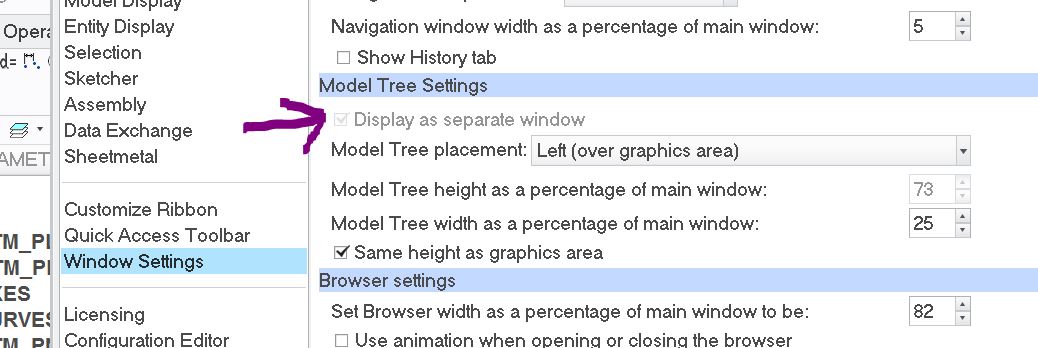
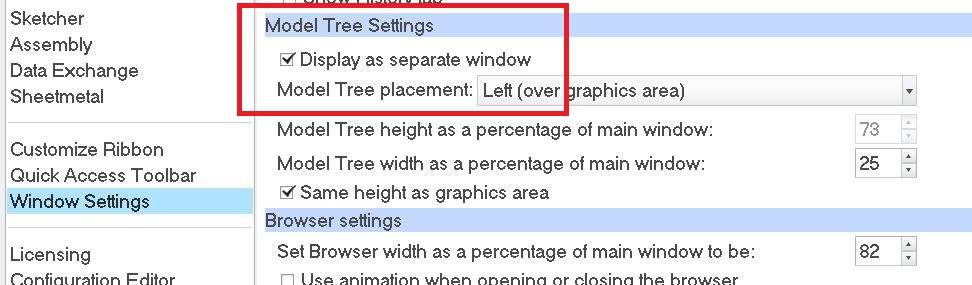
If you find this grayed out "Display as separate window" check box as frustrating as I did; you will be pleased to hear this simple solution.
This check box is only available to toggle when you have closed all windows except the base window.
This thread is inactive and closed by the PTC Community Management Team. If you would like to provide a reply and re-open this thread, please notify the moderator and reference the thread. You may also use "Start a topic" button to ask a new question. Please be sure to include what version of the PTC product you are using so another community member knowledgeable about your version may be able to assist.