Solved
Creo View not displaying iterations for comparison
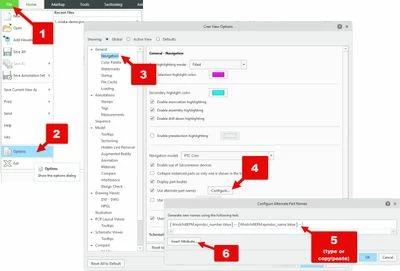
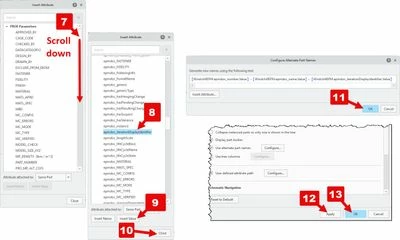
We are using Creo View 10.1.0.0. I am trying to learn how the two compare tools work (geometry and view state). I cannot determine how Creo view decides where to place the Compare Report [annotation set]. Sometimes it puts it in the first picked iteration, sometimes it puts it in the second picked iteration. I saw a video where someone actually had the iterations shown in the primary panel, next to the part file name. Unfortunately, ours does not show this info. Is there a way to show it?
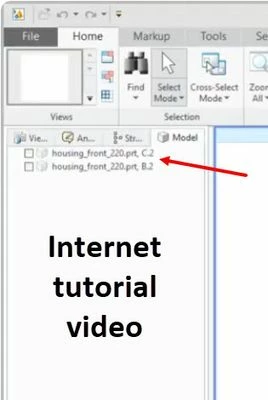
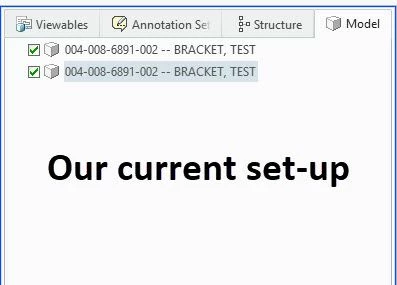
I was thinking if I knew which was which, I might be able to determine where the report gets saved.