

Exporting a cross section of geometry in Excel / measure thickness of part in Creo
Hello everyone,
I hope you can help me with a problem I´m currently having. I wasn't able to solve it after many hours of searching and trying, thus I need your help.
I need to measure the thickness of a cut geometry. It looks like this
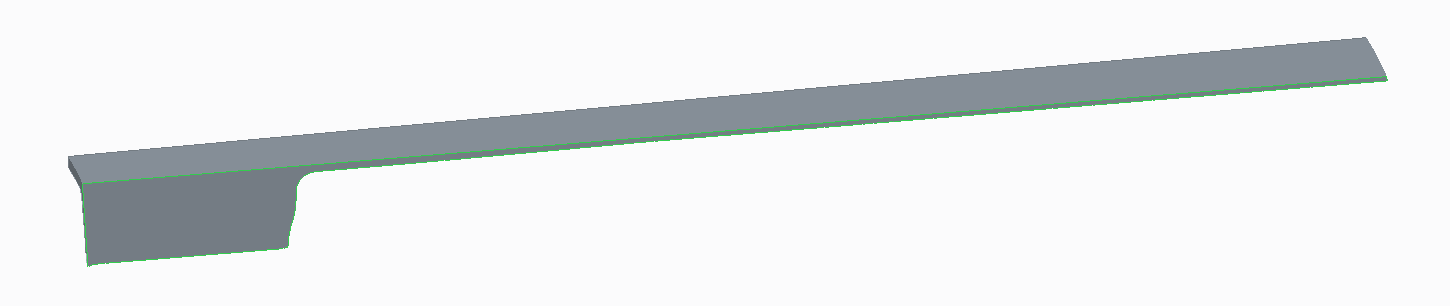

I now want to determine the max and min thickness of this body. Of course I can use the measurement tool and go through of all pounts. But thats very error-prone and time consuming. Is there a way, that Creo can show me the min an max thickness?
Or can I somehow export the cutted surface in geometry points (x,y-axis), so that I can import them into Excel and do the calculations there then. I was able to make a curve of the cutted surface, but I don`t know what to do with it?
Hope you can help me,
sincerely,
Christian
This thread is inactive and closed by the PTC Community Management Team. If you would like to provide a reply and re-open this thread, please notify the moderator and reference the thread. You may also use "Start a topic" button to ask a new question. Please be sure to include what version of the PTC product you are using so another community member knowledgeable about your version may be able to assist.