

Import Creo Elements Direct models into Creo Parametric via UNITE Technology
How is it possible to load a Creo Elements/Direct Modeling part or assembly into Creo Parametric, or to incorporate it into an assembly, if the part/assembly was created in Creo Elements/Direct Modeling with a large offset from the zero point in Creo Elements/Direct Modeling?
What I have noticed is that when importing without preselecting a profile, the positioning fills the screen and the CAD file is displayed. (This is identical to the normal opening of the file)
However, if you select a profile when importing, the CAD model is somewhere in 3D space and cannot actually be found and therefore cannot really be positioned. You can only find it if you search for the solid geometry somehow (see picture).
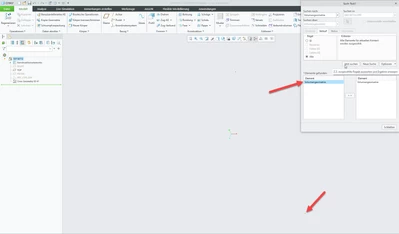
Hence the question, how can you load CAD models from Creo Elements Direct Modeling properly via UNITE Technology in order to find or integrate them?
We actually only a "quick and dirty" Creo Parametric 10.0.1.0 standard installation without anykind of adjustments, connected to WIndchill 12.0.2.20.