
1-Visitor
June 19, 2018
Solved

PTC Creo Parametric help icon

  • June 19, 2018
  • 1 reply
  • 5858 views

Hi,

        When we click on the PTC Creo Parametric help icon, we get an error message:

"Creo Help Center on http://help.ptc.com/ could not be accessed. Check your internet access. For offline access to help, install the help center locally. See the installation guide for details"


Could someone help me with the settings relevant to ensure the help icon leads to the correct link for help. We do not want to install the help locally.


thanks

Ananth
Best answer by MartinHanak

Hi,


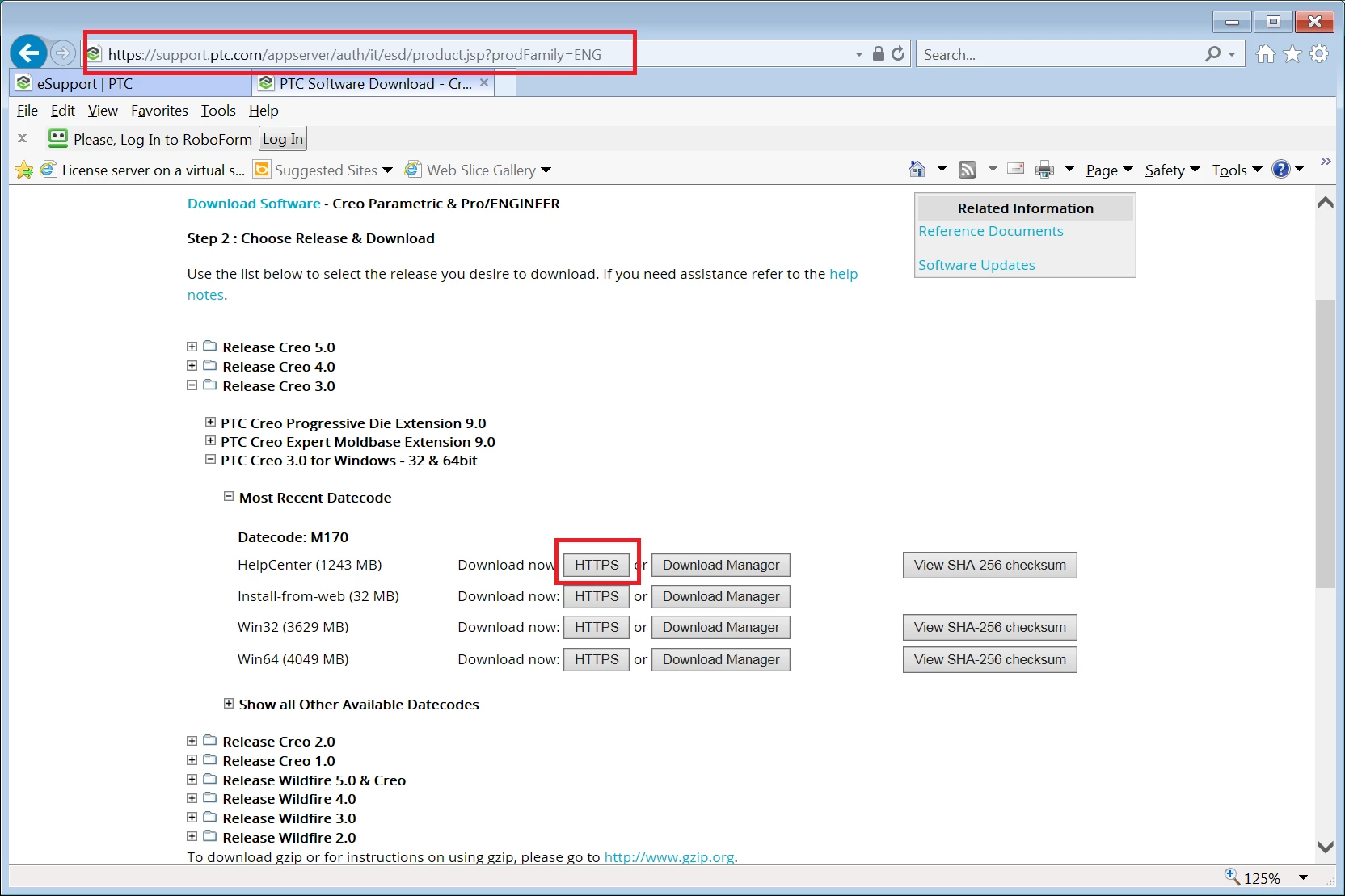
1.] download PTC Help installation media (zip file)

help.png2.] unzip zip file

3.] run setup.exe

1 reply

24-Ruby III
June 20, 2018

Hi,


which Creo version do you use ?


I do not understand why local installation is not acceptable for you ...

5-Regular Member
June 20, 2018

I am having a similar issue.  My company has a permanent license for CREO 1.0.  I recently installed on a new PC and everything works except "HELP".  Went back to the old PC and HELP works fine.  There is no "local installation" option for CREO 1.0 via ptcsetup.


Bob...

24-Ruby III
June 21, 2018

@robert.kidwell wrote:

I am having a similar issue.  My company has a permanent license for CREO 1.0.  I recently installed on a new PC and everything works except "HELP".  Went back to the old PC and HELP works fine.  There is no "local installation" option for CREO 1.0 via ptcsetup.


Bob...


Hi,


I am sorry i can't help you. Creo 1.0 is dead for a long time and I do not have it installed on my PC.