

Problem importing an image (jpg, jpeg, bmp, tiff) into a part
Hi to all,
This is my first post, I have searched this topic anywhere but it seems to be unexplored.
I have encountered some problems to import a jpeg file into a part. My colleagues make it work without problems, despite we are using the same Creo date code (6.0.3.0) and the same 'config' file.
I am trying to import this picture into a part to draw over it
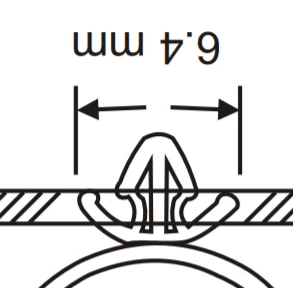
by 'model display/images/import'.
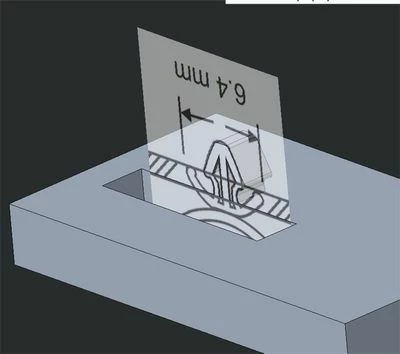
This is what I should obtain - is a screenshot from my coworker PC.
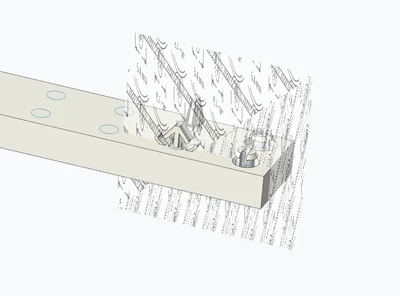
This is what I obtain on my workstation: the image is shrunk, deformed and multiplied as if it was a sort of wallpaper.
I obtain this result with jpeg, png, tiff images, with every kind of picture. My colleagues, on the contrary, make it work with every kind (and size) of picture.
I have the same problem even I try to apply images as appearances. It seems to be an importation problem.
Our settings seem to be the same... what can I try?