

Analytics Gateway list comes empty in Analytics Builder
Hi All,
I started a 30-day trial for the Thingworx Evaluation Server with following details 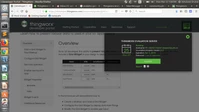 .
.
I started following the Predictive Model guide to create my own analytics. But when configuring the analytics builder via setting, the Analytics gateway list comes empty no matter what I do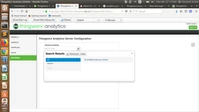 Empty gateway list.
On searching the community, I found very few results on this issue but the only one I found said to ensure these things:
1) Configuration Service hasn't been run -> 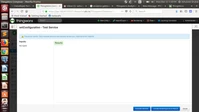 done
done
2) Session Variables haven't been added -> 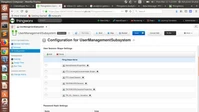 (I did delete and re-added it from this list. Deleting the entity entirely though produces the error "extension objects can't be deleted")
3) The Application Key expiration-date hasn't been extended -> 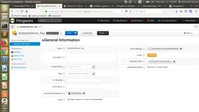 done.
done.
Also, there's no AnalyticsServer_Thing also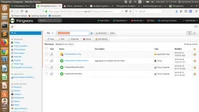 .
.
I don't know what else to do as I'm new to this field and I'm stuck at this point.