
Solved
TwxRuntimeKey is not deleting in Thingworx
Hi,
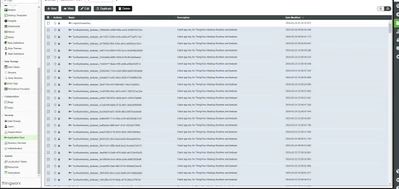
The TwxRuntimeKey is not deleting and its still there for older days. someone help me to resolve this issue.
Thanks,
Bharathan

Hi,
The TwxRuntimeKey is not deleting and its still there for older days. someone help me to resolve this issue.
Thanks,
Bharathan
Which version are you on? This might have been fixed in a current minor upgrade.
I think this happens when the system is restarted before the appkey up for removal.
As a workaround, you can delete them by using DeleteApplicationKeys service from UserManagementSubsystem. Set deleteExpiredKeys as true and deleteUnExpiredKeys as false
Enter your E-mail address. We'll send you an e-mail with instructions to reset your password.