

Question
Added dimension orientation
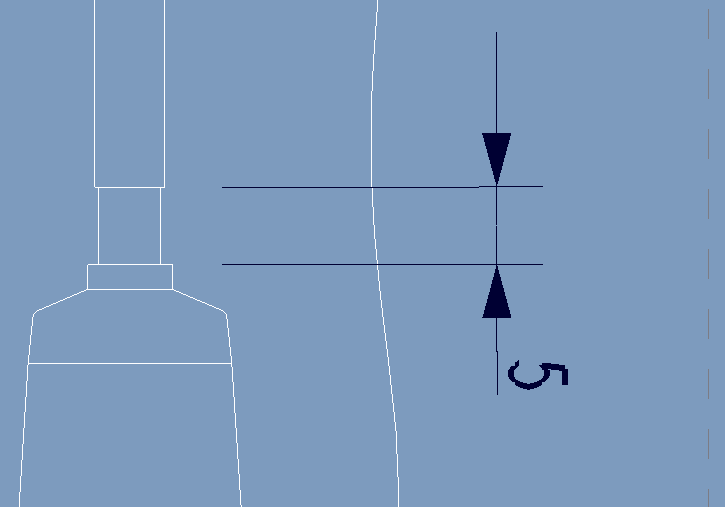
I am trying to add the following dimension to a drawing and as you can see from the image below it is automatically displaying the dimension in the wrong orientation. To comply with relevant drawing standards it should be orientated 180 degrees however this is how Creo is displaying the dimension when I add it. I have tried changing selecting both edges first and it makes no difference. Any ideas how to resolve this issue? I should also add that other added dimensions on this drawing view have been added and are displayed in the correct orientation.
This thread is inactive and closed by the PTC Community Management Team. If you would like to provide a reply and re-open this thread, please notify the moderator and reference the thread. You may also use "Start a topic" button to ask a new question. Please be sure to include what version of the PTC product you are using so another community member knowledgeable about your version may be able to assist.