

Question
Allow datum font style control in detail drawings
I had a lot of trouble trying to have my datums match my drawing fonts and thickness. I was assuming the part/assembly default text style setting locked this information for the drawing. Although this part/assembly setting for GD&T annotation does lock the text style to "default", and the thickness setting does not carry forward to the drawing, the setting for "default" can be changed in the detail options file (.dtl) using "default_font <fontname>.ndx" and "text_thickness .0nn". All the model annotation assigned the "default" text style will follow these new settings.
This puts me back on course.
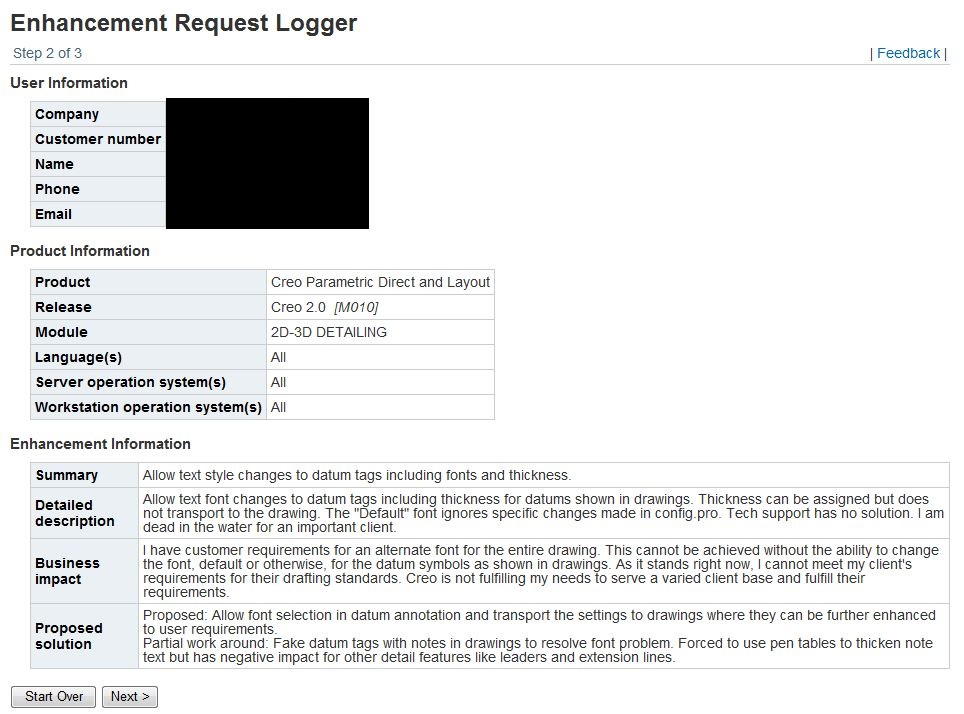
https://www.ptc.com/appserver/cs/enhance_req_tracker/EnhancementRequestDetails.jsp?eNumber=8224734
This thread is inactive and closed by the PTC Community Management Team. If you would like to provide a reply and re-open this thread, please notify the moderator and reference the thread. You may also use "Start a topic" button to ask a new question. Please be sure to include what version of the PTC product you are using so another community member knowledgeable about your version may be able to assist.