
5-Regular Member
July 8, 2016
Question

Google Maps API error: MissingKeyMapError

  • July 8, 2016
  • 8 replies
  • 10016 views

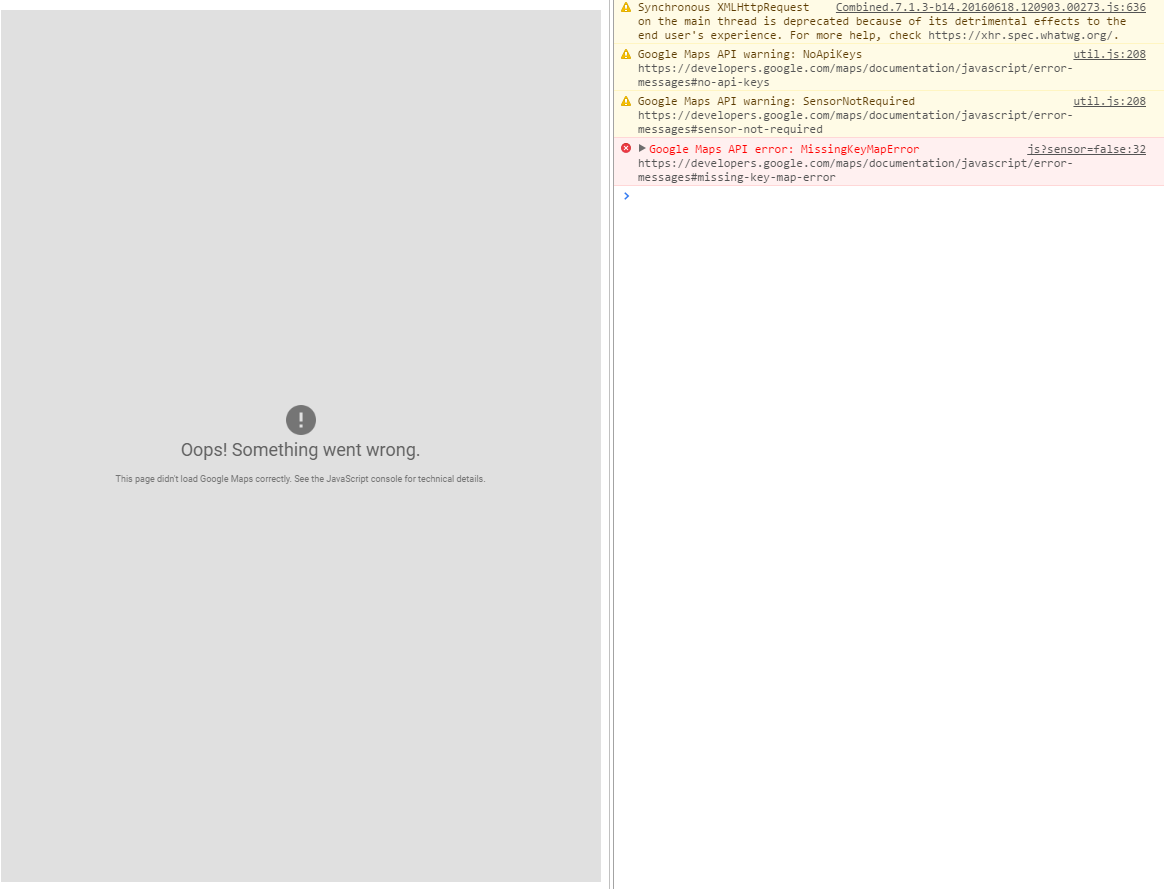
I used several times Google Maps widget, but in a recent ThingWorx installation on MS Azure cloud, I had the following issue when the Mashup is loaded.
Capture.PNG

Obviously, the Google Maps ThingWorx extension was correctly imported in my ThingWorx 7.1.3 environment.

Does anyone have an idea about how to solve it?

8 replies

1-Visitor
July 8, 2016

Hi Davide,

For production environment you should put your Google Maps API Key on the extension.

To do this, apart of registering on Google API services, you should decompress the extension and modify the extension as described on TW Google Widgets documentation: Google Widgets

5-Regular Member
July 8, 2016

Hi Carles,

I'm using it for a POC in a demo environment, therefore it is not intended for production. Why does the same extension work fine in all the other environments where I installed?

1-Visitor
July 8, 2016

I don't know, I've also use it on dev side without an API Key and it works, but maybe you are doing to many calls or for some other reason.

1-Visitor
July 15, 2016

I've just tried the new TWX 7.1.3 and I have the same problem and not on MS Azure Cloud.

1-Visitor
July 15, 2016

I've tested on 7.1.3 without issues.

One thing that happened to me, it was that I had an API Key embedded on google maps extension which doesn't allowed the server domain where I was testing it to be executed.

If you want to test it without API Key, better you download the Google Maps extension from the Market Place and import on your instance, refresh correctly the browser.

22-Sapphire I
September 28, 2016

You can request and embed your own key

Here is how to embed

PTC

1-Visitor
December 6, 2016

Pai Chung​ could you please update the link? This one is broken tho

1-Visitor
December 7, 2016

I can, but with support.ptc.com (and not thingworx.ptc.com)
PTC

or

https://support.ptc.com/appserver/cs/view/solution.jsp?n=CS188314

1-Visitor
January 16, 2017

Hello Everyone!

My Google Map's problem is InvalidKeyMapError.

as suggested by some of you, i have inserted the key in the extension's metadata file.

I restarted tomcat and reistalled the extension several times but continues to say that the key is not valid.

Can anyone help me??

Thank's a lot!!

14-Alexandrite
March 17, 2017

Hi,

I got same error in Developer Zone 30 days evaluation server.

Best regards

Akira

1-Visitor
April 3, 2017

I have tried making changes in metadata.xml as per above mentioned instruction, then re-imported it but still facing problem.

Did some one got fix to this issue?

5-Regular Member
April 4, 2017

Nikhil Jain​,

What's the error in Browser console?

Thanks,

Ankit Gupta

1-Visitor
April 4, 2017

Error I am getting is MissingKeyMapError

1-Visitor
April 12, 2017

I had the same problem. I ended up hand modifying index.html from his location: Tomcat 8.0\webapps\Thingworx\Runtime

I don't think the extension import is working. My guess is that the metadata.xml file is supposed impact the "managed" area of this file. It's not doing it on my system so I changed it myself.

    <!-- *** MANAGED SECTION DO NOT EDIT *** -->

    <!-- BEGIN_EXTENSION_SCRIPTS -->

  <script type="text/javascript"  charset="UTF-8" src="https://maps.google.com/maps/api/js?key=YOUR_KEY"></script>

  <script type="text/javascript"  charset="UTF-8" src="/Thingworx/Common/jquery/jquery.jsPlumb.min.js"></script>

    <!-- END_EXTENSION_SCRIPTS -->

I left off the "sensor" argument based upon google's direction.

1-Visitor
April 17, 2017

Intente todas las opciones pero solo me funciono lo siguiente:

url="https://maps.google.com/maps/api/js?key=MY API KEY" description="" isDevelopment="false" isRuntime="true" />

eliminando el parámetro sensor ya que no es obligatorio.

Lo edite en el archivo metadata.xml de la extensión de google maps.