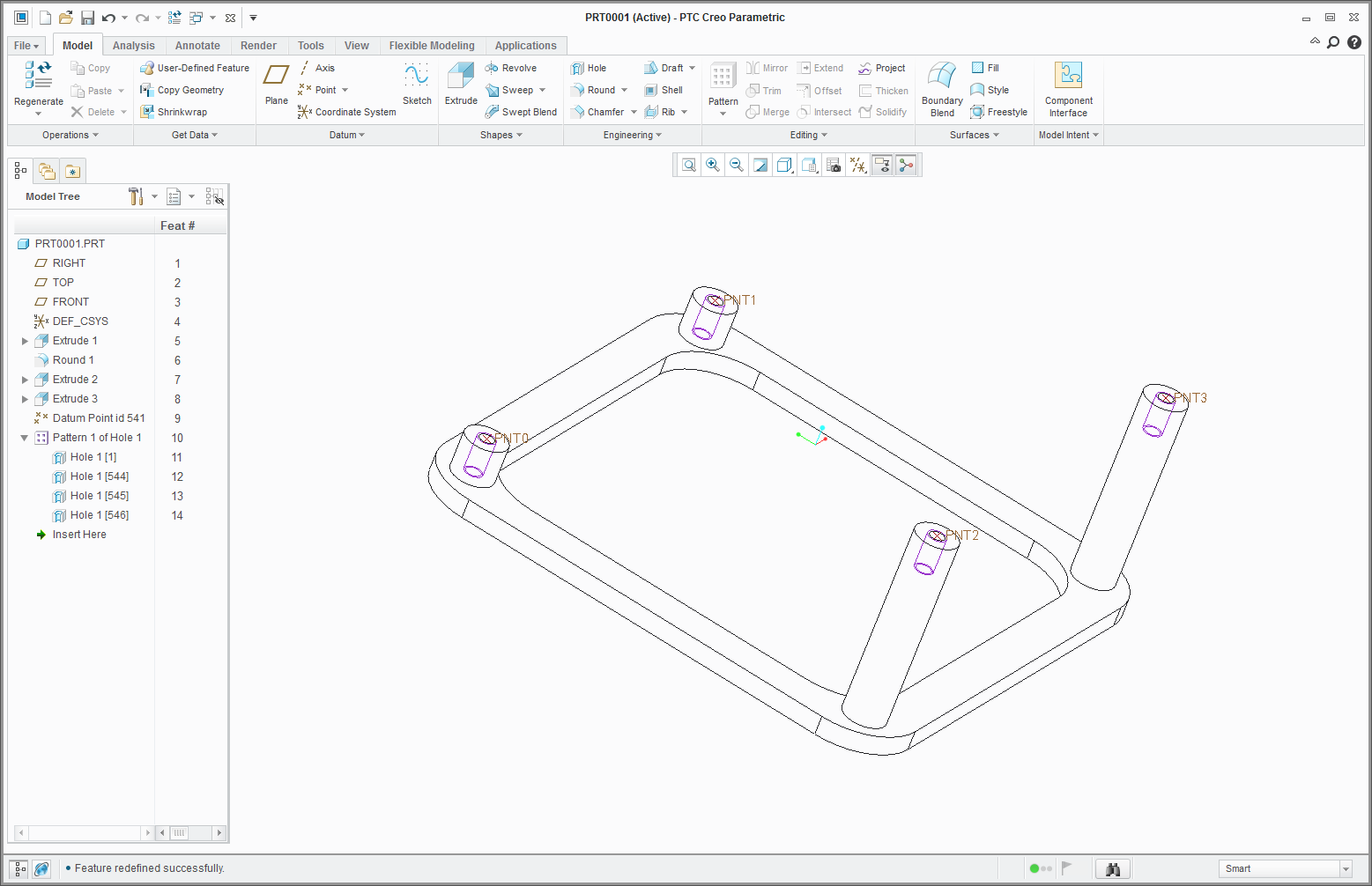
A request for examples of odd hole patterns.
while most are on a single plane there are times for non planner.
Attempted to make a pattern on non-planner surfaces and couldn’t accomplish using point pattern.
Desire - A hole pattern on multiple non coplanar surfaces.
Method attempted –
A point set that contains a point at the desired locations on each of the planes.
Create a hole on the any of the planes and then use point pattern to have the hole pattern cover multiple planes.
Result – Pattern is created but contains an additional hole at the first location.
Attempted to change to alt origin, failed.
Attempted to change hole references, failed.
Did not want to use pattern table.
pic below shows pattern of holes but the farthest left has two on top of each other.
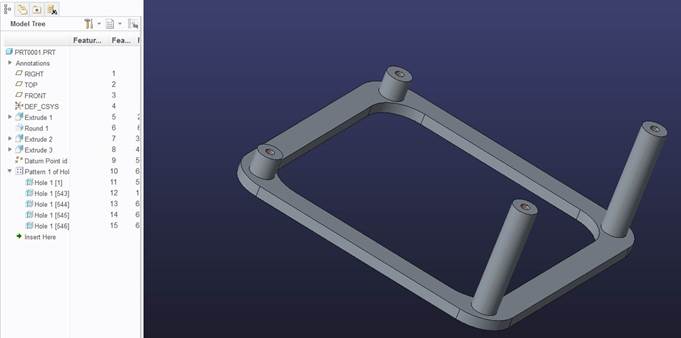
can share the model upon request.
This thread is inactive and closed by the PTC Community Management Team. If you would like to provide a reply and re-open this thread, please notify the moderator and reference the thread. You may also use "Start a topic" button to ask a new question. Please be sure to include what version of the PTC product you are using so another community member knowledgeable about your version may be able to assist.