

adding the part number to a note
I'm using Creo 7.
I want to add a note with the part number in a drawing.
I use the following note when I insert the view of a new part in a multi parts drawing:
&PARTNUMBER
SCALA &scale
The &scale refers to the general scale of the view.

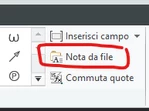
I saved the note in the note folder and when I place the first view of a new component I add a note and load the saved text from "Note from file":
In this assembly I added many parts (they are for a welded carpentery):
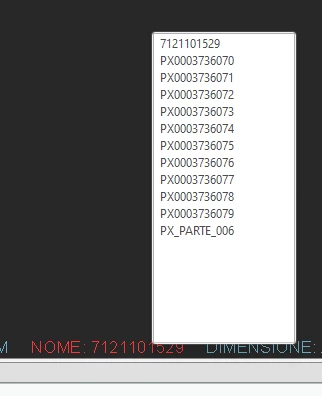
If I want to change the scale of a component, I have to select the component from the above list, then change the scale, then select and go back again to the main assembly.
But if I place the view and I change the scale in the view options, it allows me to change the scale of the view in a fastest way:
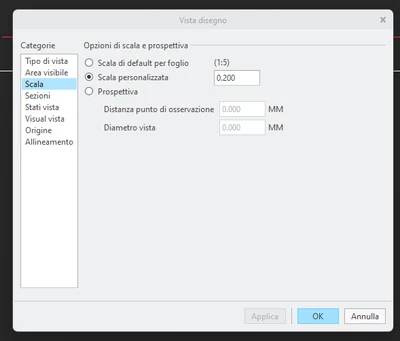
Creo adds a note with the view scale.
I tried to add the part number to this note loading a saved note but it doesn't works.
Only way is to add the text directly, but this is uncomfortable.
I can add a note with an offset from the scale note but the result is not the same for all the notes, so I have to manually move the text and align the better I can:
full note
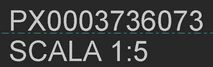
offset note
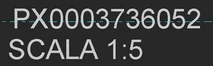
I tried to modify the saved note as follow, but without results:
&PARTNUMBER
SCALA &view_scale
Is there away to solve the issue?
Thanks