1-Visitor
November 20, 2022
Question

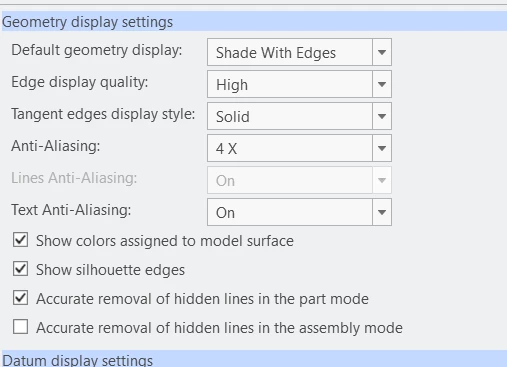
Aliasing setting
  • November 20, 2022
  • 1 reply
  • 2133 views

tmp.pngtmp2.png


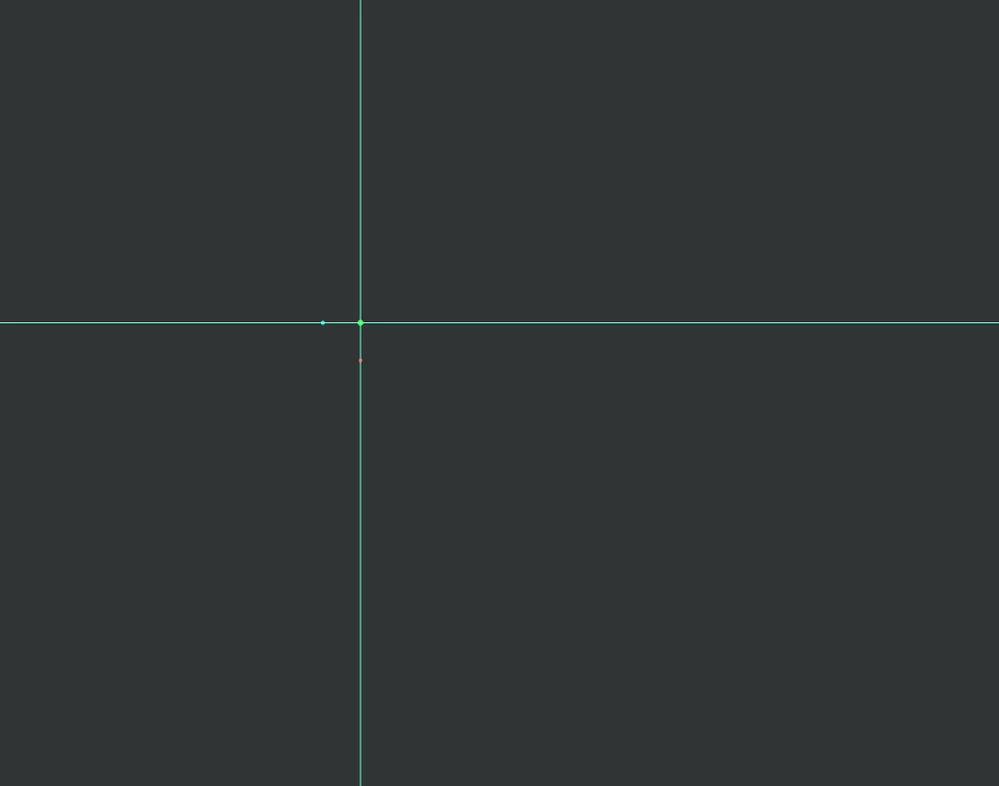
After enabling the aliasing setting, on the sketch, the dashed line seems to line a solid line.

did anyone know how to fix this?

1 reply

13-Aquamarine
November 22, 2022

You might get better help if you tell us your Creo version.


If you revert this setting (to see a dashed line again) and then activate one by one - which one triggers the solid line?


Also keep in mind that you graphics card drivers may enforce anti-alias settings (if you have activated that yourself, they shouldn't do that by default), for example Nvidia Control Panel or Radeon Adrenalin.

1-Visitor
November 22, 2022

Thank you for the advice, the version that I'm using is creo 8.0.4.0, and currently, I'm using AMD Ryzen 5 PRO 66500U with Radeon graphics


13-Aquamarine
November 23, 2022

You're welcome 🙂 


Did you try this step-by-step debugging?

If you revert this setting (to see a dashed line again) and then activate one by one - which one triggers the solid line?