10-Marble
April 1, 2014
Solved

animation help - this look shocking

  • April 1, 2014
  • 9 replies
  • 5291 views

Hi All

I have been working on a project over the last couple of weeks preparing model and drawings for a Capex proposal for new plant.

now I have been doing some animation of the equipement in action. but when I output the files to a movie it come out bad

I even tried to output with photo render, and it either crashed Creo running out of memeory, or comes out looking like the image below.
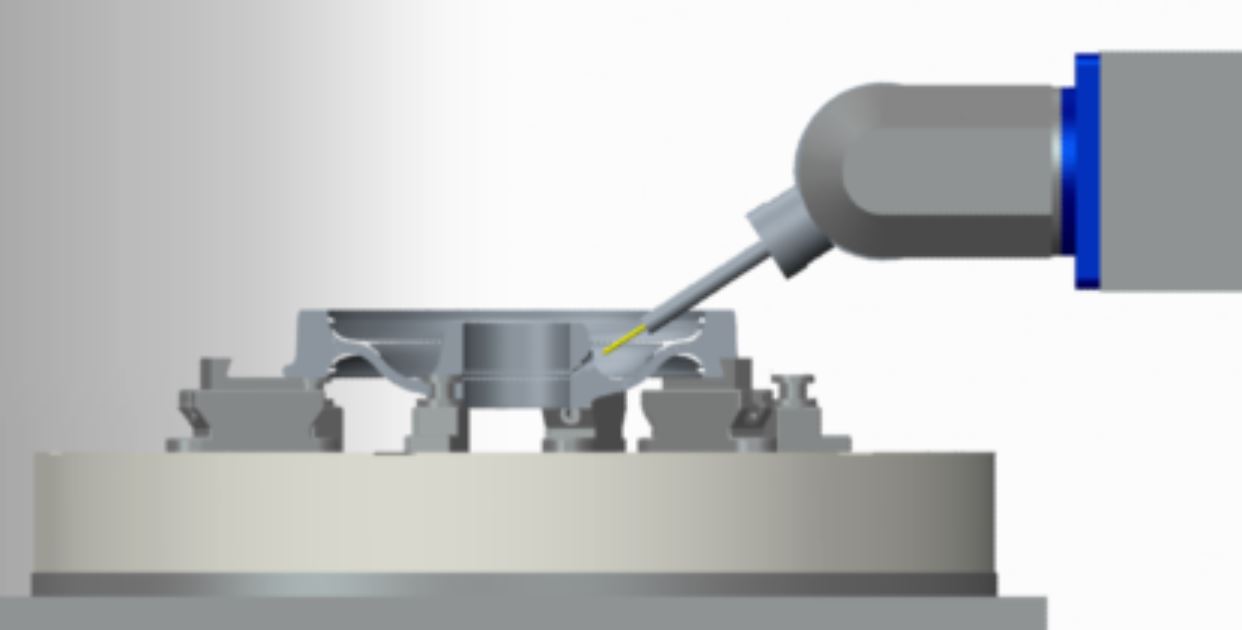
Capture.JPG

it looks fuzzy and out of focus.

Can anyone help with pointers and tutorials on rendering and animations.

THank you


This thread is inactive and closed by the PTC Community Management Team. If you would like to provide a reply and re-open this thread, please notify the moderator and reference the thread. You may also use "Start a topic" button to ask a new question. Please be sure to include what version of the PTC product you are using so another community member knowledgeable about your version may be able to assist.
Best answer by TomD.inPDX

... that makes two of us

And before you run into the issue... I already reported this, but you cannot get actual 1920 x 1080 frame size. Even if this is what is shows in the dialog, it doesn't come out that way. However, 1440 x 720 does. I got the "works to specifications" from R&D even though it doesn't actually work

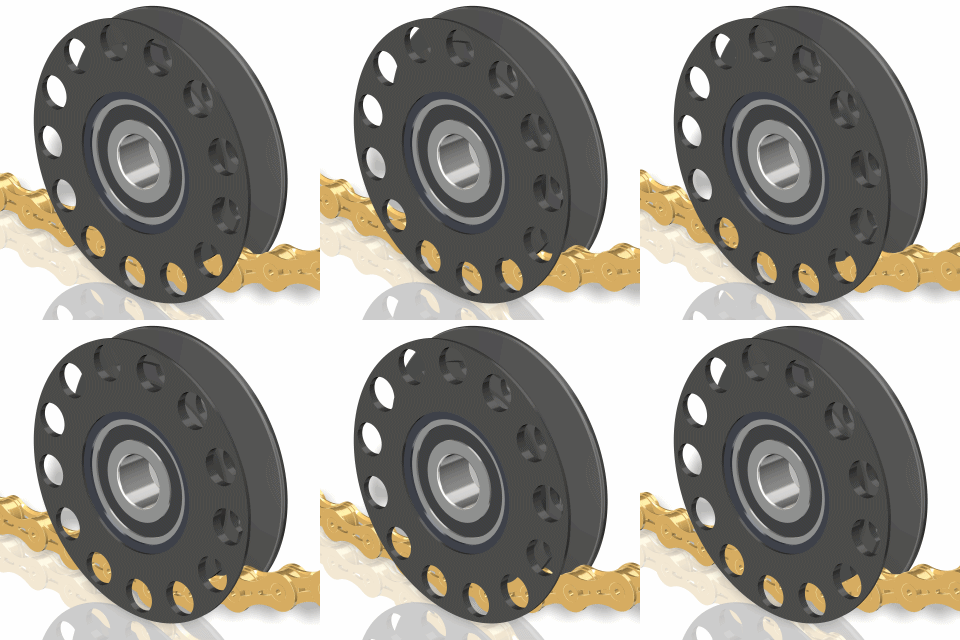
One option you might like is outputting the animation to images instead. You can make animated GIFs with PhotoScape. Sometimes this works well for short clips that you want to include in presentations. PhotoScape is free and allows you to make changes to the images in batch mode including image size "corrections". Just another tool in the toolbox

http://www.photoscape.org/

Click on the image...

320-320_chain_idler.gif

Animated GIF provides great control over looping when you mechanism animation stops in the same place it starts. You simply discard the very 1st image (since it is the same as the last) and you get a perfect loop.

9 replies

17-Peridot
April 1, 2014

I think PhotoRender is crippled to help sell PhotoLux. I don't use it.

You need the larger frame and I like using shaded with reflections; turning the options for higher quality graphics; removng the shade on the floor (just maintain reflections where applicable) and avoid perspective due to the poor control over saved perspective views. I am also careful with feature appearance changes since it removes the ability to use the animation transarency feature. One overall color must be assigned to have the transparency work in animations.

Even for mechaism animations only, I try to use these guidelines.

You should be able to get this level of quality without too much issue:

Note the wavyness of the shadows....

10-Marble
April 2, 2014

Thank you for the advice

your suggestions made an improvement , and I think I can use the output now.

I expected that the basic package should render an animation better than what it is doing now.

17-Peridot
April 2, 2014

... that makes two of us

And before you run into the issue... I already reported this, but you cannot get actual 1920 x 1080 frame size. Even if this is what is shows in the dialog, it doesn't come out that way. However, 1440 x 720 does. I got the "works to specifications" from R&D even though it doesn't actually work

One option you might like is outputting the animation to images instead. You can make animated GIFs with PhotoScape. Sometimes this works well for short clips that you want to include in presentations. PhotoScape is free and allows you to make changes to the images in batch mode including image size "corrections". Just another tool in the toolbox

http://www.photoscape.org/

Click on the image...

320-320_chain_idler.gif

Animated GIF provides great control over looping when you mechanism animation stops in the same place it starts. You simply discard the very 1st image (since it is the same as the last) and you get a perfect loop.