Any Altium users? Problems with software's STEP exports
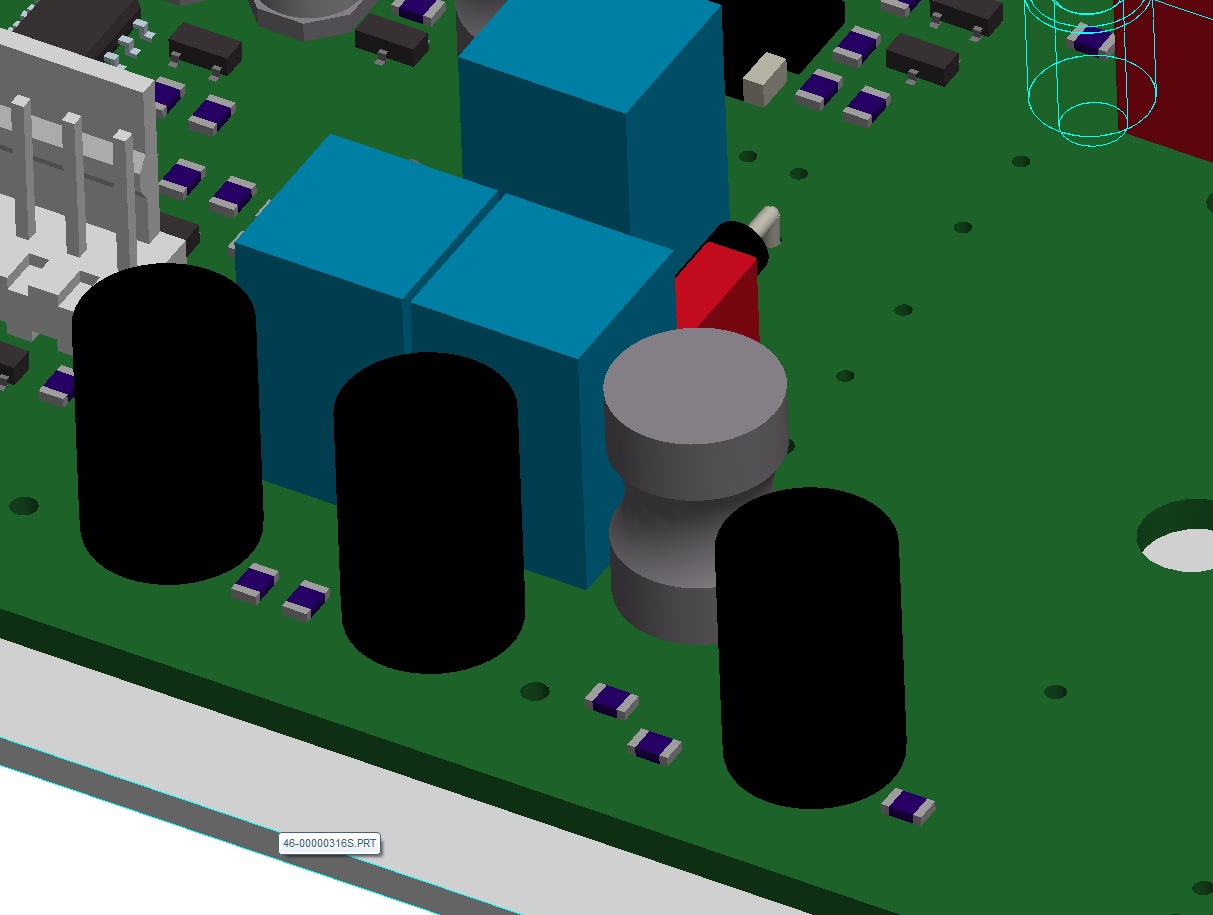
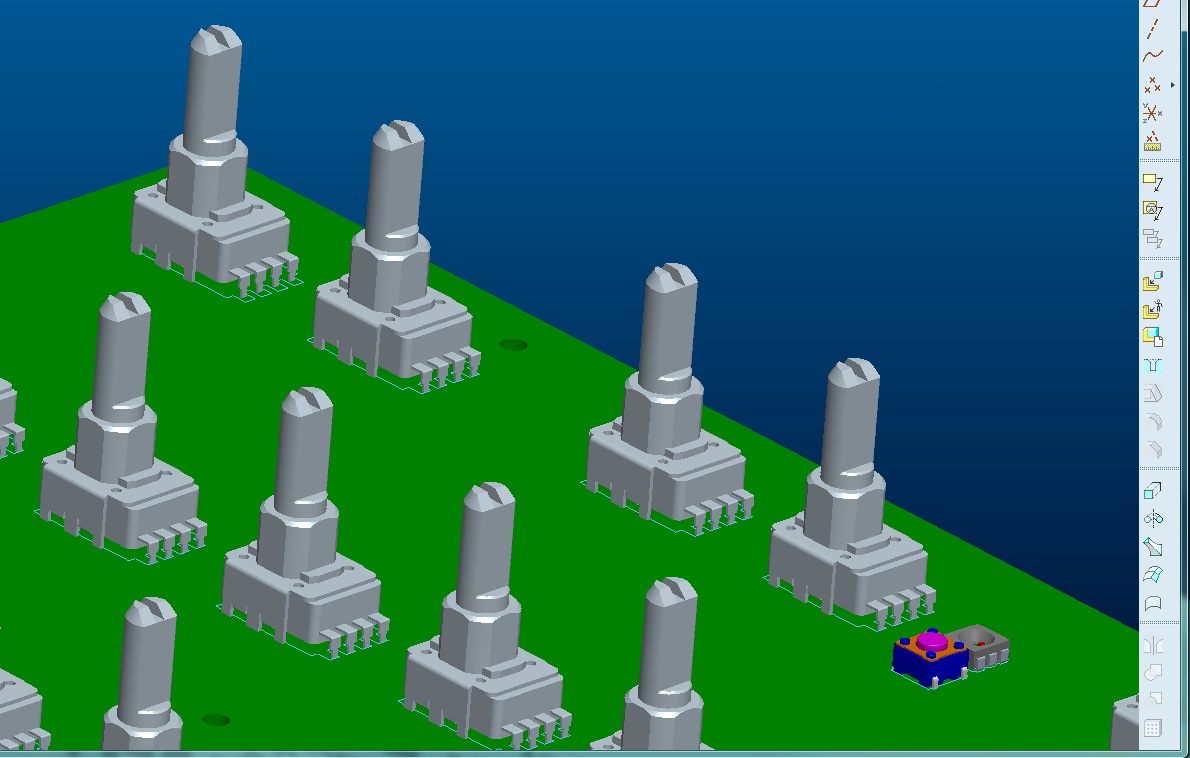
I have modeled a PCBA mockup assembly in Creo using available STEP models of needed components, and exported it as a STEP assembly for import into Altium. It displays perfectly in Altium, but once changes have been made to component location (or even if no changes are made) and the PCB designer exports the modified assembly out of Altium as a STEP file, when I bring that file into Creo, many component surfaces are missing, and rounds and fillets have become toroids. See screen captures below...
PCBA mockup in Creo:
Same PCBA model, after exported as STEP file, uploaded to Altium, exported as a STEP file, and re-imported into Creo:
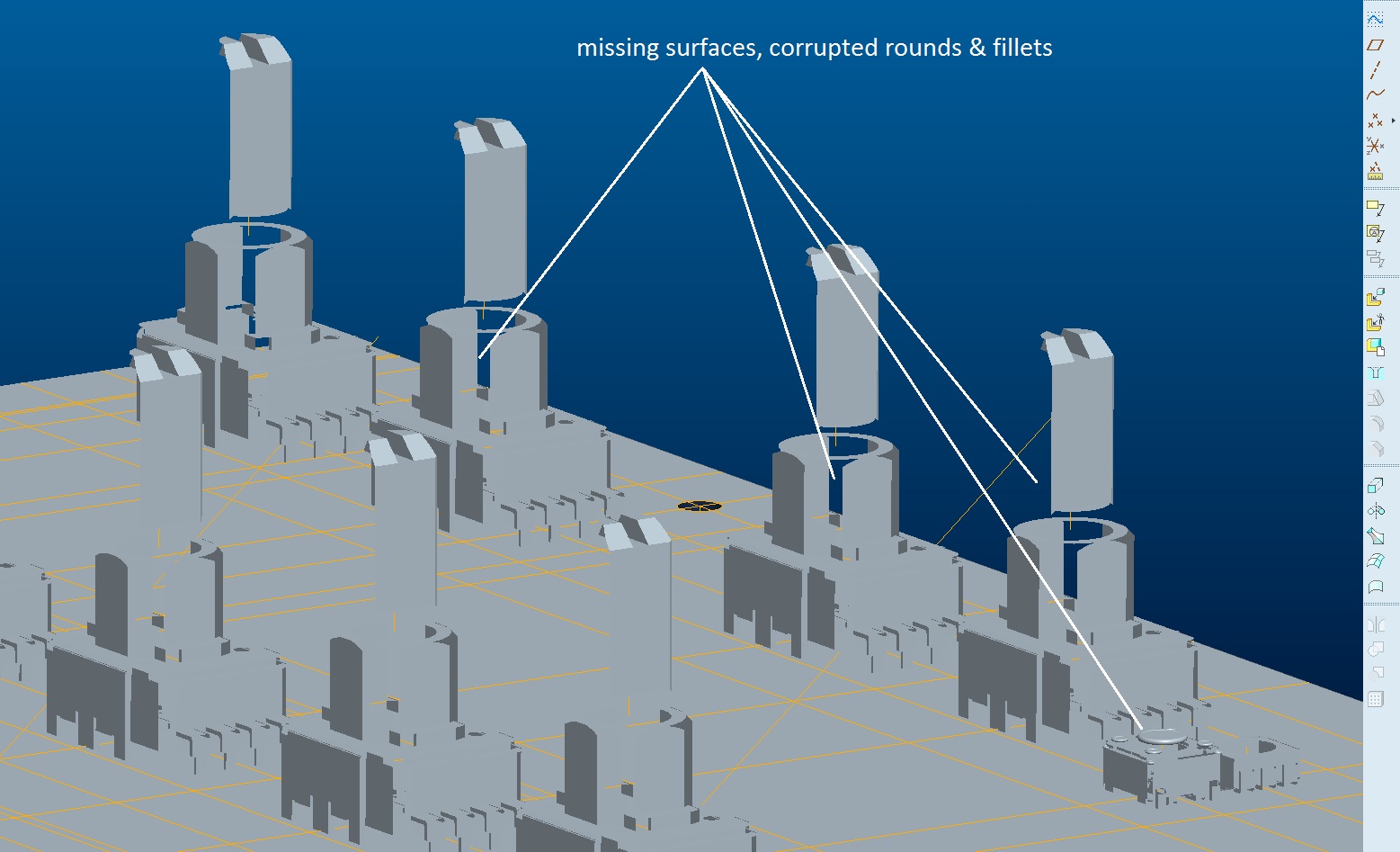
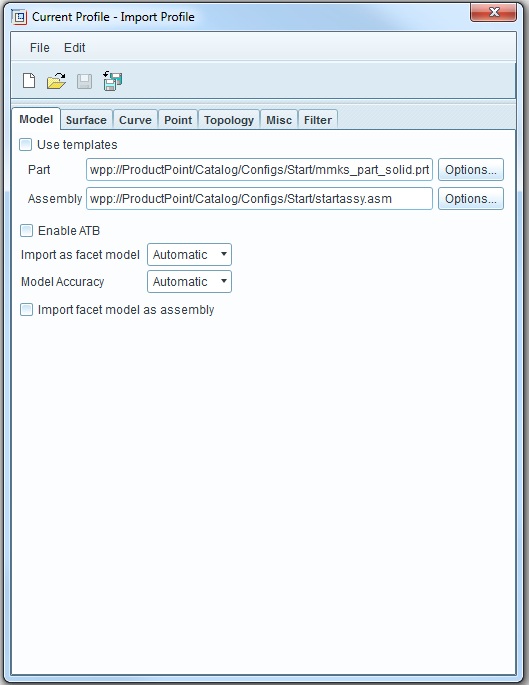
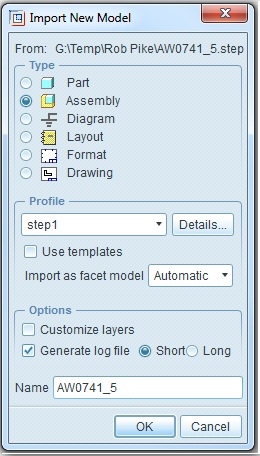
I've tried different possible STEP file creation settings in Creo and Altium to seeif this gets resolved, and nothing helps.
Has anyone experienced similar issues with Altium, or cuorrupted imported STEP files in general? This is happening both on the part and assembly levels.
Thanks!
- Guy
This thread is inactive and closed by the PTC Community Management Team. If you would like to provide a reply and re-open this thread, please notify the moderator and reference the thread. You may also use "Start a topic" button to ask a new question. Please be sure to include what version of the PTC product you are using so another community member knowledgeable about your version may be able to assist.