1-Visitor
March 18, 2015
Solved

Axis pattern fails to regenerate

  • March 18, 2015
  • 8 replies
  • 4850 views

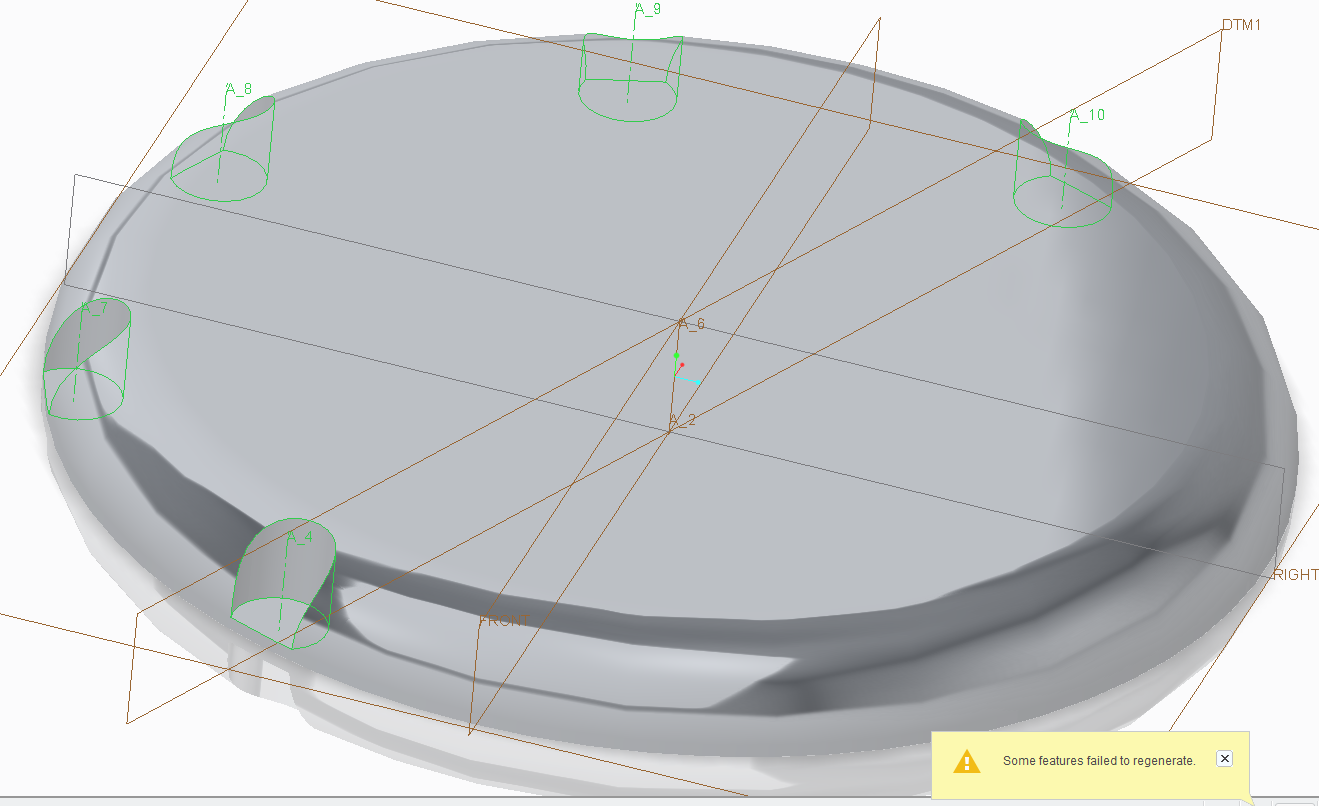
For apparent no reason

Check my screenshots and tell me if I'm trying something beyond logic

The angle of that funky datum is 22.5º
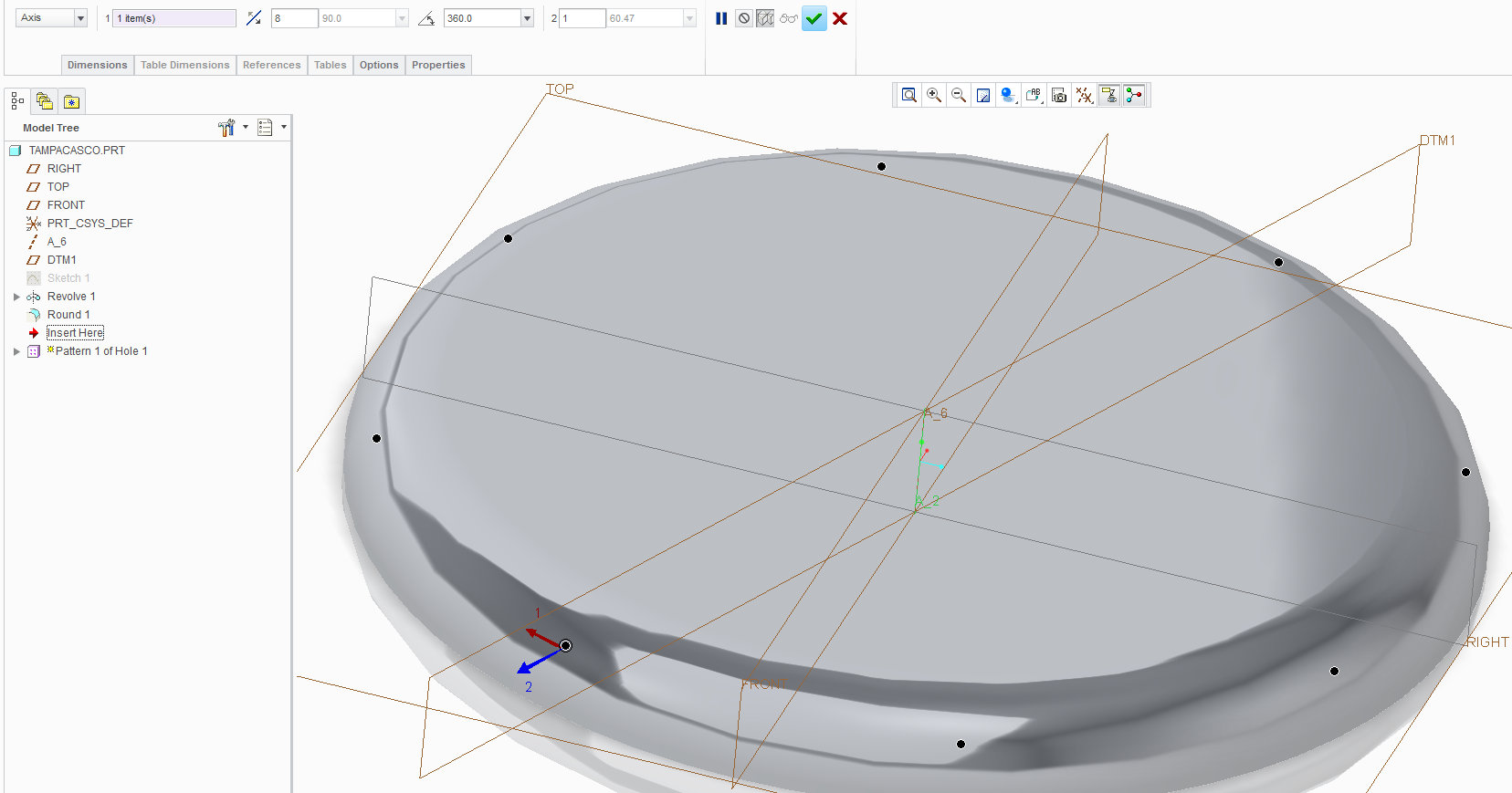
CreoAxisPattFail-1.pngCreoAxisPattFail-2.png


This thread is inactive and closed by the PTC Community Management Team. If you would like to provide a reply and re-open this thread, please notify the moderator and reference the thread. You may also use "Start a topic" button to ask a new question. Please be sure to include what version of the PTC product you are using so another community member knowledgeable about your version may be able to assist.
Best answer by rohit_rajan

you can replace the hole depth reference by a datum point reference.

this way you can control the depth of the hole if you change the round radius if that is your design intent.

otherwise simply entering the depth value can also solve the problem.

8 replies

1-Visitor
March 18, 2015

This should work, however, it's hard to say without actually having your model to examine. can you share it?

I suspect your dimensioning/reference scheme falls apart when the pattern instance crosses the 180 degrees of rotation...

Out of curiosity, does it fail if your pattern of 8 holes goes through 175 degree rotation?

24-Ruby III
March 18, 2015

Lucas,

I think you do not need DTM1 because you can relate hole to one of default planes and use Radial placement option.

If you want to use DTM1 then create it as internal feature during Hole creation. You can investigate my Creo Parametric 2.0 model.

Martin Hanak

lsilva1-VisitorAuthor
1-Visitor
March 18, 2015

Paul is correct.

Before it reaches 180 degrees, there is no failure. No matter how many instances.

360 degrees works with a maximum of 3 instances

Martin,

I did that extra plane to see if I could overcome the problem

Before that, I did have a radial thing, similar to yours.

The difference is that I've made 22.5º from a default datum. You've done 0º from an angled datum.

Here's the file

15-Moonstone
March 18, 2015

you can replace the hole depth reference by a datum point reference.

this way you can control the depth of the hole if you change the round radius if that is your design intent.

otherwise simply entering the depth value can also solve the problem.

15-Moonstone
March 18, 2015

i think its your depth reference of hole which is causing the pattern failure. it works if you enter the required depth value oh hole directly.