
4-Participant
June 11, 2026
Question

Best Way to Group Assembly Components into a Single 3D-Printable Part?

  • June 11, 2026
  • 5 replies
  • 69 views

Hi everyone,

I have a machine assembly that contains two different support frames, and each frame is made up of multiple individual parts. Is there a way to create a separate assembly or combine selected components into a single part so that I can choose only the frame parts I want to include in a 3D print?
5 replies

KenFarley
21-Topaz II
June 11, 2026

You could try outputting the components of interest to a STEP file. Then read in that STEP file but specify that you want to import it as a part instead of as an assembly.

Keep in mind that this might not work so well if components are configurated/located in any way that will prevent the import from being a manifold solid. This will result in a bunch of surfaces being created but no solid body, which I believe is not going to work for the slicing algorithms.

Alternatively, if Creo will let you, can’t you just hide all the bits you don’t want, then output an STL file to use for 3D printing? Maybe that will work and would cut out a lot of tedious conversions.

4-Participant
June 11, 2026

I did try that approach, but the assembly contains a somewhat large number of parts. Hiding all the components I don't want included ends up being quite tedious as well, especially when I need to repeat the process later for other big parts.

kdirth
21-Topaz I
June 11, 2026

Try making a simplified rep with only the parts you want then exporting from the simplified rep?

There is always more to learn.
4-Participant
June 11, 2026

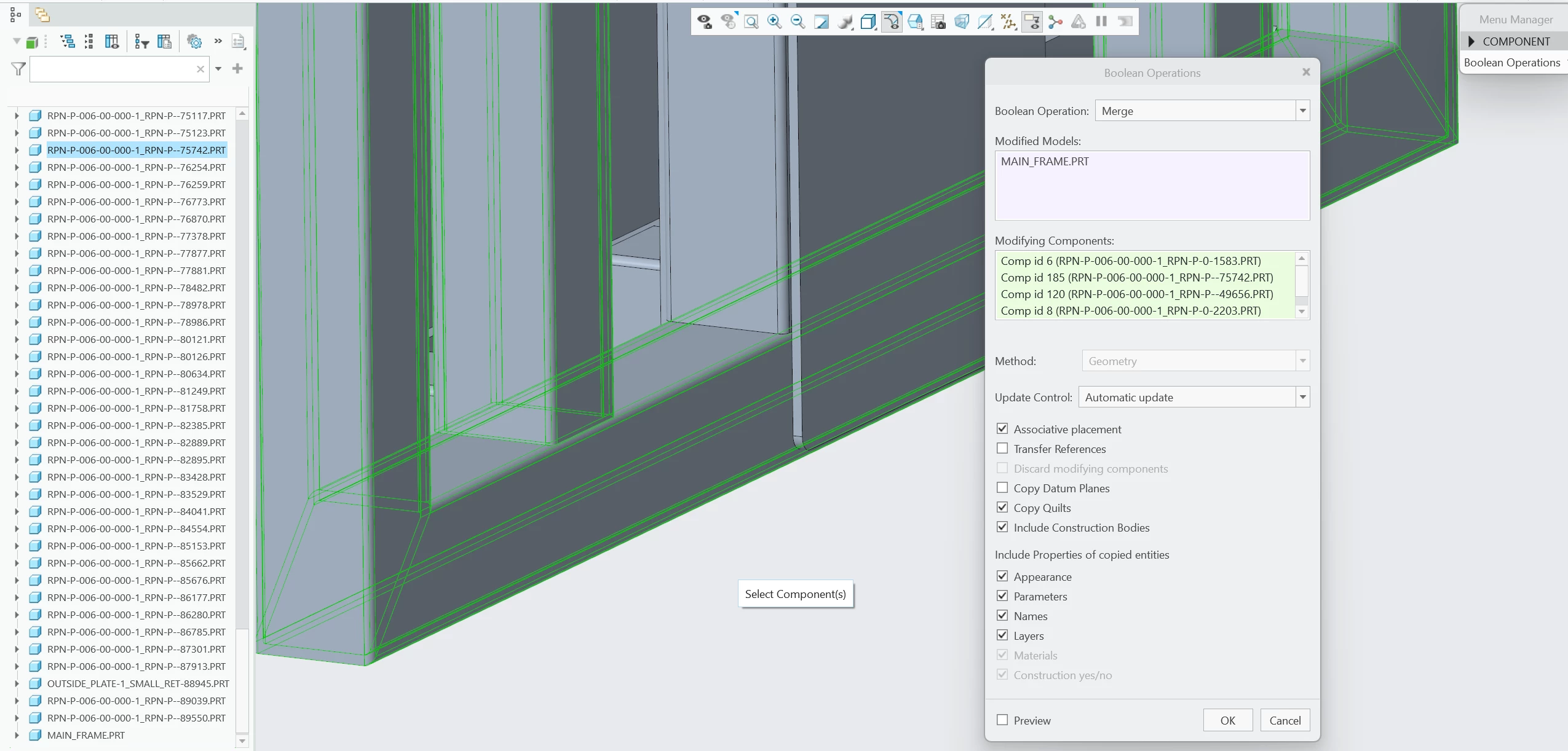
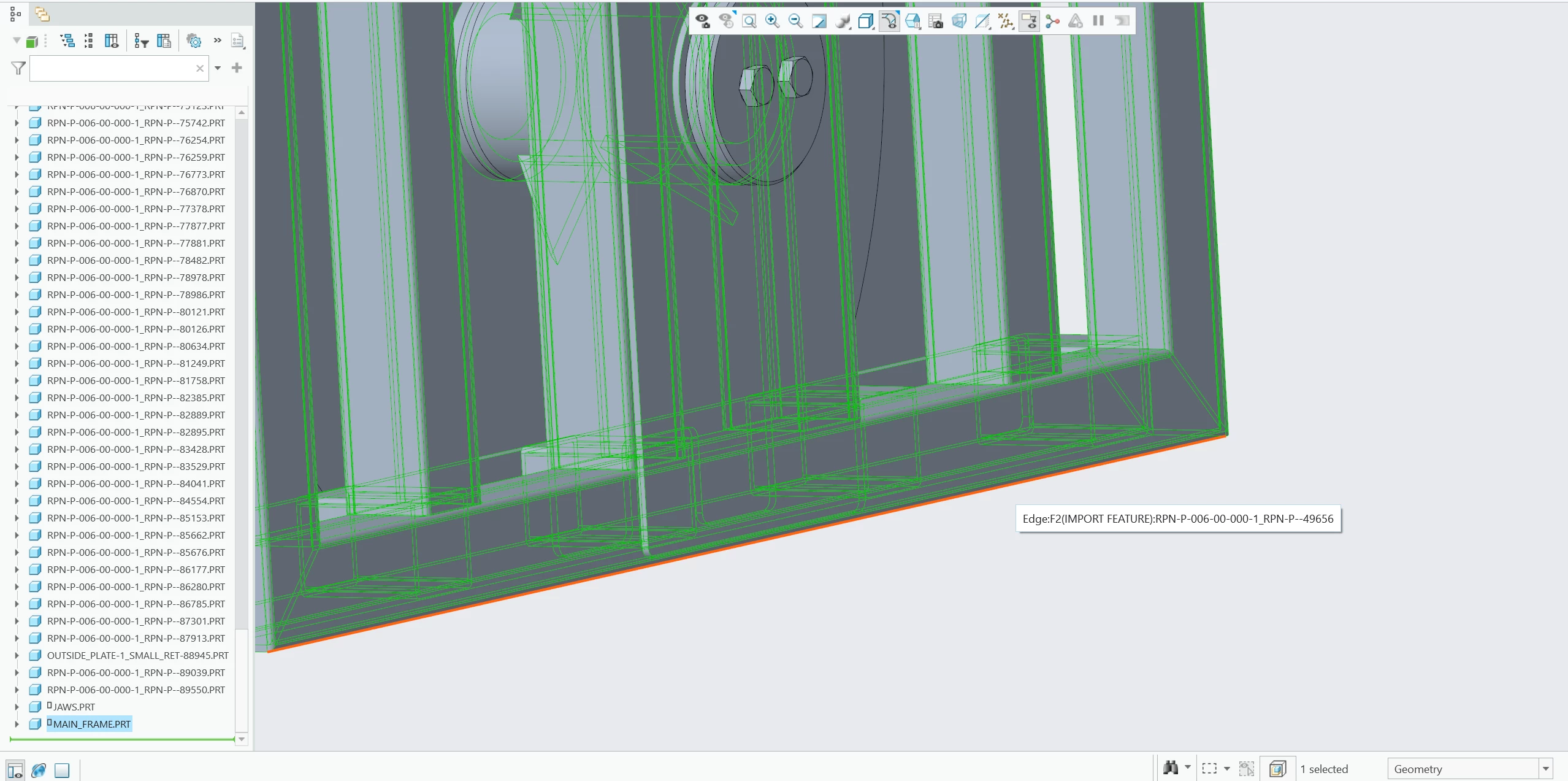
That might work, but with the number of parts in the assembly, it’s kind of hard to pick the right ones from a list. I’m mostly deciding what to include based on the overall assembly view, so doing it visually is a lot easier for me than selecting part names one by one. I found the multibody merge feature that allows me to pick what I want instead of deleting what i don’t, but I wonder if that’s the quickest way.

kdirth
21-Topaz I
June 11, 2026

You can create a simplified rep then set the representation from the screen or model tree.  I would suggest customizing the mini toolbar to include the Rep options you want.


There is always more to learn.
17-Peridot
June 11, 2026

Shrinkwrap?

Dave (not the Dave in the video)

4-Participant
June 11, 2026
 

I ended up using the multibody merge feature, which lets me select the parts I want to keep instead of having to remove all the parts I don’t. It worked out pretty well. Let me know if you guys know of other methods too.