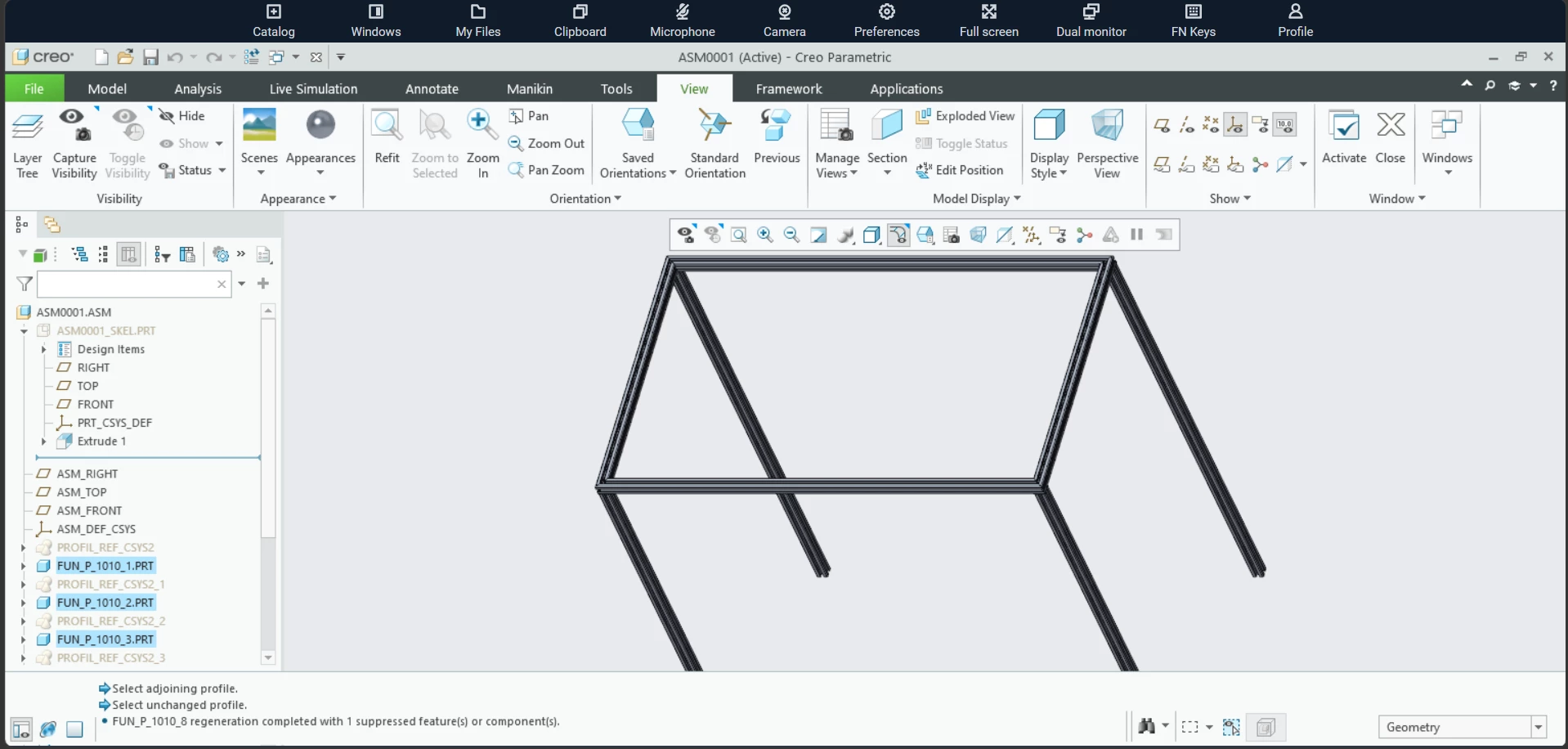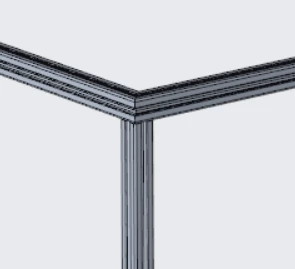

Bridge to Connect: The AFX + IFX Design Challenge
Our new Creo Community Challenge focuses on two powerful tools that are already included with your base Creo installation: the Advanced Framework Extension (AFX) and the Intelligent Fastener Extension (IFX).
What the Challenge Is About
AFX (Advanced Framework Extension) helps you quickly design structural frameworks using standard steel and aluminum profiles. It simplifies the creation of frames, supports, and welded assemblies, and makes it easy to modify your design as it develops.
IFX (Intelligent Fastener Extension) lets you insert industry-standard fasteners such as bolts, nuts, washers, and screws, with automatic hole creation and intelligent placement. It ensures that your fasteners fit correctly and that your assemblies look realistic and complete. The challenge is to combine AFX and IFX to design something practical, creative, or just plain fun. The goal is to show how these two extensions can work together to build realistic structural assemblies with automated intelligence.
Challenge Ideas
Here are a few ideas to get you started. You can use any of them or come up with your own.
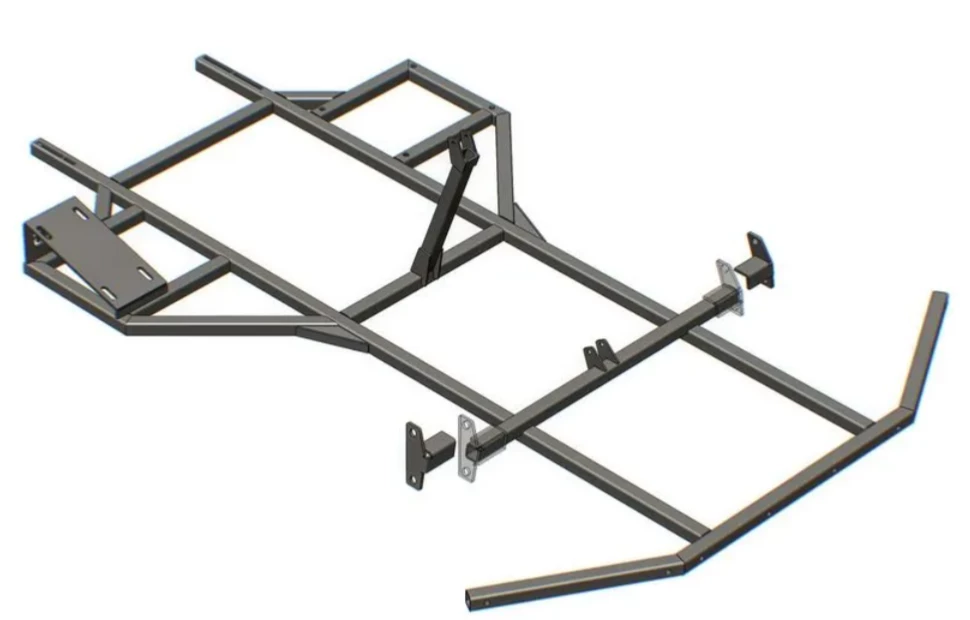
- Design a frame for a go-kart and use a mix of welded and bolted joints.
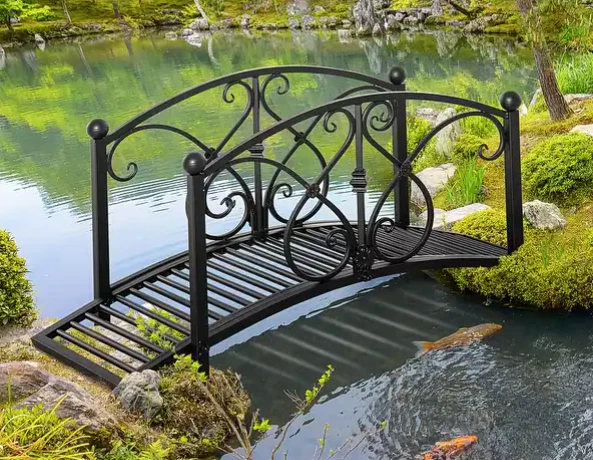
- Build a footbridge over a stream using beams, cross members, and bolted connections.
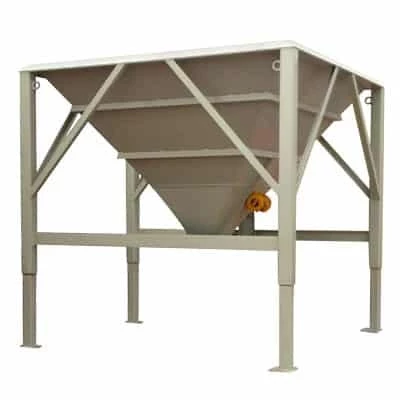
- Create a support frame around a feed hopper and add stairs for maintenance access.
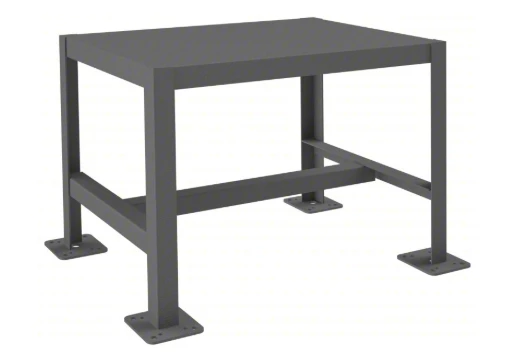
- Design a workshop table or equipment stand that can be assembled from standard tubing.
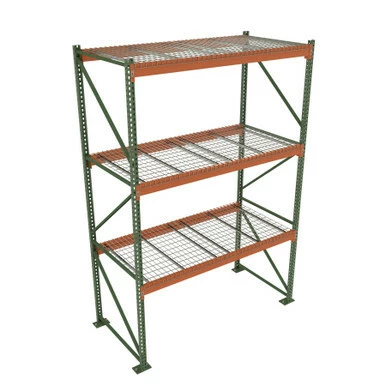
- Model a warehouse storage rack or pallet frame using bolted beam structures.
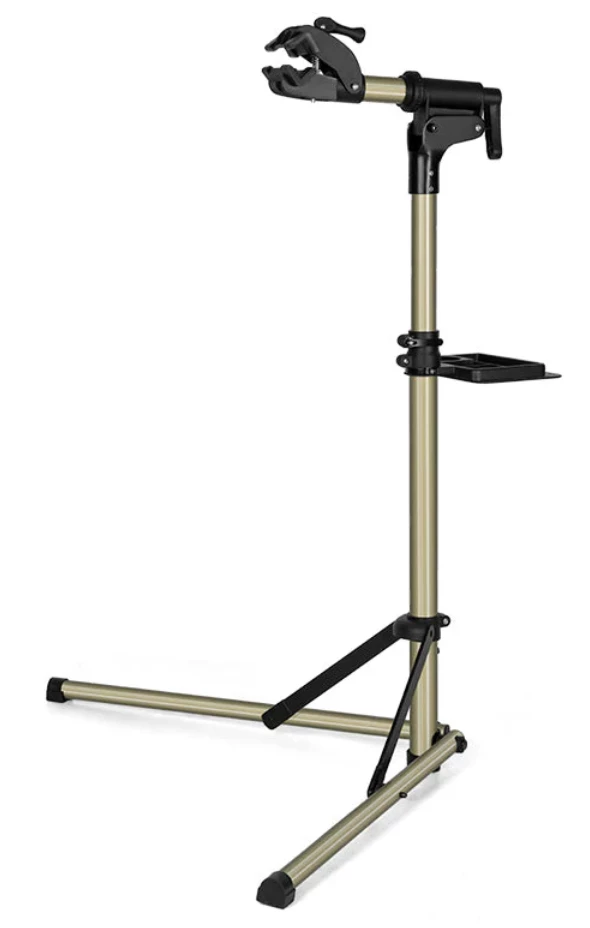
- Build a bicycle repair stand or portable equipment frame that folds or disassembles easily.
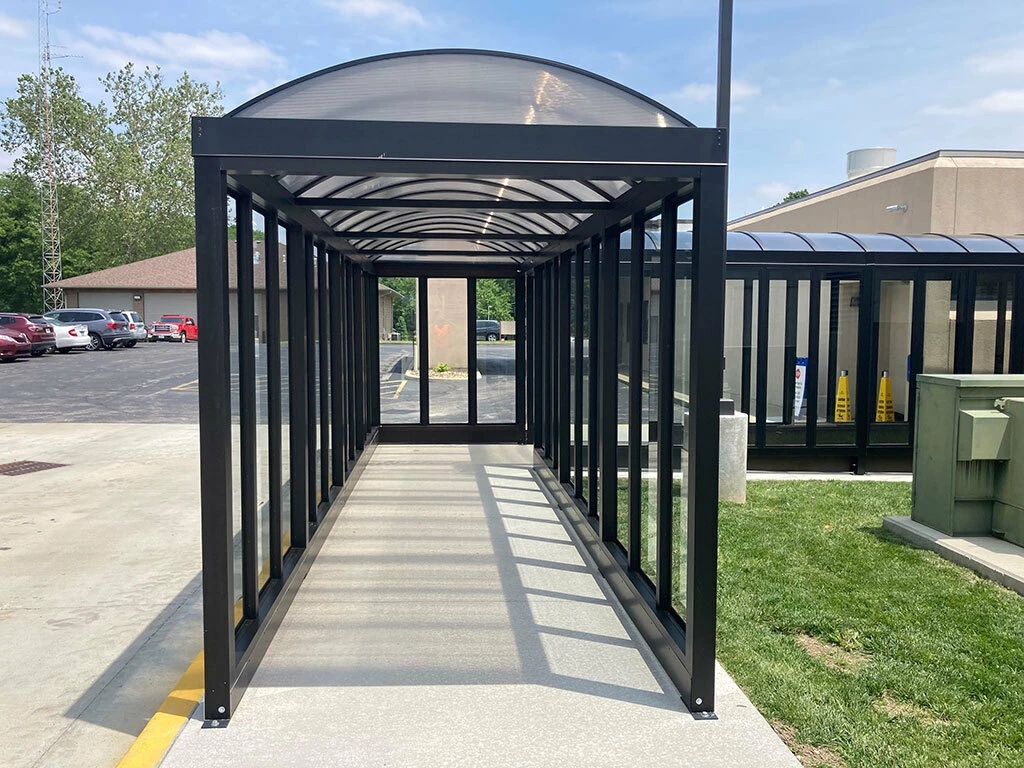
- Design a small pedestrian canopy with AFX members and IFX connectors.
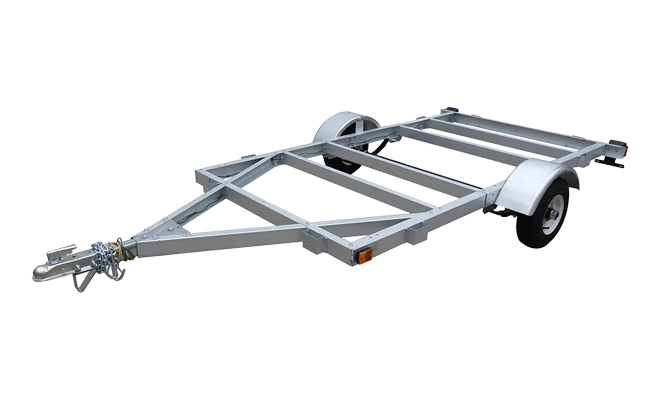
- Model a utility trailer frame with welded joints and fastened supports.
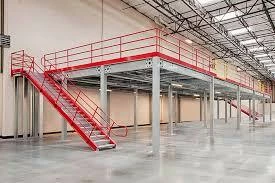
- Create a factory mezzanine platform complete with guardrails and stair access.
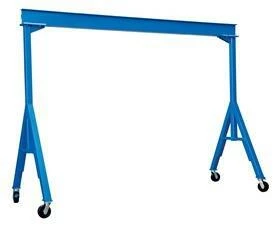
- Design a compact crane or hoist frame and experiment with bolted load-bearing joints.
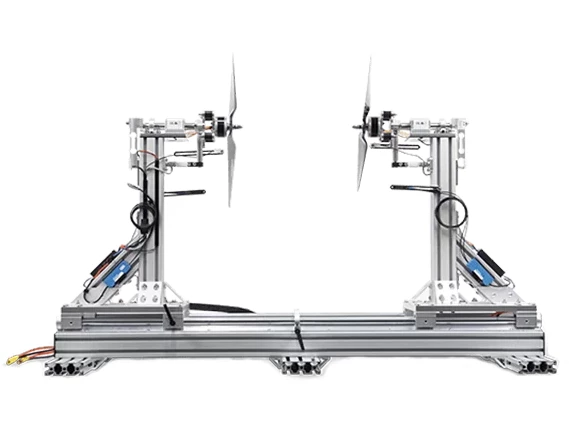
- Build a drone testing stand or camera rig frame that uses AFX profiles and fasteners.
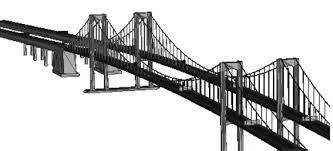
- Design a Bridge.
How to Participate
- Use these two tutorials for how to use AFX and IFX
- Open Creo Parametric and use AFX and IFX to create your model.
- Include both structural members and fasteners in your design.
- Share your completed model and a few screenshots in the PTC Community Challenge thread.
- Add a short description of what you built and what you learned.
- Check out and comment on other community submissions.
Helpful Tips
- Use AFX profiles to define your framework layout quickly.
- If you have AAX, create a skeleton model to control references.
- Try different section types and materials to explore strength and weight tradeoffs using Creo Simulate.
- Use IFX to automatically insert bolts and nuts, and adjust clearances and hole sizes as needed.
- Add parametric relationships so your design can adapt to new dimensions or configurations.
- Combine welds and fasteners to demonstrate hybrid connection strategies.
- Use combination states with simplified representations to show both detailed and lightweight assembly views.
Why Join the Challenge
This challenge is a great way to:
- Learn two powerful tools already included in Creo.
- Improve your understanding of assembly automation and parametric frameworks.
- Connect with other designers and engineers in the Creo Community.
- Build and share something creative, useful, and fun.