

Solved
Burr & Break Edge Tolerance annotation in drawing
(Using Creo 7.0.5)
What would be the easiest and most clever way to annotate Burr & Break Edge Tolerance in a drawing?
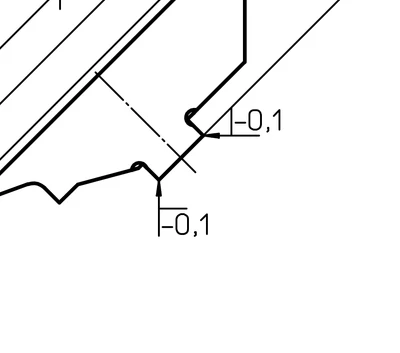
I have these 20+ year old drawings that currently is being re-drawn from newly made 3D-models. In the old ones it's been annotated like this:
A more common (modern?) way seems to be using a "corner" symbol followed by the tolerance. The symbol is quite similar to the straight angle symbol found in Unicode:
∟
The technical fonts in Creo (font, isofont, iso30985font etc) doesn't include this symbol, so it can't be included in the annotation. My current solution is adding a separate textframe containing only this symbol, putting it in front of the tolerance:
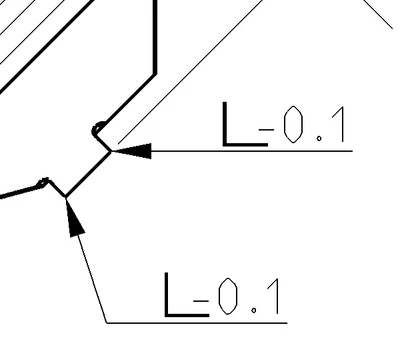
It "works", but I hope there is a better way?
