Question
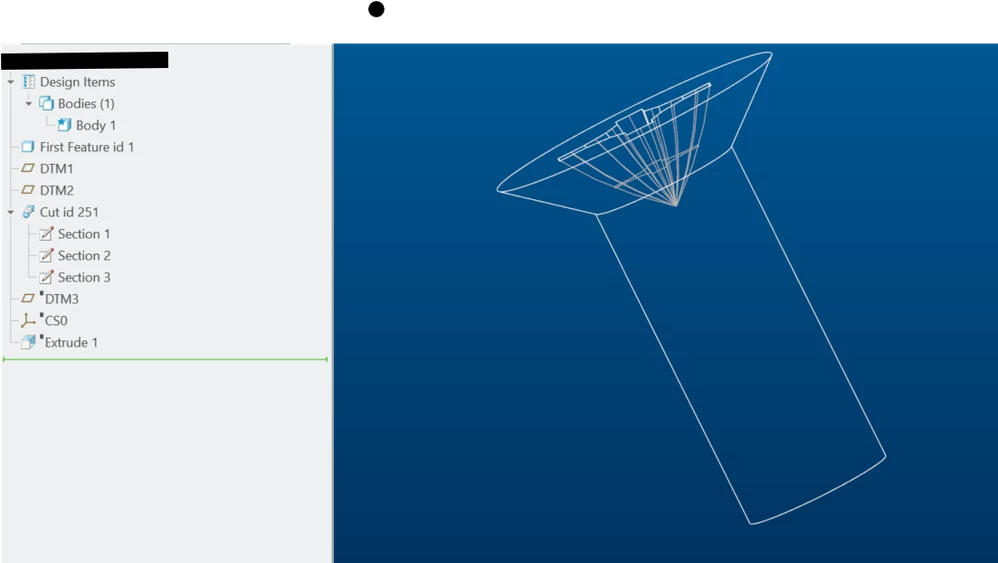
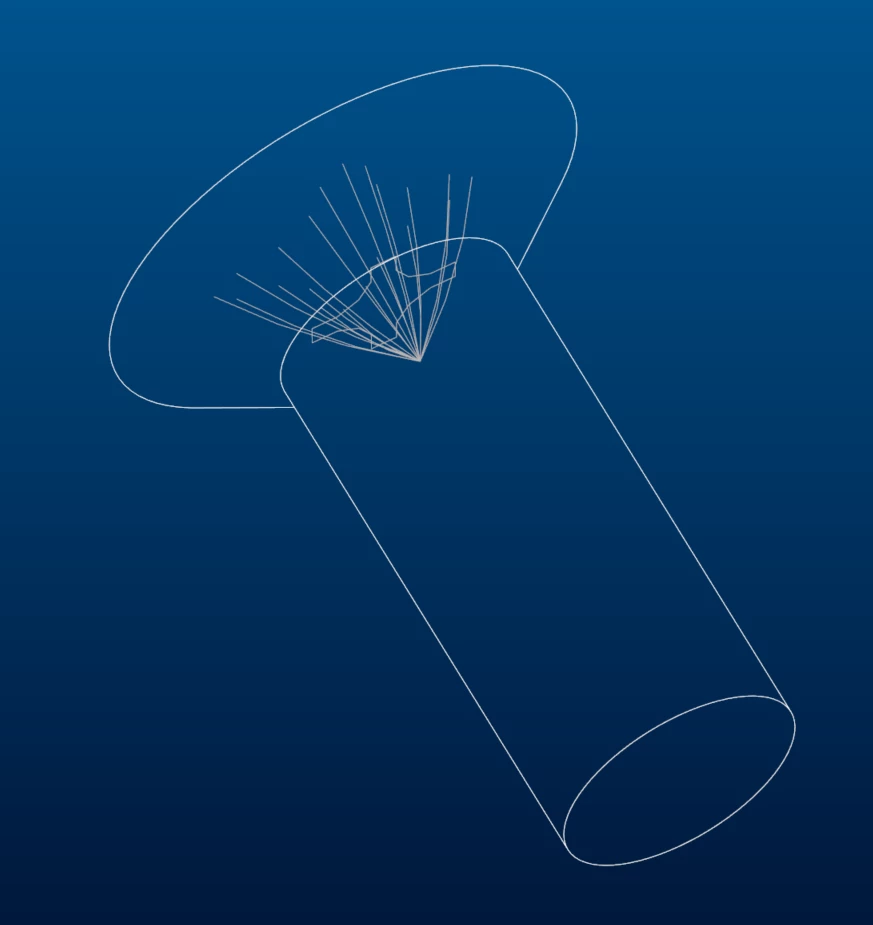
Can't hide these phantom lines in a part file?
I have a simple part (modeled by somebody else or imported).
It has some phantom lines that I can't hide.
In 3D model space, If I set to "wireframe, no hidden" there are still hidden lines that shine through.
Same thing happens if I make a drawing from this part.
It may be a configuration setting rather than part issue, since the lines do not show up on other people's machines. Creo 11.
Any help will be appreciated.