

Can't see quilts for hole threads
In short - I can't not see quilts that present threads within Hole feature, until I select them.
Full explanation:
Say I start a new empty part, model tree is completely empty aside from a few datum features:
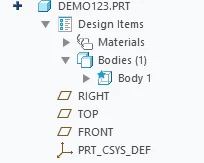
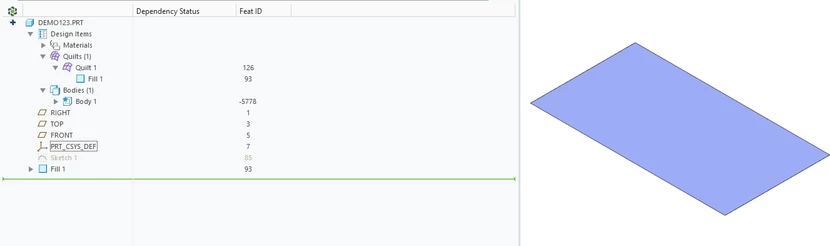
Now I create a demo quilt just to demonstrate that Creo settings are presumably correct and quilts are actually displayed. So far so good:
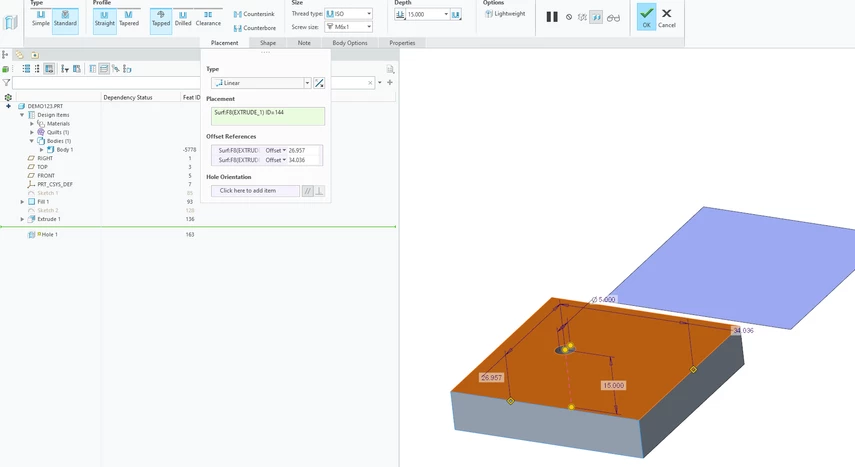
Now I create a solid block with an M6 threaded hole (ignore the random dimmension sizes for the purpose of this example):
A hole feature with thread quilt is created, as can be seen by selection highlight of the hole. However note that there is still only one quilt in the Quilts menu at the top of the tree created by the Fill feature, so it means that Hole didn't create its own new Quilt body@
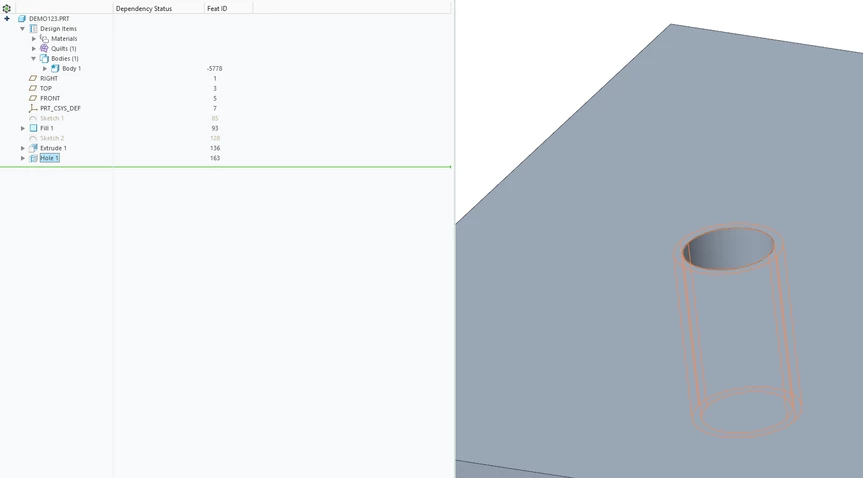
Now I hide the solid block, and the quilt of the thread is also invisible. However, I can still hover the mouse over it, and it gets pre-select highlighted:
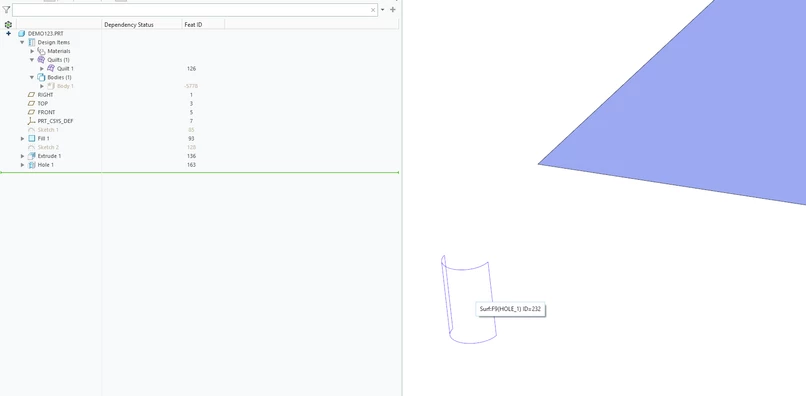
I can select both sides of the thread as surface, and use Quilt commands like "Remove" to delete them:
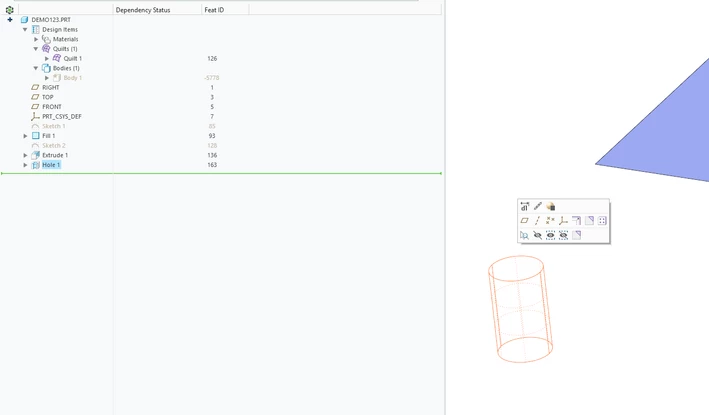
Having said the above, I assume this thread is actually a quilt on a system level of Creo. I have everything enabled in Model Tree Filters, but these thread quilts are still invisible:
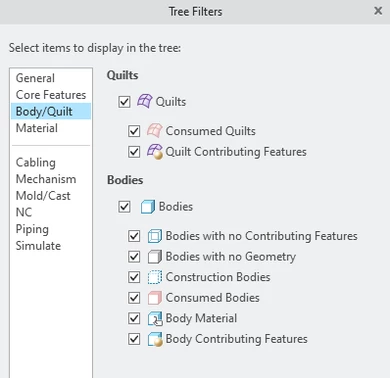
I can't find any information in Creo Help on this thread body, so I am asking here:
Is this thread quilt actually a quilt?
If it is, why is it not visible? Maybe I need to enable some setting for it?
If it is not a quilt, what is it? Why do surface features work on it? Still though, how to make it visible?
Many thanks!
