12-Amethyst
December 10, 2020
Question

converted assembly has invisible holes

  • December 10, 2020
  • 1 reply
  • 2234 views

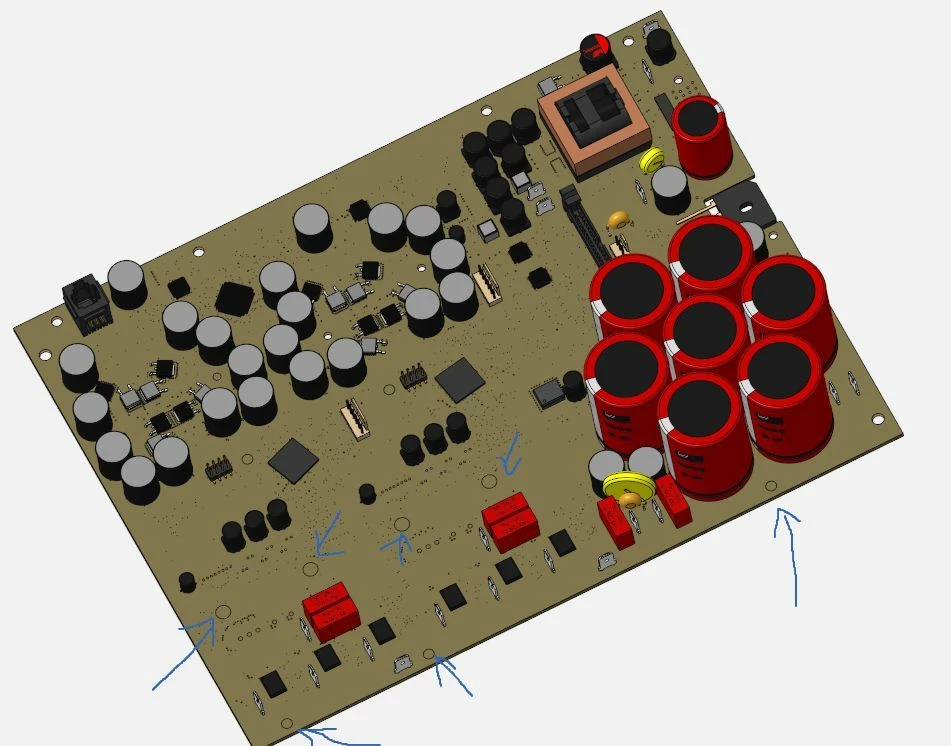
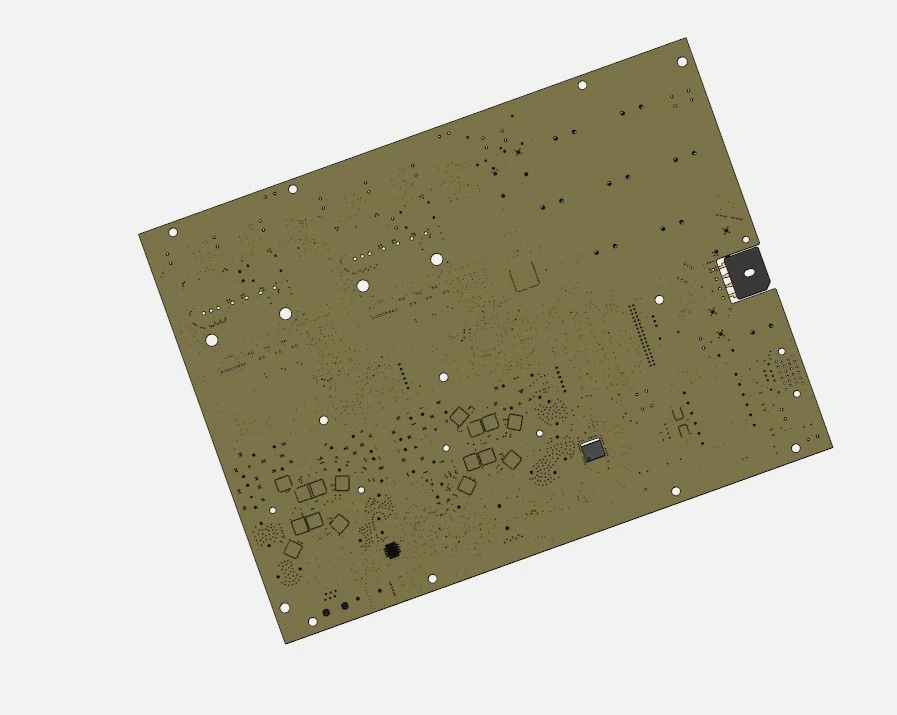
I converted an " electronics print"  assembly into a single part by exporting as IGS and importing again. For some reason random holes are now filled when viewed from the top side of the print, while they are hollow when looking at the bottom surface of the print. I cant select the filled surface on the holes and I cant remove them by cutting the holes in solid as well as trying a surface cut. Exporting to STP and importing does not make a difference.

Any ideas how to fix this?print-bottom.jpgprint-top.jpg
 

1 reply

tbraxton
22-Sapphire II
22-Sapphire II
December 10, 2020

Assuming that you have chosen not to use the ECAD/MCAD data exchange tools (IDF 3.0) files for some reason. If you do not know what this is I would encourage you to review that functionality in the Creo docs. If your ECAD tool supports IDF 3.0 that may be the preferred method to exchange data.


What you are seeing could be a graphics display issue and not a geometry issue. The steps below will enable troubleshooting of the problem areas.


Using STEP/IGES I would suggest the following.


1) Export the PCB only without the parts as a STEP/IGES

2) Open this file and check if the hole issue still exists visually

3) If the issue is visible use the import data doctor to investigate the geometry within the import feature in this model

4) The holes if they are in the import will be visible and selectable in the IDD mode and you can investigate and/or modify the holes in IDD mode

BJP12-AmethystAuthor
12-Amethyst
December 11, 2020

Thank you for your input.


-if I go to datadoctor in the imported PCB; the problem dissapears, but if I go back to the actual imported PCB the "hole covers" are back.


-If I only import the board, the problem does not appear.


-So I removed the board from the PCB assembly, saved it as a stp/igs and imported this in a new assembly with the imported board with the visible holes, then again I saved this new assembly as STP/IGS and imported this as a new part.. again the holes are closed when looking at the top side. 


tbraxton
22-Sapphire II
22-Sapphire II
December 11, 2020

Without access to the models it is difficult to say what the problem is. If you post the models you may get a better response. I still think it may be a graphics display issue based on the fact that board alone when imported does not have the issue.