Solved
Converting metric part/drawing to inch
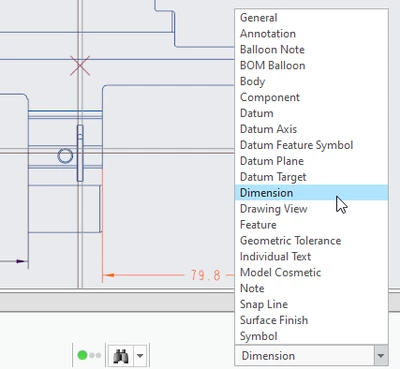
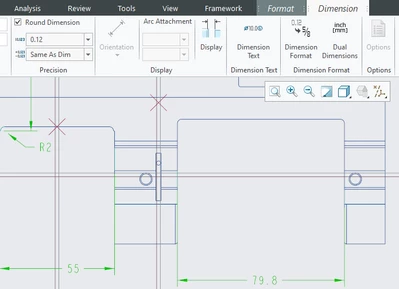
When I convert a metric part to inch I get 12 decimal places on the drawing. how to I limit the decimal places to 4?
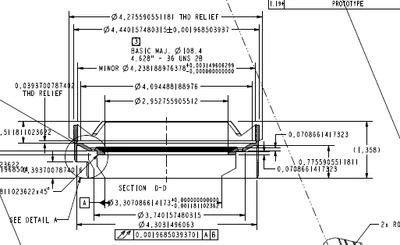

When I convert a metric part to inch I get 12 decimal places on the drawing. how to I limit the decimal places to 4?
Enter your E-mail address. We'll send you an e-mail with instructions to reset your password.