

1-Visitor
November 18, 2015
Question

Creo 3.0 3D Annotation

  • November 18, 2015
  • 1 reply
  • 2542 views

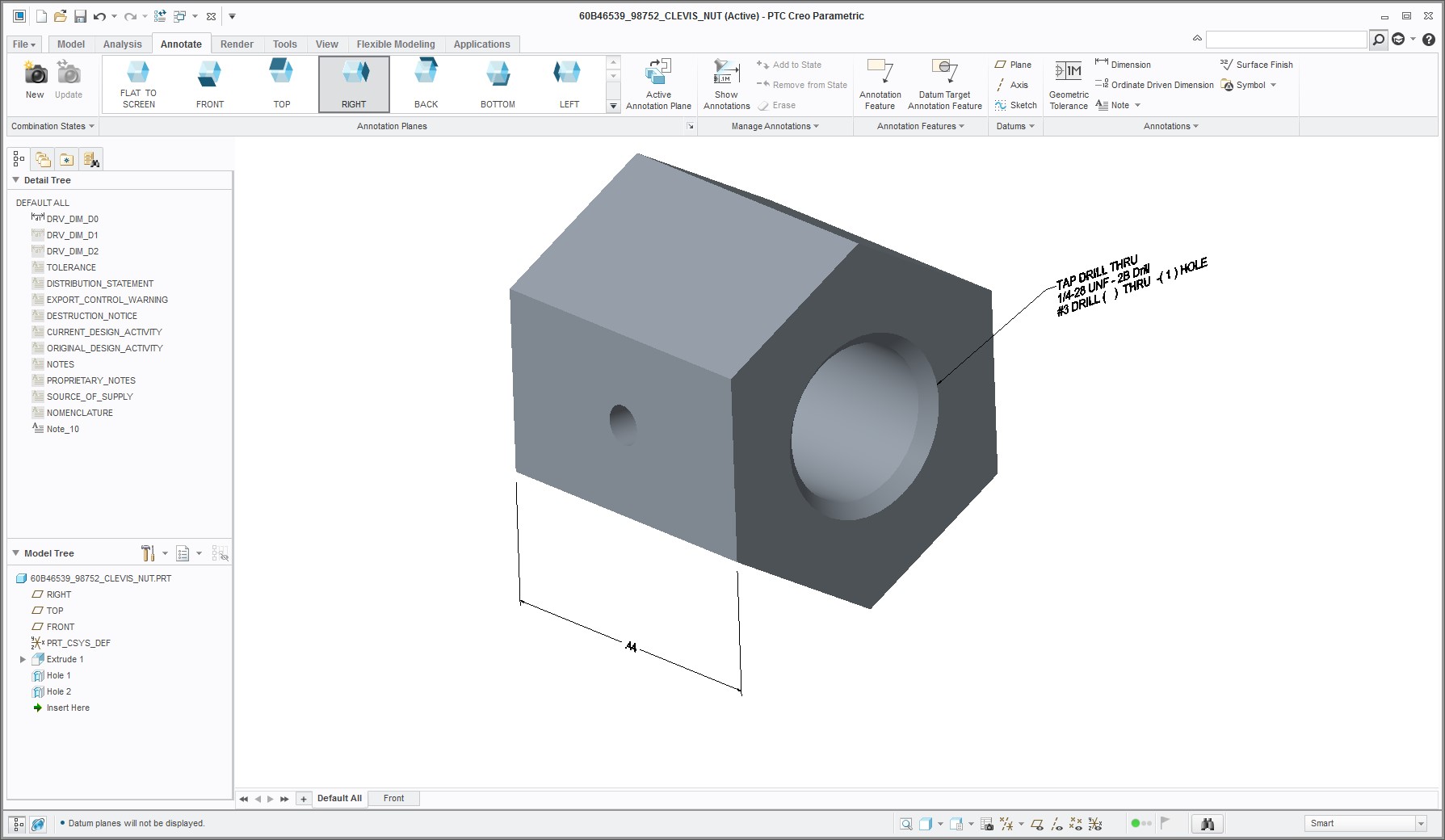
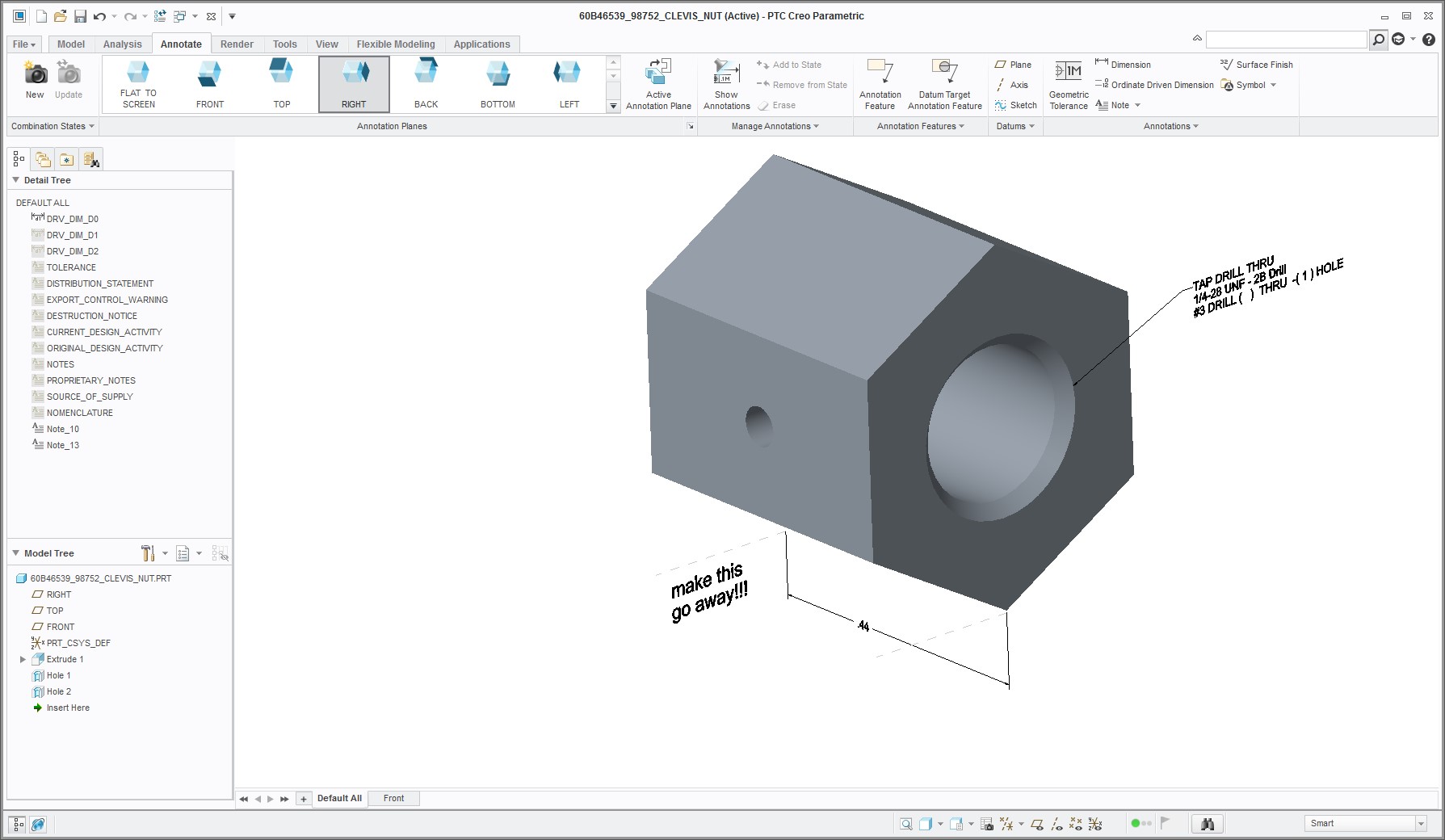
When I move a shown dimension to a new plane in a 3D model (not a drawing) it creates little dashed offset lines. I have tried picking the lines, moving the lines to a new layer then turning off that layer. So far, I can't do anything to make these lines go away! Please HELP!!
dwg_1.jpg

dwg_2.jpg

1 reply

Mahesh_Sharma
22-Sapphire I
January 15, 2016

Scott,

Set config option display_z_extension_lines as no to control the display.

13-Aquamarine
October 2, 2019

Those extension lines have been such a blight on my model views, and this config setting is the perfect remediation!  Thank you so much!

17-Peridot
October 3, 2019

MaheshSh,


What else does that setting affect if I turn it to no ?