7-Bedrock
November 2, 2023
Solved

Creo 9 not exporting PDF drawings containing certain symbols

  • November 2, 2023
  • 3 replies
  • 2889 views

Hi everyone,


I'm experiencing an issue with Creo 9.0.1.0 Parametric Educational Edition, as the program does not let me export drawings in PDF format if they contain certain symbols.

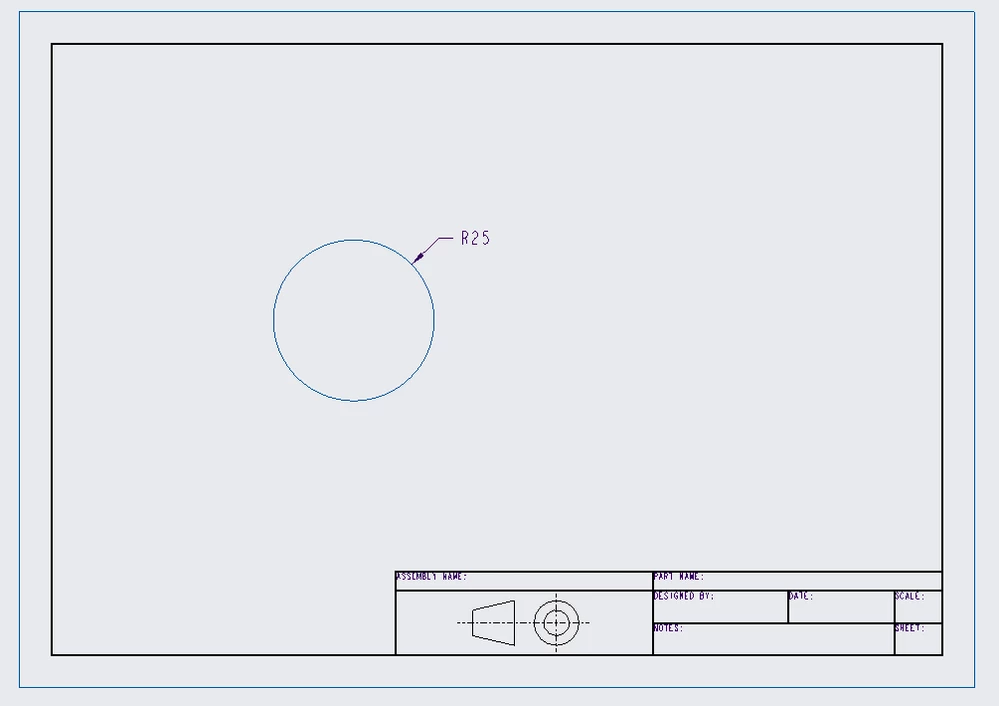
For example, the following drawing is exported correctly:
1.PNG

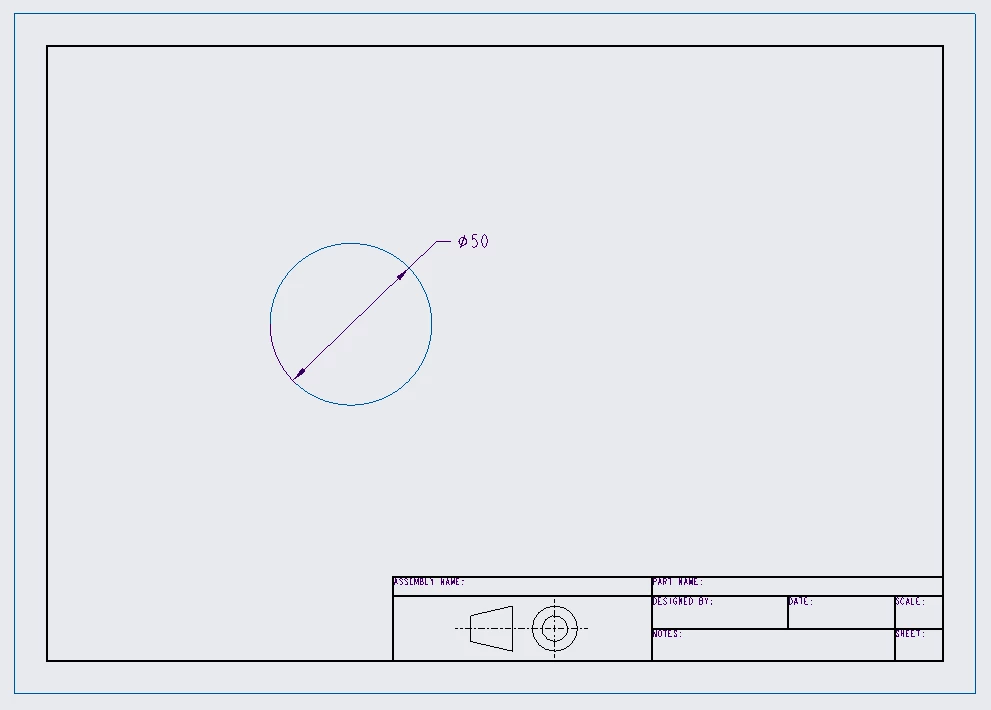
While if I change the radius dimension to a diameter one, containing the symbol  Φ instead of the letter R, as in the following:
2.PNG

I get this error:

3.PNG

And the export is not carried out.

Has anyone experienced the same issue and know how to solve it?

Thank you very much,

Andrea.


Best answer by Andrea_A

Hi,

thanks for your answer.

I noticed that the error occurred when I loaded an old configuration file I prepared a couple of years ago into File > Prepare > Drawing properties.

If I will experience that error again I will be happy to try with your solution.

Thanks

Regards

Andrea

3 replies

4-Participant
November 2, 2023

This issue also happened to me, and I could not solve it. The only way to export it as a PDF file was by sending it to print and save it in that environment. I hope it can help you with this issue

24-Ruby III
November 3, 2023

Hi,

use Save As > Save a Copy command, select *.pdf extension and in PDF Export Settings dialog box activate Content tab and select Stroke All Fonts option.

Andrea_A7-BedrockAuthorAnswer
7-Bedrock
November 3, 2023

Hi,

thanks for your answer.

I noticed that the error occurred when I loaded an old configuration file I prepared a couple of years ago into File > Prepare > Drawing properties.

If I will experience that error again I will be happy to try with your solution.

Thanks

Regards

Andrea

10-Marble
February 22, 2024

Hello,


If you already made PDF file and you want to save it with same name as before, make sure that the old file isn't open or used by any other program.

Hope that helps.


Nejc