Solved
Creo 9 Surface Finish in Drawings - Where are the placement options?
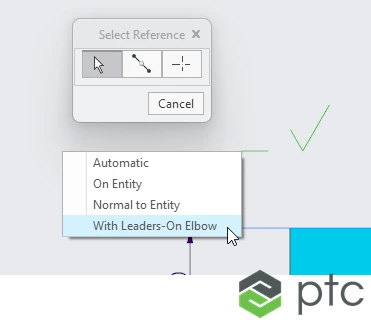
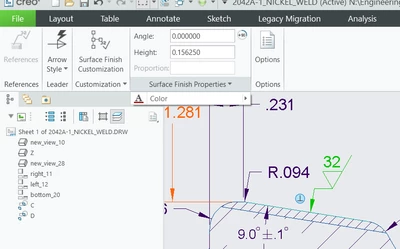
I recently upgraded to Creo 9.0.1.0, and was working on a drawing when I started using the new Surface Finish workflow. I've asked a few other users around the office and no one can seem to figure out where the "placement" options went that allows you to to decide whether you want a leader, normal to entity, on entity, or free placement of surface finish. Does anyone know the answer to this? Screenshots below of what I'm talking about.
Creo 8 and before Surface finish
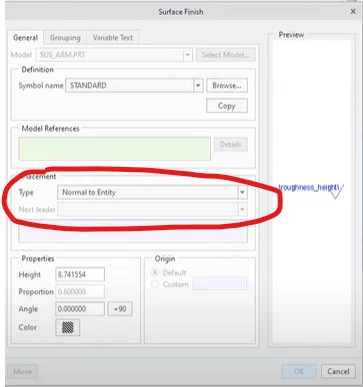
Creo 9 surface finish options. Can't find the placement options anywhere. My company doesn't normally use leaders for surface finish. We put them on the dimension lines or on the edges themselves.
Thanks,
Doug