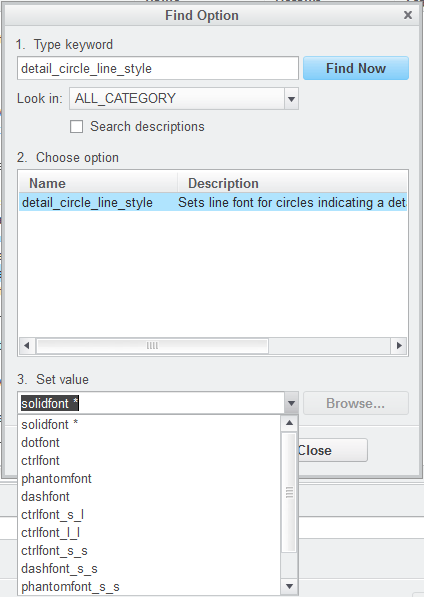
Solved
Detail View in Drawing
Our drawings have as a standard drawing view boundary type set to "circle". See below.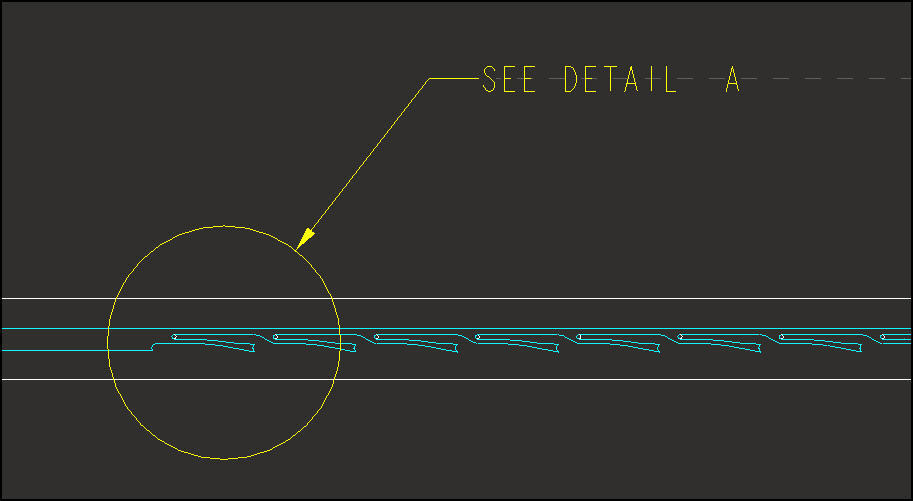
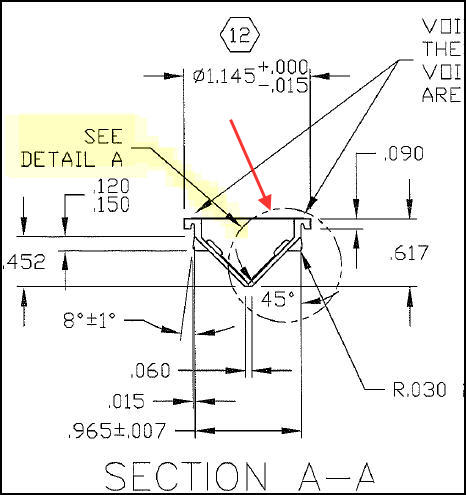
Our old drawings are like below. Does anyone know how we can make the circle display like this in phantom line style?
This thread is inactive and closed by the PTC Community Management Team. If you would like to provide a reply and re-open this thread, please notify the moderator and reference the thread. You may also use "Start a topic" button to ask a new question. Please be sure to include what version of the PTC product you are using so another community member knowledgeable about your version may be able to assist.