

7-Bedrock
August 20, 2026
Question

Dimensions not showing in section view in drawing

  • August 20, 2026
  • 5 replies
  • 69 views

Hi,


In my section view I have created driven dimesnions.
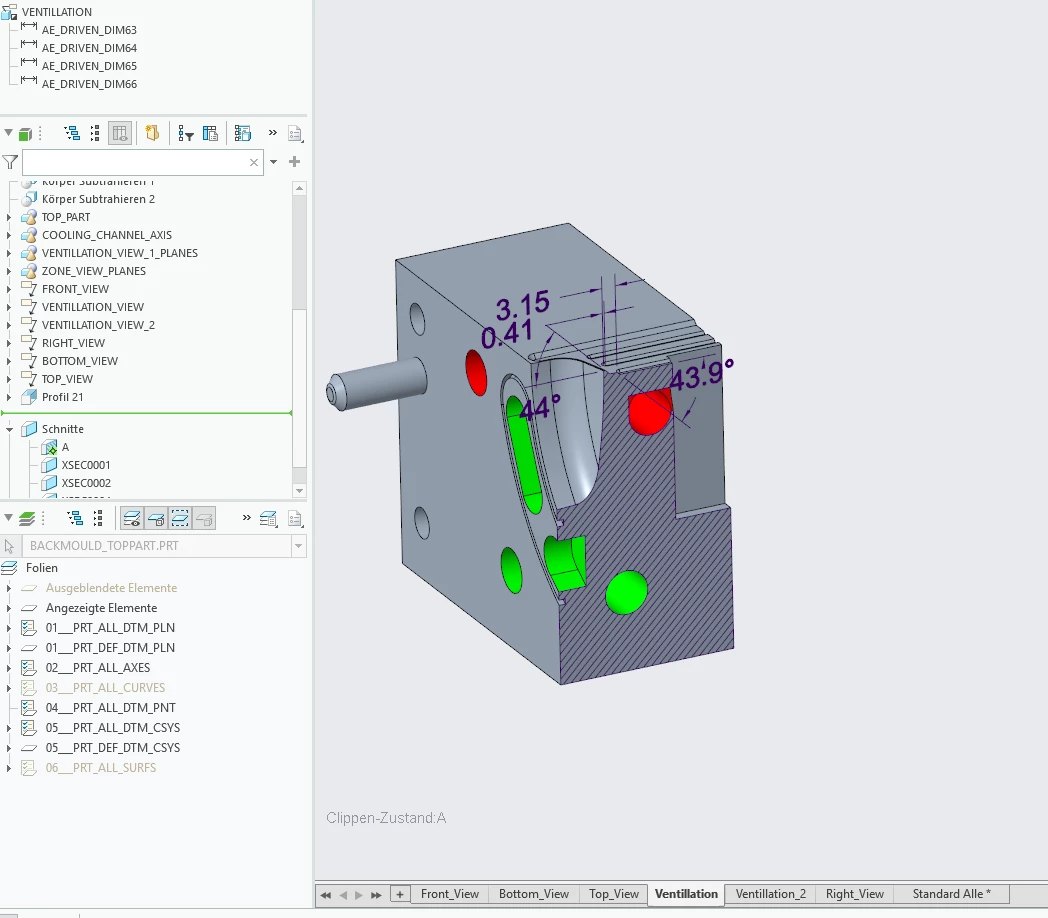
 

But When I switch the annotation tab at the bottom to standard view (Standard Alle) then in the drawing the dimensions dissapear.
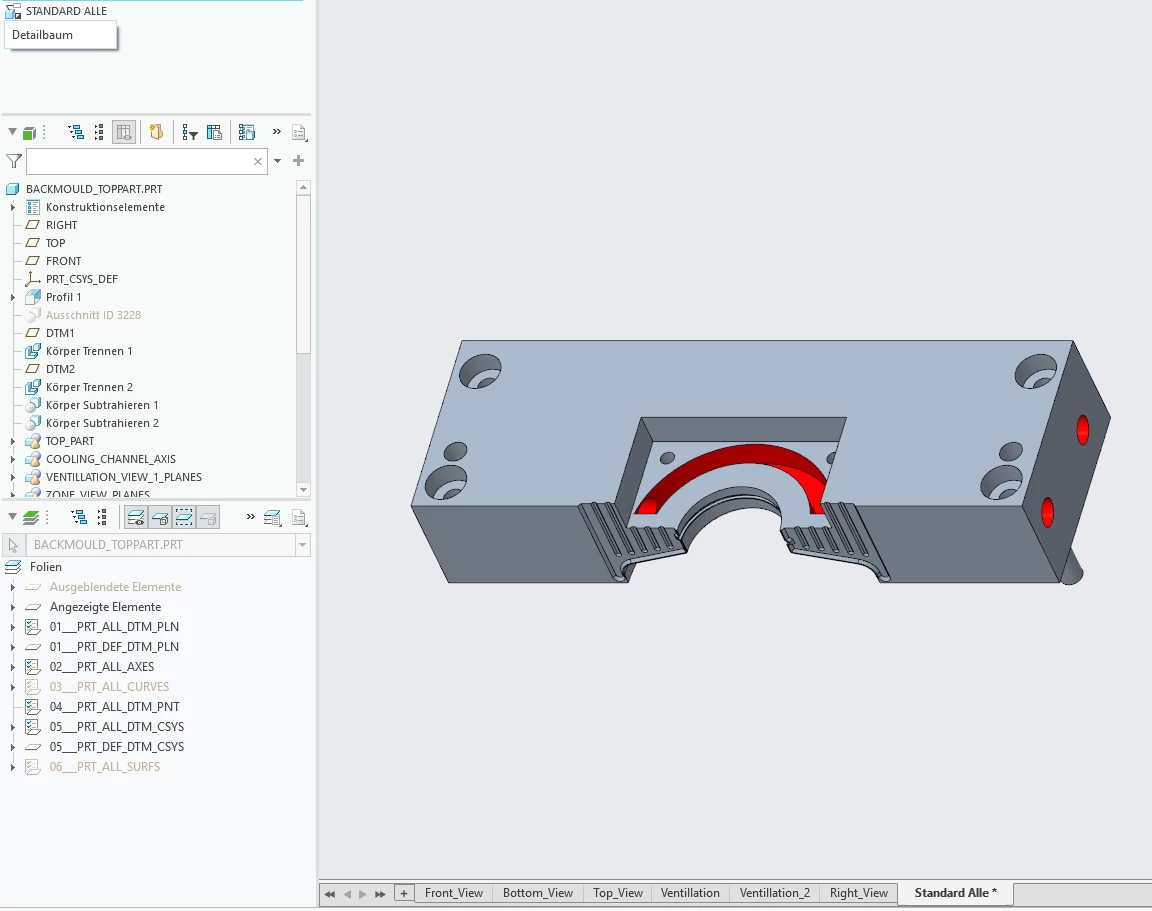


In my drawing I have applied the section and I have also applied partly visible area
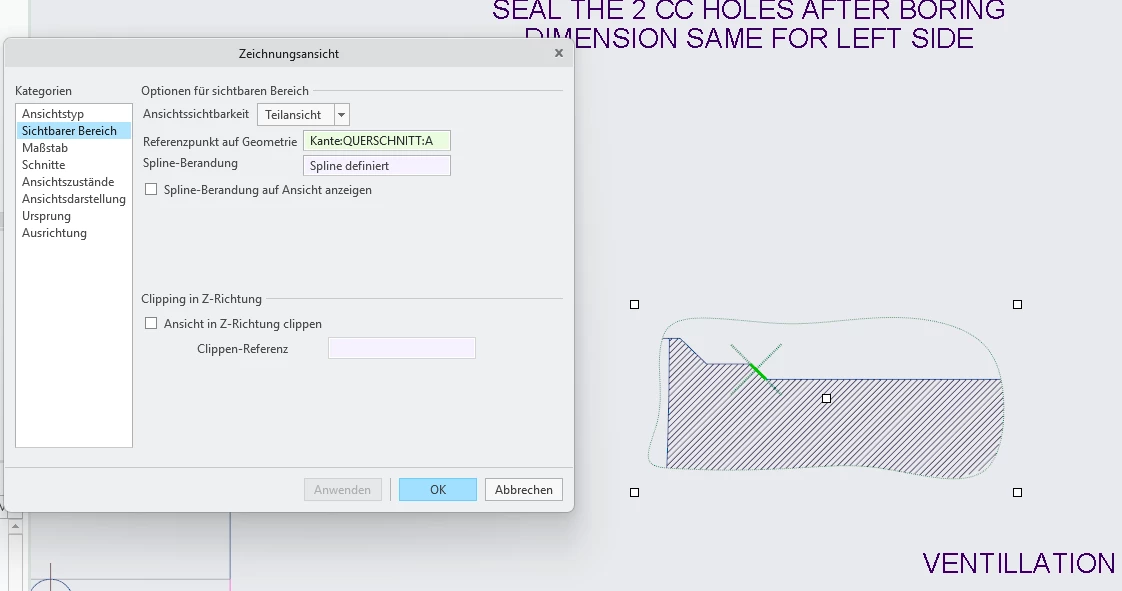


How can I dsiplay the dimensions ifor a section view in my drawing?

I’m using Creo 11.0.1 

5 replies

StephenW
23-Emerald III
August 20, 2026

To show the dimensions in the drawing, use show model annotations.  If they don’t show, change your view from a partial view to a full view and see if they show. On occassion, partial views cause issues with displaying annotations.

7-Bedrock
August 20, 2026

I tried out your suggestion.
it doesn’t show even in full view

kdirth
21-Topaz I
August 20, 2026

Can you share the files?

Are the dimensions erased in the drawing?


Are they on a layer that is hidden?

There is always more to learn.