Dale_Rosema
23-Emerald III
October 10, 2023
Question

Drawing Models Menu Manager

  • October 10, 2023
  • 1 reply
  • 3349 views

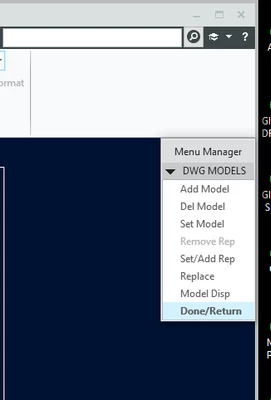
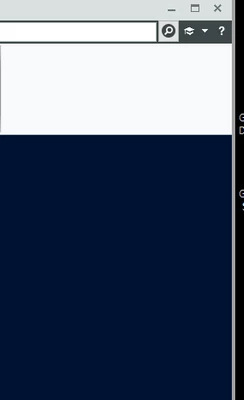
I am using Creo 9.0.5.0. When I replace models in a drawing, the drawing models menu manager is "hiding" behind the drawing instead of remaining on top of the drawing so I have to tab to it in order to be able to click on "Done/Return". Anyone else experiencing this? I moved it to the right, but after closing and reopening, it back to the same spot.
 

Dale_Rosema_0-1696946329501.png

  vs

Dale_Rosema_1-1696946354484.png


Thanks,

Dale


1 reply

14-Alexandrite
October 12, 2023

Hello Dale, 


Can you please try this, Article - CS218107.

Dale_Rosema
23-Emerald III
October 12, 2023

Not sure what I need to try. The window is found, it is just hiding behind the drawing window and won't let me execute a command until I find it and "Done/Return" it.


Dale_Rosema_0-1697118836218.png


14-Alexandrite
October 12, 2023
  • Rename .wf folder located at C:\Users\<username>\AppData\Roaming\PTC\ProENGINEER\Wildfire
  • Select File > Options Window Settings Reset Panels' Position