
Solved
Drawing Option to stop Creo from selecting non-visible lines when creating a dimension
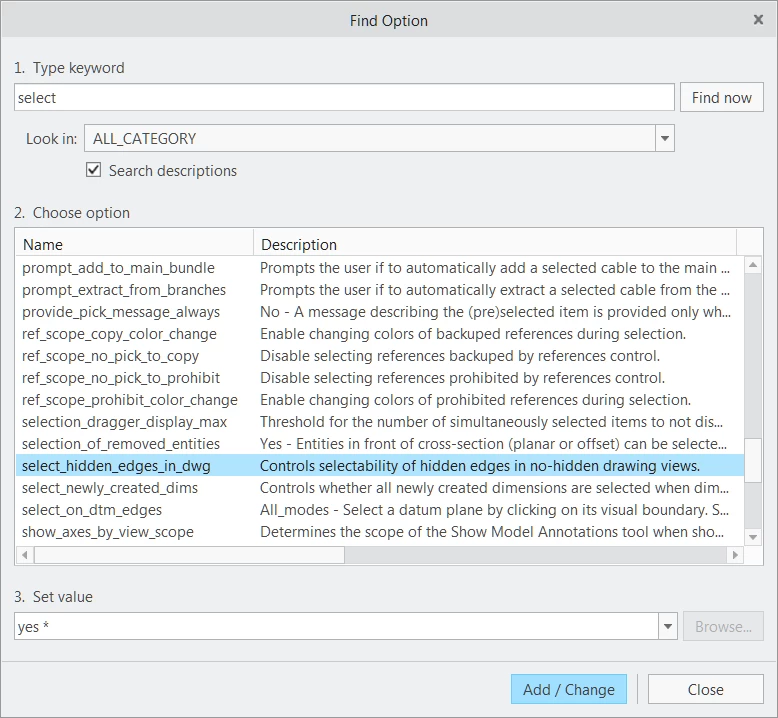
When placing dimensions on our drawings, Creo 4.0 wants to create dimensions to lines which are not visible (because they are at the back side of a part).
It's highly irritating...is there a Drawing Option or Configuration Option that will tell Creo that it may only create dimensions to lines which are visible in a view?