

Solved
Drawings: Quantity Balloon Changes - Info Window.
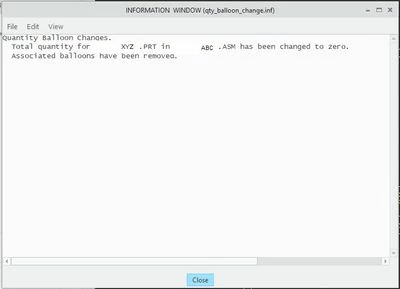
Creo 7. I had to switch out a part in an assembly and I updated the drawing that has repeat regions with find number balloons. My drawing shows all the correct balloons and quantities but every time I open it up I get an info window that says:
Quantity Balloon Changes
Total quantity for XYZ.PRT in ABC.ASM has been changed to Zero. Associated balloons have been removed.
See the attached file.
I get the context of what this is saying but I don't know why I get it every time I open the drawing. I've looked through all the drawing views to make sure I don't have a hidden balloon annotations. Does anybody know what I need to do to prevent this info window showing up every time?
Airfix
Draw