Solved
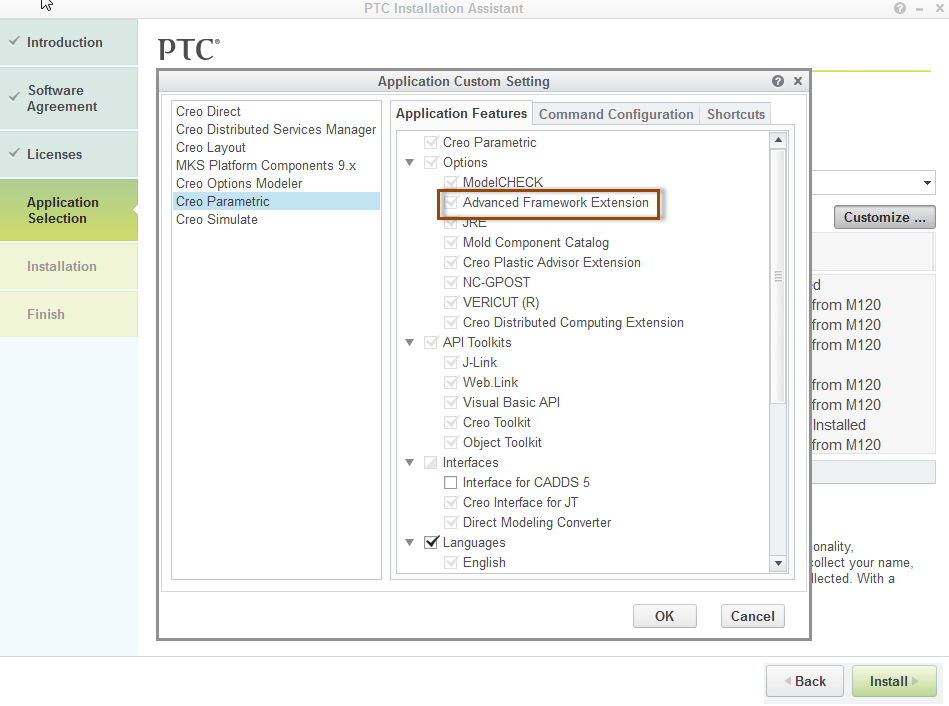
Failing to enable AFX feature
Framework doesnt work, afx shows its enabled but when i start the application again it shows "EFX failed to load" framework option doesnt turn up anywhere .please help me sort out this problem and suggest me so that i can work with framework 
 il be thankfull if this problem gets solved by anyone
This thread is inactive and closed by the PTC Community Management Team. If you would like to provide a reply and re-open this thread, please notify the moderator and reference the thread. You may also use "Start a topic" button to ask a new question. Please be sure to include what version of the PTC product you are using so another community member knowledgeable about your version may be able to assist.