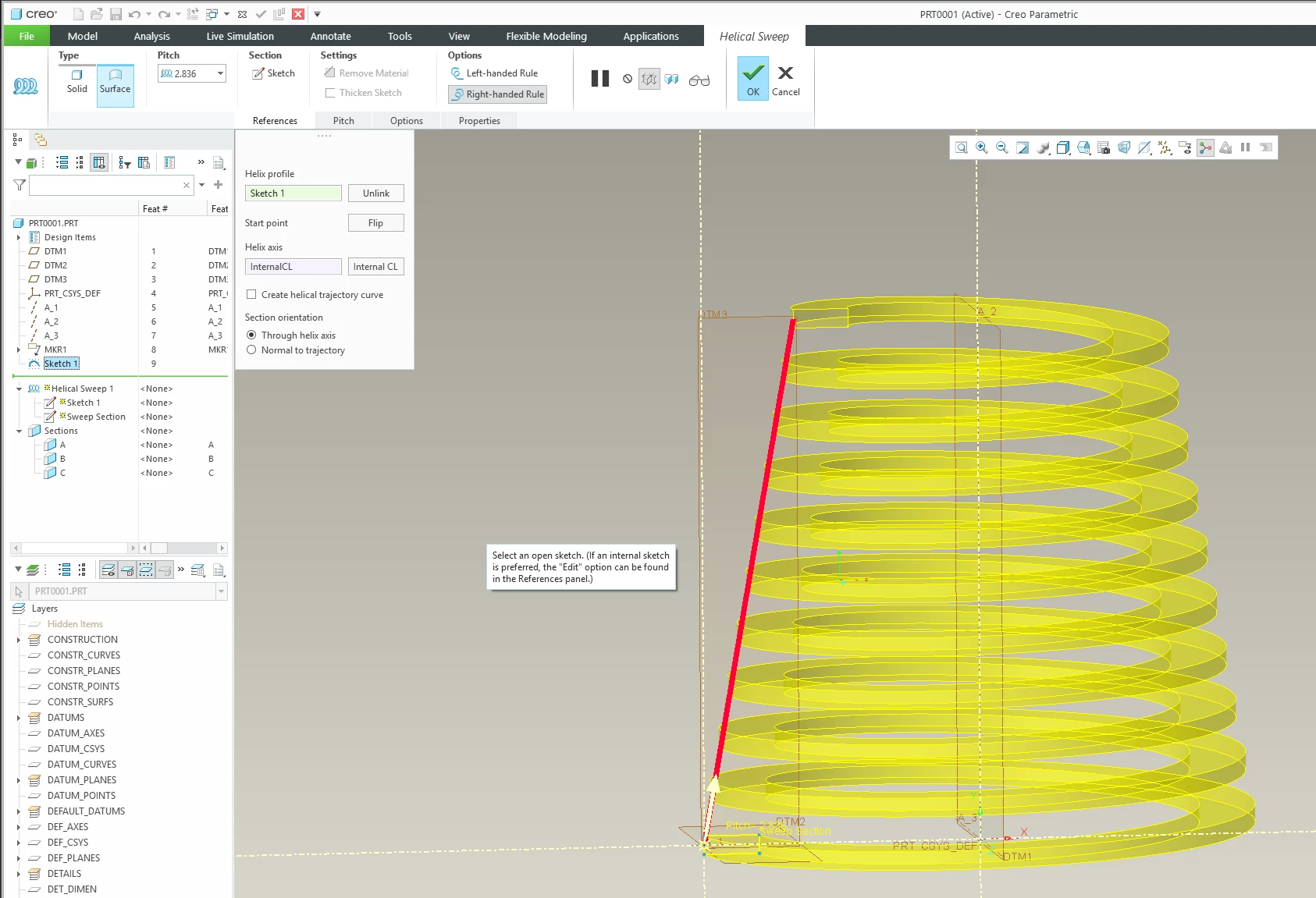
3-Newcomer
October 16, 2026
Question

Helical sweep along variable trajectory

Hello Everyone,

I’m still a beginner in Creo and really need your help,

Can someone please guide me on how to get an helical sweep to follow the surface in the pictures below?
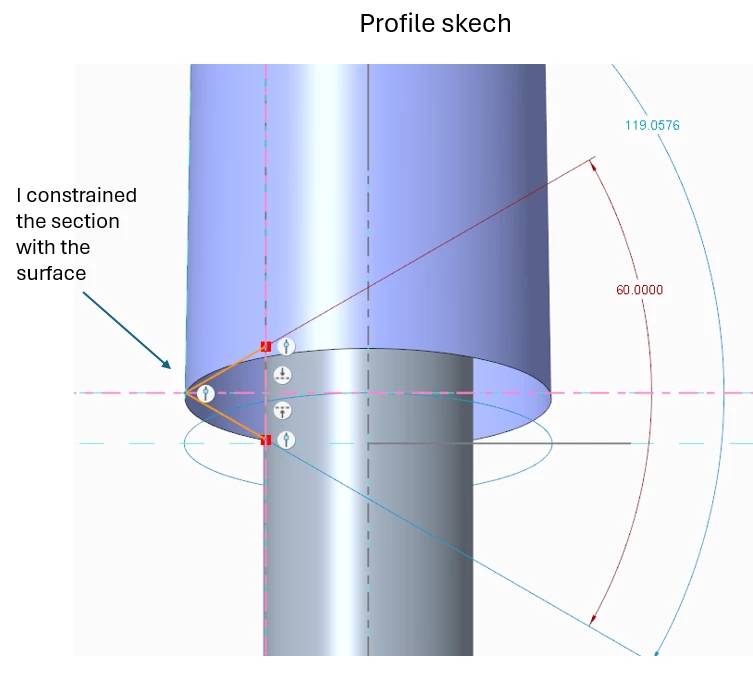
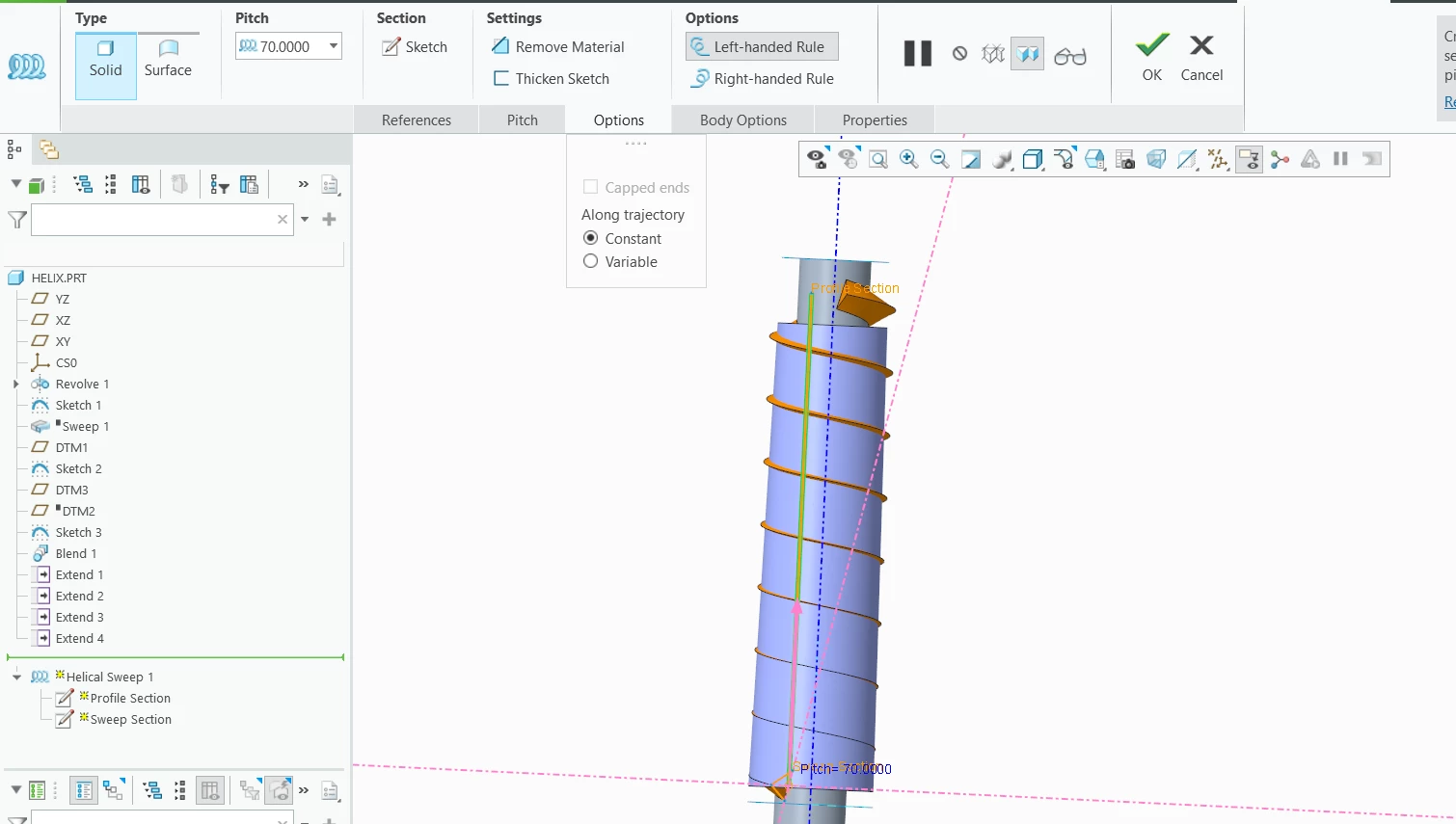
It works with when selecting Constant but it doesn’t work when I switch to Variable


    3 replies

    tbraxton
    22-Sapphire II
    October 16, 2026

    It is not clear in your post what your expectations are with regards to the design intent for this feature. The variable option you are referencing enables the sketch to change as it is swept along the trajectory path. If the variable option is not working, then that is most likely a result of your sketch not being constructed in a way that supports this functionality. Your post shows some sketch constraints that are likely preventing the section from being variable (the symmetry constraints are most likely the issue). Try deleting the symmetry constraints in the sketch and then the 60 deg included angle could be variable within the helical sweep. I am assuming that it is the 60 deg that you want to vary, if not you need to provide more clarity on your design intent.


    Translate
    Saad Go3-NewcomerAuthor
    3-Newcomer
    October 16, 2026

    Hello,

    Thanks for you feedback!

    My design intent actually is to have the helical sweep to be conical following the surface in the section below and not remaining parallel to the centerline.

    I want the triangles to be aligned with the red lines.


    I tried removing the symmetry constraints and angle from the sketch, but still doesn’t work.

    Thanks

    Translate
    tbraxton
    22-Sapphire II
    October 16, 2026

    The variable option you were attempting to use enables the variation of the sweep section and not the trajectory profile. Watch this enclosed video explaining a simple method to generate a tapered helical sweep.

    Tapered profile in helical sweep


    Translate