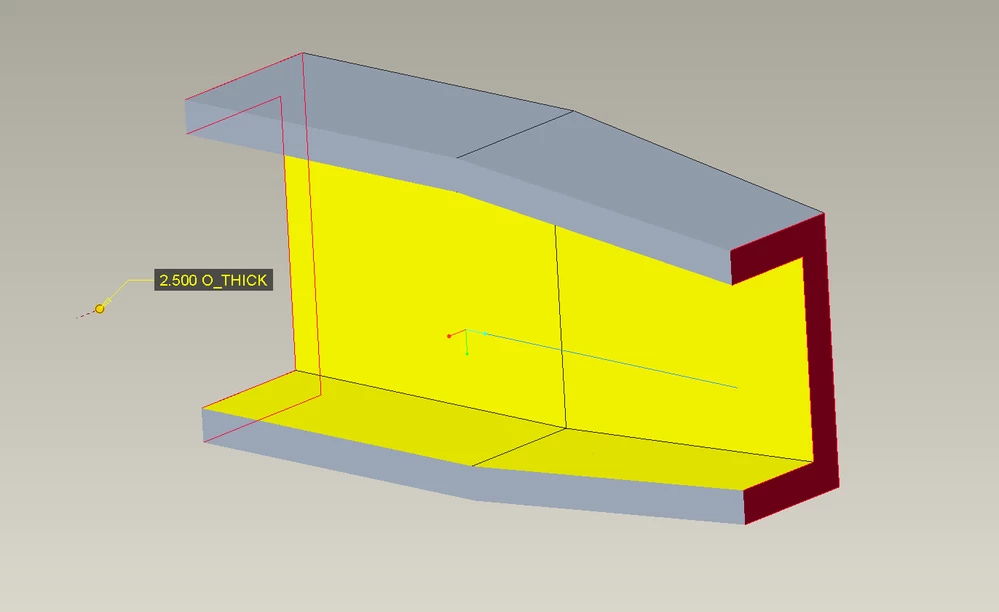
How can I use a parameter to have a constant wall thickness parallel to the top plane in my model?
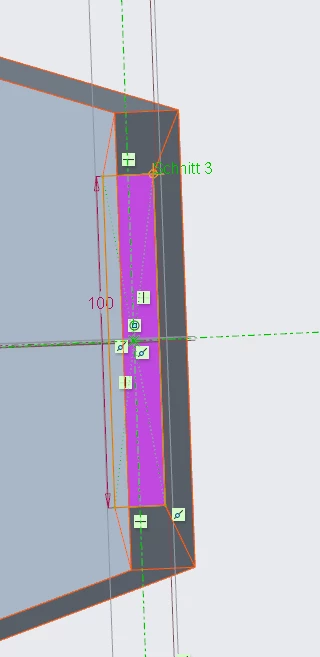
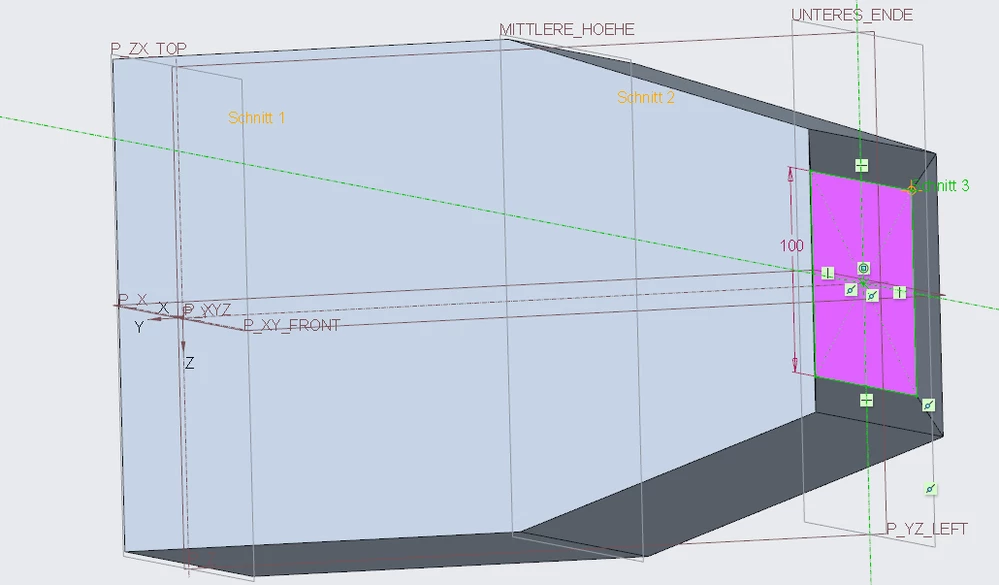
I have a profile which I created by doing an outside blend and an inside blend, where the sketches for the inside blend reference the sketches of the outside blend. The sketches represent a rectangle which is dimensioned towards the outward blend in the x- and y-direction. I want to be able to change the wall thickness without having to go into each sketch and changing the wall thickness in both directions.
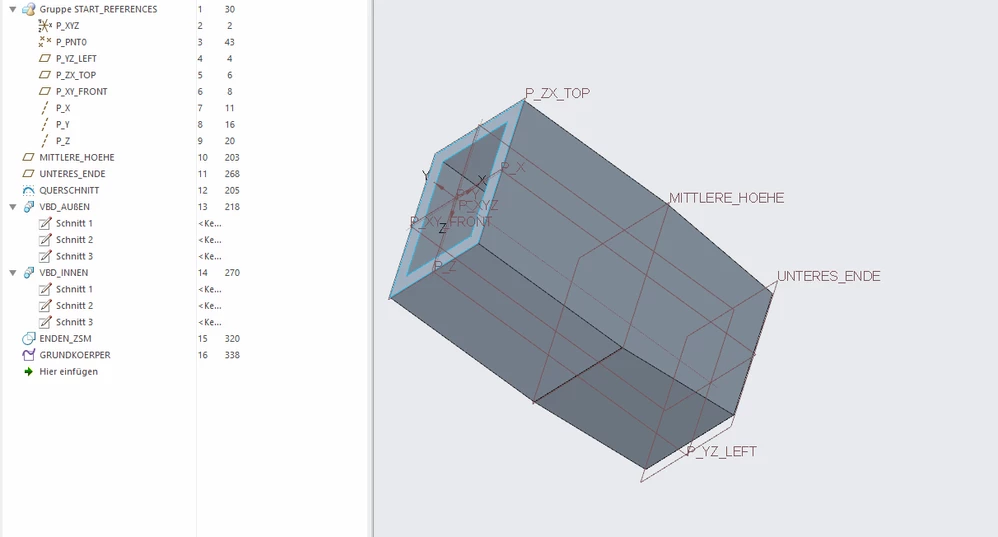 Is there maybe a way to create a parameter with which I can control the wall thickness and how can I access it? Is the way I created the way in which you would do it to create a cylinder with constant wall thickness? I tried the thicken command, but when I use it, I get surfaces which are not parallel to the top plane any more.
Thanks for a reply!