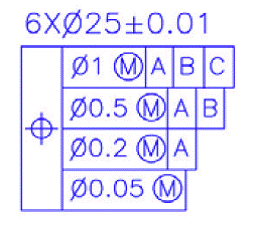
How do I get Datum A to show on this view properly?
I'm trying to get Datum A to be placed under the shaft pictured below here. It was originally on that long axis, and so far, I've managed to move it to the view on the right, but I cannot find a way to get that datum to display on the shaft, specifically on the bottom edge just right of the 1.192 dimension. I have attempted to place it like so within the Properties menu and clicking on "On Geometry" and clicking on the surface of the shaft, but am having no luck in that area. Even just trying to right click and go to Properties for the datum in the drawing, it lets me select almost every other line except that bottom line for "On Geometry".
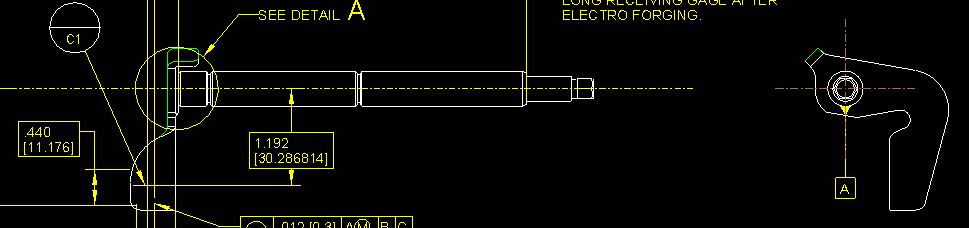
Hopefully that isn't too confusing. Simply put, I want to get Datum A from where it currently is - far right view - and put it on the bottom line of the shaft next to the 1.192 dimension. This is on Creo Parametric 2.0.
Thanks!
This thread is inactive and closed by the PTC Community Management Team. If you would like to provide a reply and re-open this thread, please notify the moderator and reference the thread. You may also use "Start a topic" button to ask a new question. Please be sure to include what version of the PTC product you are using so another community member knowledgeable about your version may be able to assist.