1-Visitor
July 26, 2017
Question

How to add feature in assembly when assemble a component ?

  • July 26, 2017
  • 3 replies
  • 2774 views

hiiii,


I am new user of creo and i have one problem.


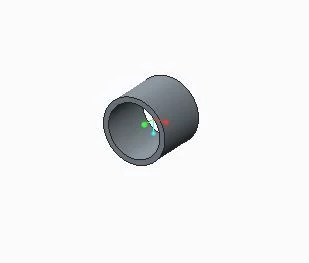
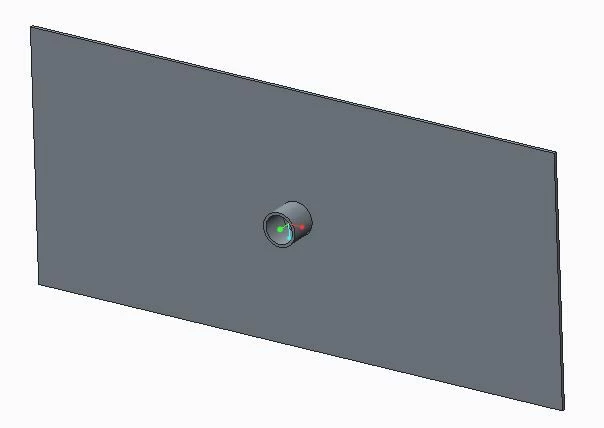
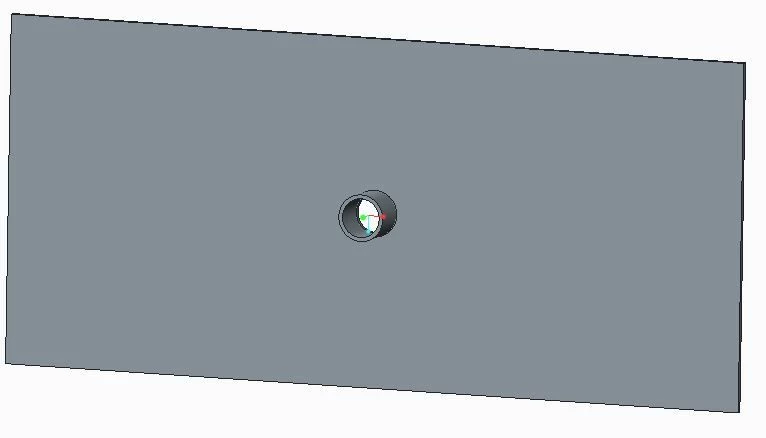
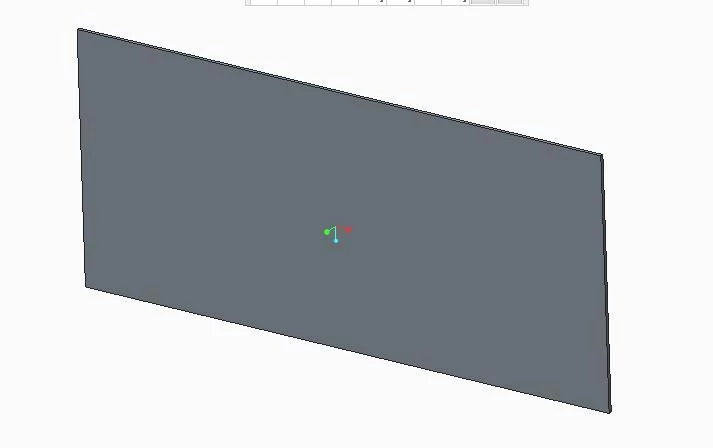
As shown in Photos i have one plate and one pipe part. i assemble those two parts.


how can i insert extrude with cut feature automatically when i assembled the pipe part to the plate.

I knew insert the feature by UDF.


Thanks in advace !!!


123.JPG234.JPG345.JPG456.JPG

3 replies

Dale_Rosema
23-Emerald III
23-Emerald III
July 27, 2017

In the assembly, you may need to turn on the features from the features types in the model tree. This will allow you to see things one created like assembly cuts.


As for the UDF, (I have not done a lot with these) you could probably do an extrude (cut) utilizing the inside diameter of the tube. How is the tube define? ID & thickness, OD & thickness, OD/ID? If this ID is involved, you use a parameter for the value that you could use in the UDF.

Harsh95921-VisitorAuthor
1-Visitor
July 27, 2017

Thanks for your kind reply but i know manual process to do extrude cut in assembly.


i am interested in automation and i wants to do insert extrude cut feature automatically when i assembled that pipe part to plate.

5-Regular Member
January 28, 2023

Please reply if you have found the solution

17-Peridot
July 27, 2017

Be very careful when addding assembly cuts. Make sure you select which parts you want the cut to intersect as well as selecting Extrude to selected surface

23-Emerald III
July 27, 2017

There is no "automatic" method to do this.

You may be able to use "cut out" under component operations which would use one part to remove material from another part within an assembly.