Solved
How to Change Style Default for a Table?
Community,
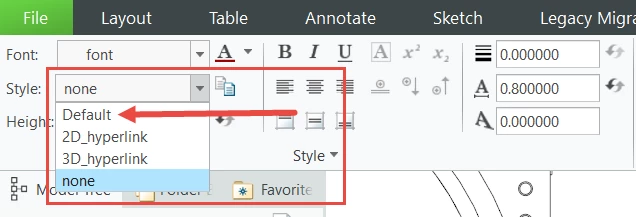
When adding text, for example, to a parts table, after I double-click the cell where I want to enter the text, the Format tab activates, and the Style default is "none" (highlighted in blue). I want the Style default to be "Default" (see red arrow below). How can I change the Style default from "none" to "Default"? Thanks in advance.