Solved
How to create a variable section sweep that follows trajectories
Creo: 10.0.0.0 education version
Hello everyone,
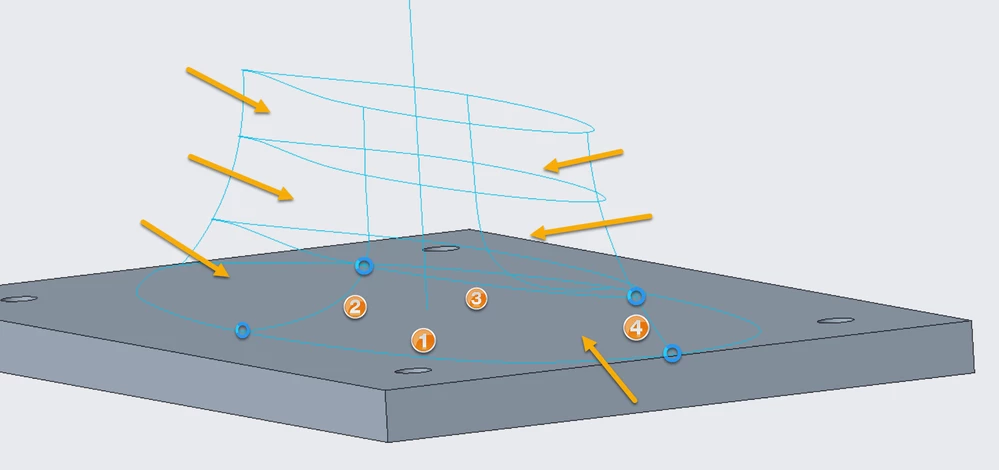
i am trying to create a sweep in the shape shown here:
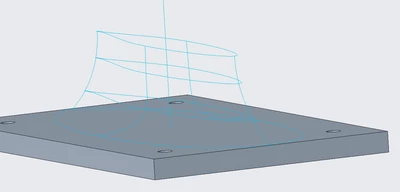
I tried using the sweep blend feature but this results in weird interpolations between the segments. I know that by just sweeping from one section to another the interpolation is linear, but i want some sort of spline as shown in the sketches. Here is the image showing the interpolation.
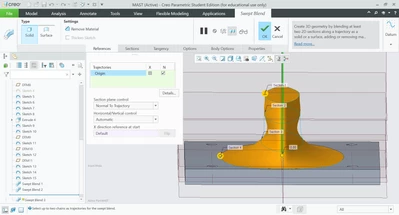
Using the blend feature to control the sketch with trajectories doesn't work properly. I do not know why the trajectories are ignored here, but when i change the sketch to an ellipse at leas one trajectory is followed.
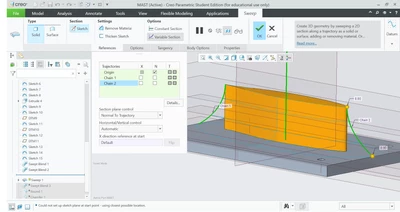
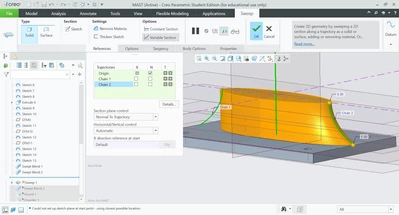
Maybe someone can help me with this, since i am out of ideas what parameters i need to change in these features to get my desired result.