
Solved
How to prevent the enthusiastic showoff of datums and annotations when starting a CREO session?
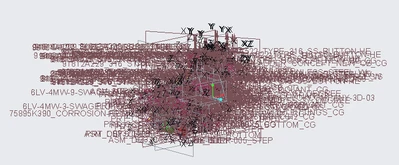
See the screenshot above, the datums and annotations always show up when I open a CREO session. Is there a simple setup to avoid this? Thanks.

See the screenshot above, the datums and annotations always show up when I open a CREO session. Is there a simple setup to avoid this? Thanks.
Enter your E-mail address. We'll send you an e-mail with instructions to reset your password.
