

How to save Solidworks datums turned off in sldprt file so they don't show up in Creo Assembly?
Hi,
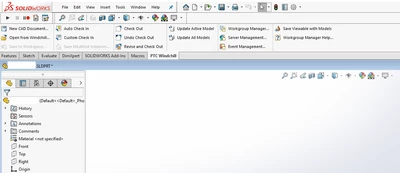
How to save Solidworks datum's turned off in .sldprt file so they don't show up in Creo Assembly when you assemble a native Solidworks file that was saved to Windchill using Solidworks and the Windchill Workgroup Manager for Solidworks?
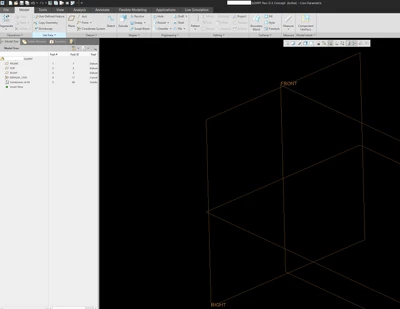
I have native Solidworks files that the datum's are showing up when the Solidworks part (sldprt) files are assembled in a Creo Assembly. I'm not allowed to save the layers turned off from creo assembly, as it wants to modify the solidworks part file and creo's not allowed to modify the solidworks files as we are only allowing Solidworks files to be save to windchill by Solidworks through the Solidworks Windchill Workgroup Manager.
The datum's are saved in Solidworks file with the display off but they show up when opened in Creo.
Anyone that works in a dual CAD environment have any ideas how to save the sldprt files in Solidworks so that the datum's are automatically turned off in the assembly with out using "datum display filters" in Creo or without saving the models using Creo?
Want the Solidworks sldprt datum's that are on layers in Creo to be turned off by default.
Thanks for any help you can provide!
Don A