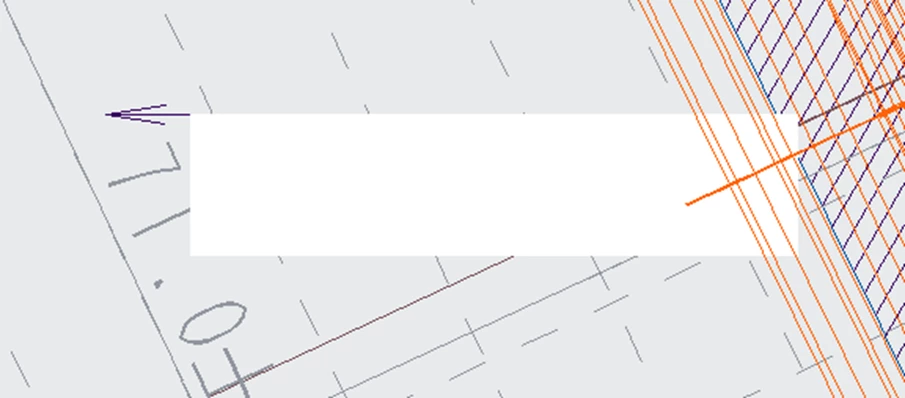
I want to paint the inside of the symbol square white and make the letters ABC black.
I want to fill the symbol square with white and make the text ABC black.
1. What product and version are you running?
Creo Parametric 9.0.8.0
2. Are you having issues?
I want to fill the symbol square with white and make the text ABC black.
I tried hatching and filling, but the text became the same color and became unreadable.
3. Are you using a workaround? If yes, please explain it.
No, there is no workaround.
4. What is the use case for your organization? Explain how your idea works in a disruptive environment or how it applies to a real-world situation.
5. How is this issue currently impacting your organization? (number of users affected, lost productivity hours, etc.)
I'm using the Toolkit to place symbols, but when I place the symbols on a model in a drawing, the text inside the symbols becomes hard to read.
Currently, I manually adjust the symbol position after placing the symbol, but this is time-consuming due to the large number of targets.
Translated by the moderation using Google Translate
-----------------------------------------------------------------------------------------------
シンボルの四角の中を白塗りにし、文字ABCを黒文字としたい
1.どのような製品とバージョンを実行していますか?
Creo Parametric 9.0.8.0
2.問題はありますか?
シンボルの四角の中を白塗りにし、文字ABCを黒文字としたい。
ハッチングや塗りつぶしをしてみたが、文字も同色となってしまい、文字が読めなくなる。
3. 回避策を使用していますか? 「はい」の場合は、それについて説明してください。
いいえ、回避策はありません。
4. あなたの組織のユースケースは何ですか? あなたのアイデアが中断の中でどのように機能するか、またはそれが実際の状況にどのように適用されるかを説明してください。
5. この問題は現在、あなたの組織にどのような影響を与えていますか? (影響を受けるユーザーの数、生産性の低下時間など)
Toolkitを使用してシンボルを配置しているのですが、
シンボルを図面内のモデル上に配置した際にシンボル内の文字が読みにくくなります。
現在はシンボルを配置後手動でシンボルの位置を調整していますが、
対象の数が多いため、時間がかかります。